Build your first product shot.
Open the Studio with ready-made products, scenes, and materials. Bring your own 3D model when you are ready.
From open Studio to finished output.
Start with included assets or your own product. The scene stays editable from first direction through export.
Choose a starting point
Use a ready-made product and scene, or bring a CAD file or 3D model from your team.
Explore product setupDirect the shot
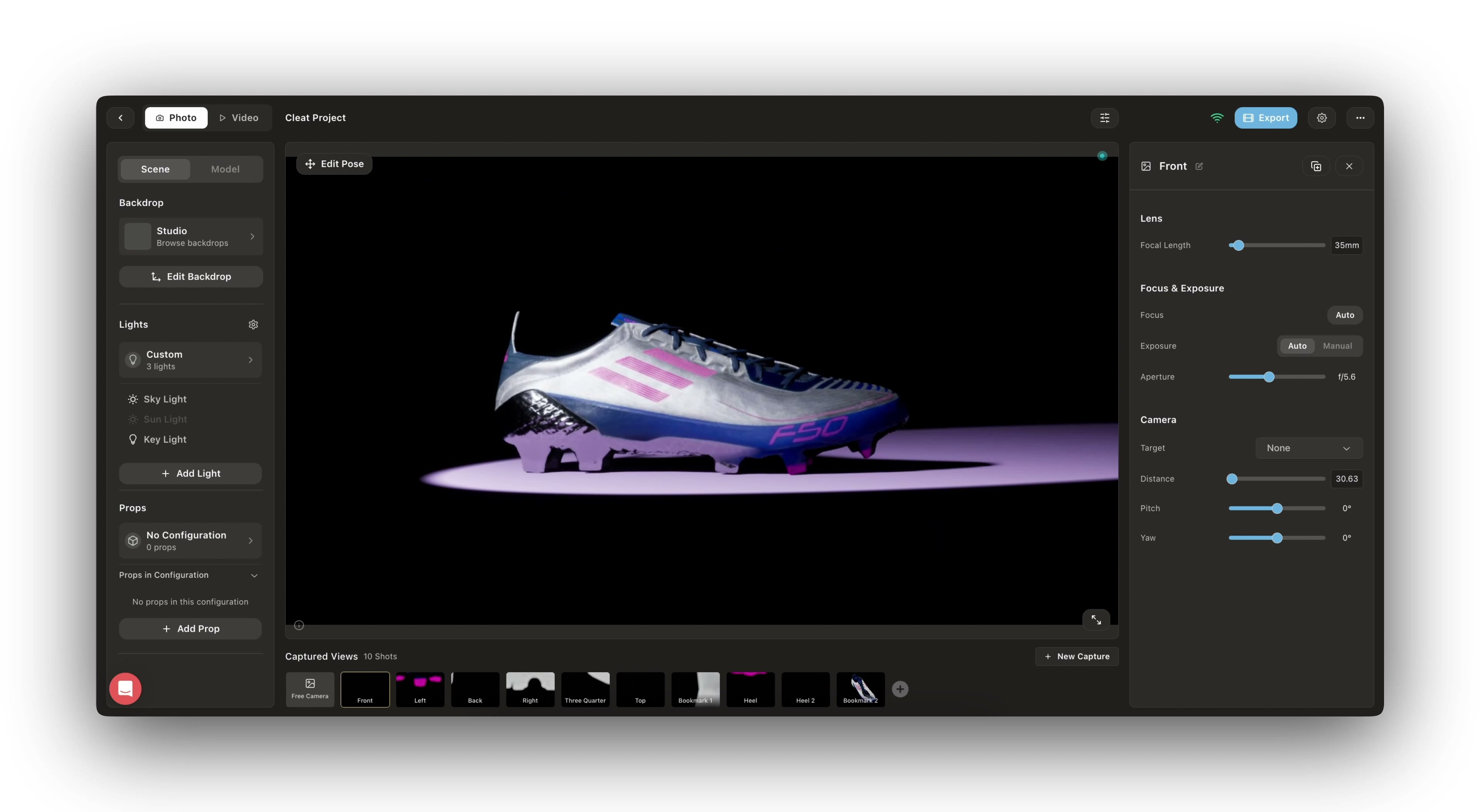
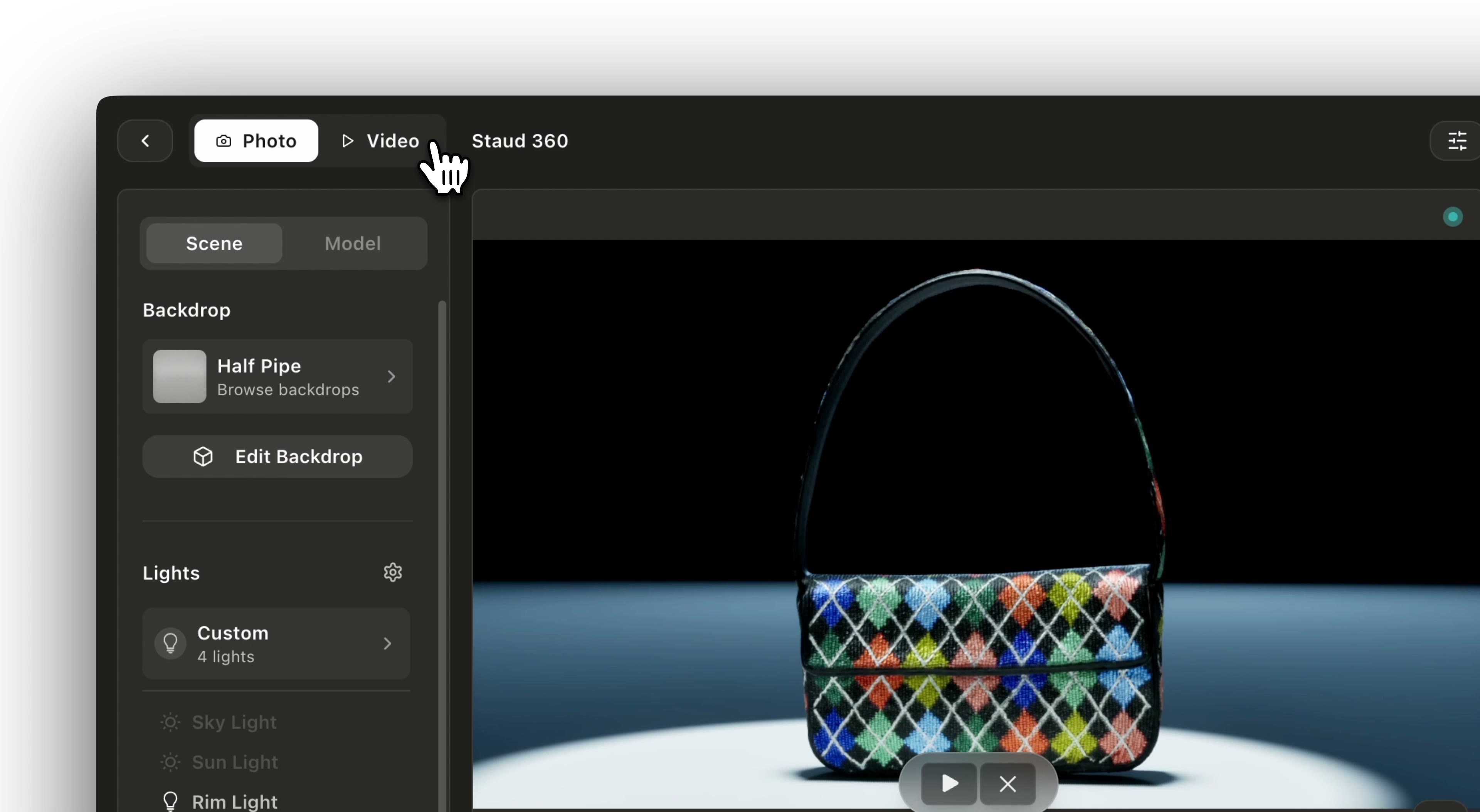
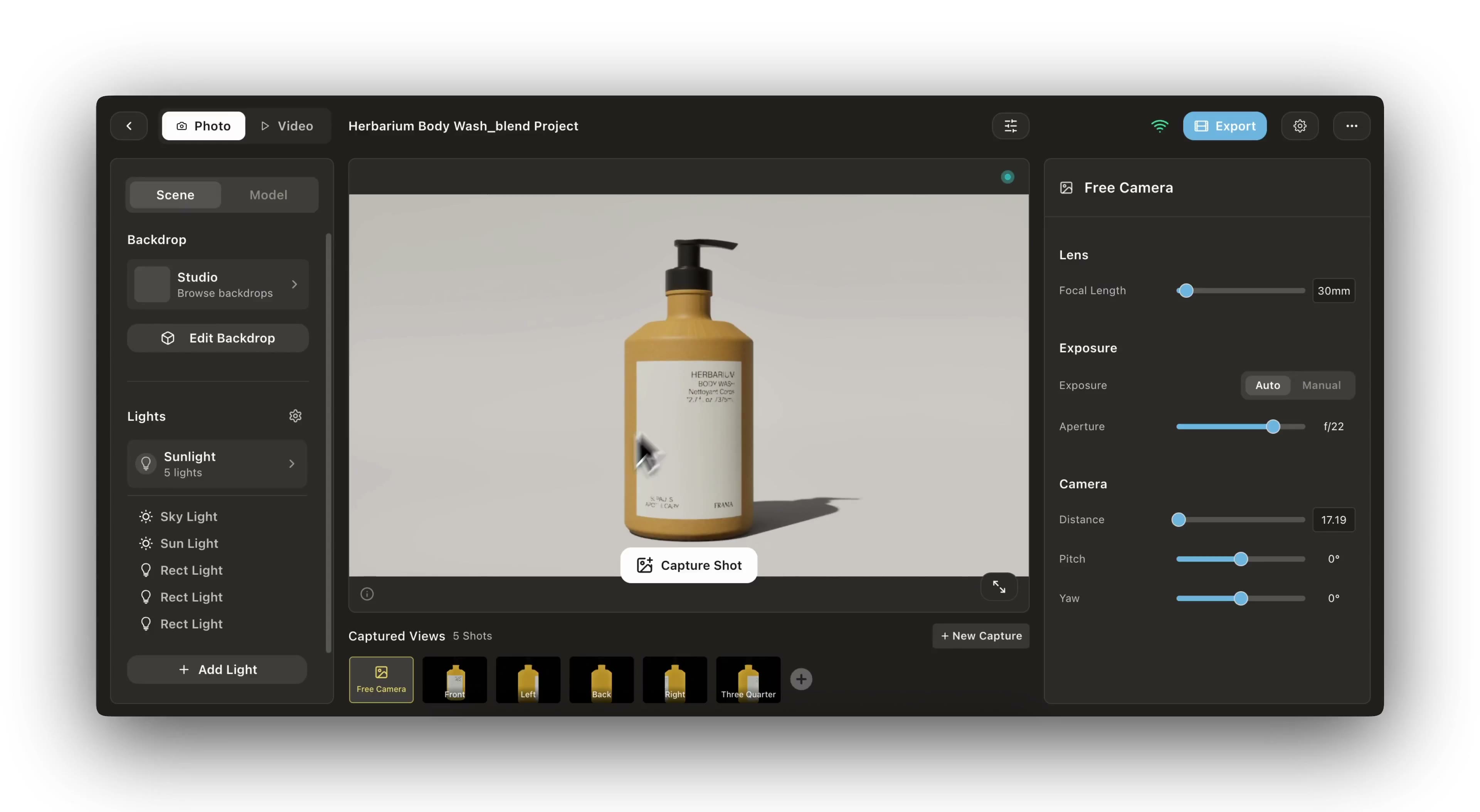
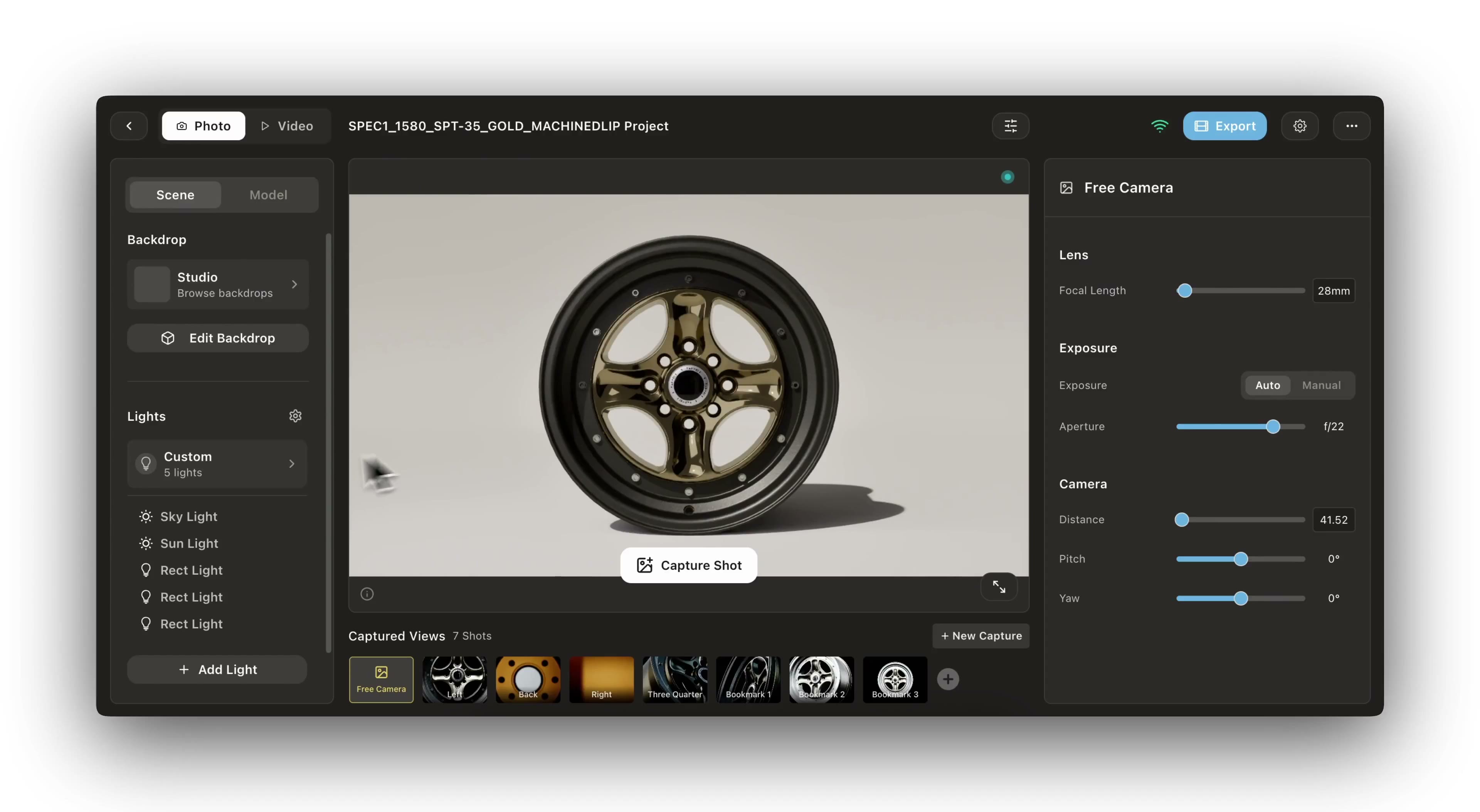
Arrange products, materials, lights, cameras, and movement while every change stays live.
Explore the studioSave and export
Keep the saved setup, then create stills, spins, and video for every required format.
Rendering optionsVideo tutorials
Watch step-by-step guides to master Glossi workflows
Core concepts
Understand the fundamentals of working with Glossi
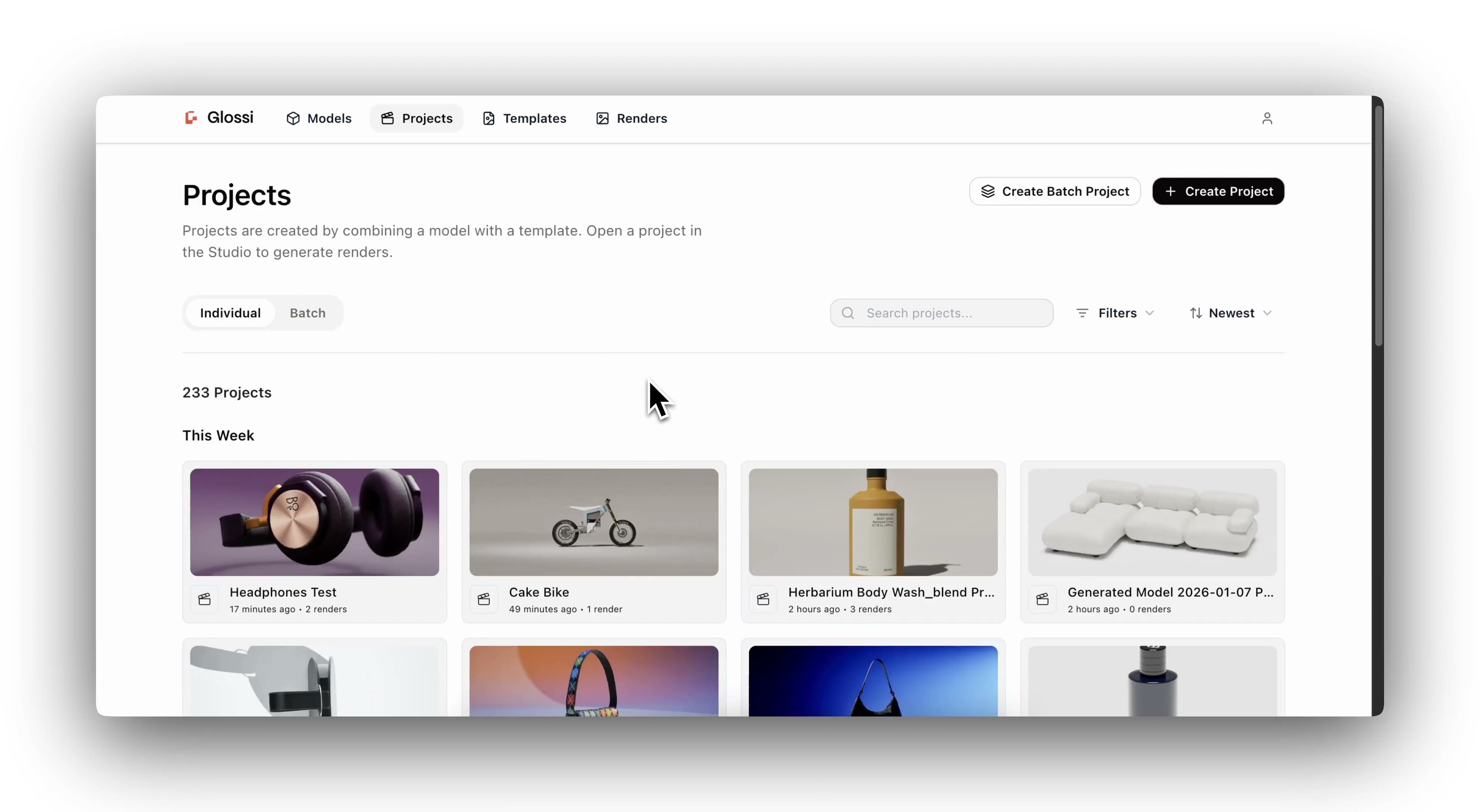
Projects
Organize your 3D assets and renders into projects for different products or campaigns.
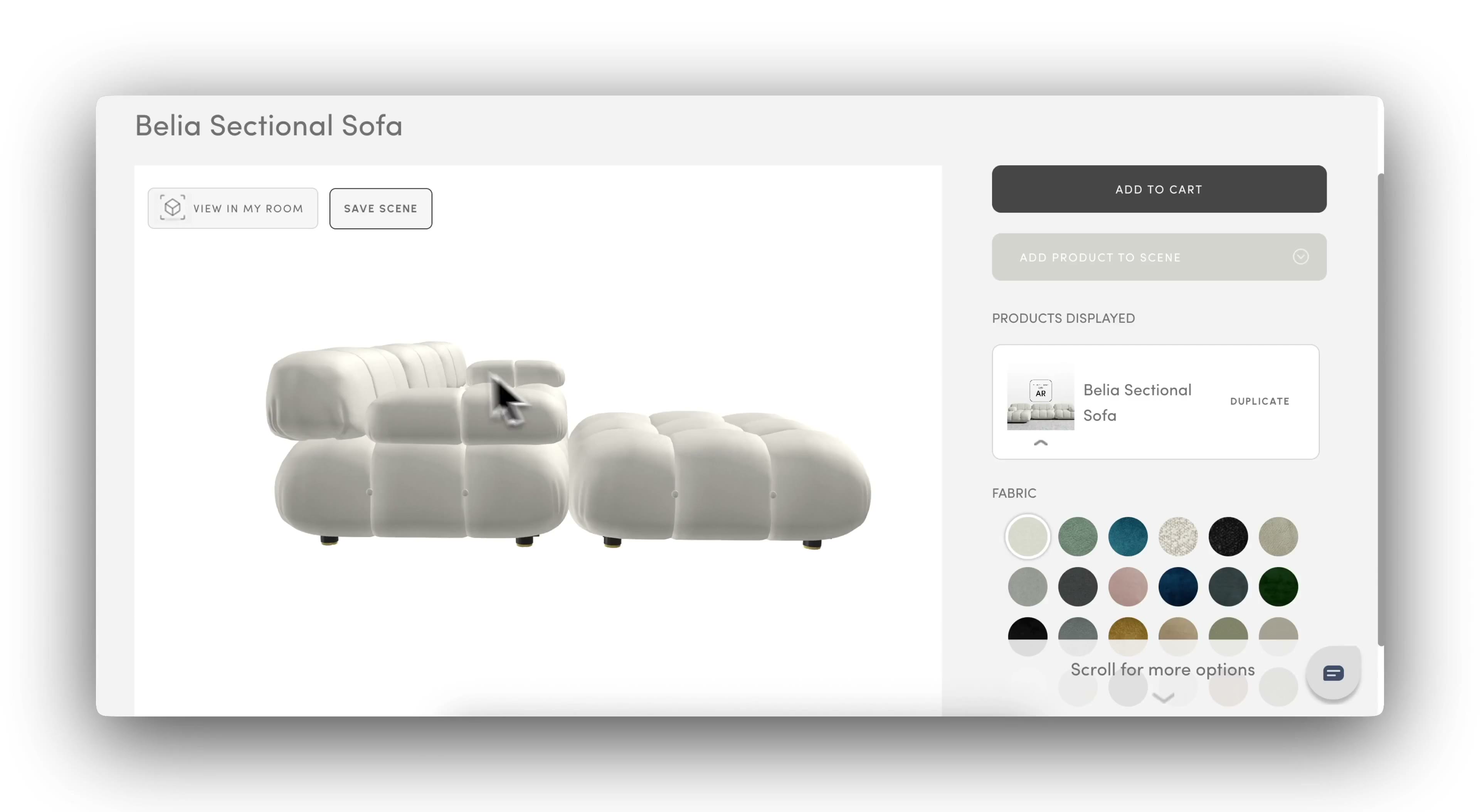
Models
Bring in prepared 3D models through native plug-ins or supported 3D and CAD files.
Templates
Create reusable scene setups for brand consistency and faster workflows at scale.
Lighting & Environment
Control studio lighting, HDRI environments, and shadows for professional results.
Dive deeper
Explore the full reference for every feature in Glossi
Glossi Documentation
Complete API reference, studio guides, file format specs, and integration docs.