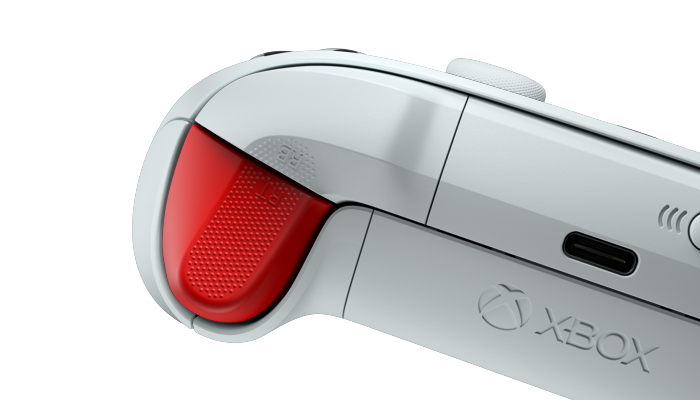
Templates and scenes
Start every product shoot from a proven setup.
Drop your model into saved camera, lighting, staging, and motion. Then tune the scene in Studio instead of rebuilding the shot from scratch.
Choose what you want to make.
Examples of reusable setups. The templates available in Studio depend on your workspace.
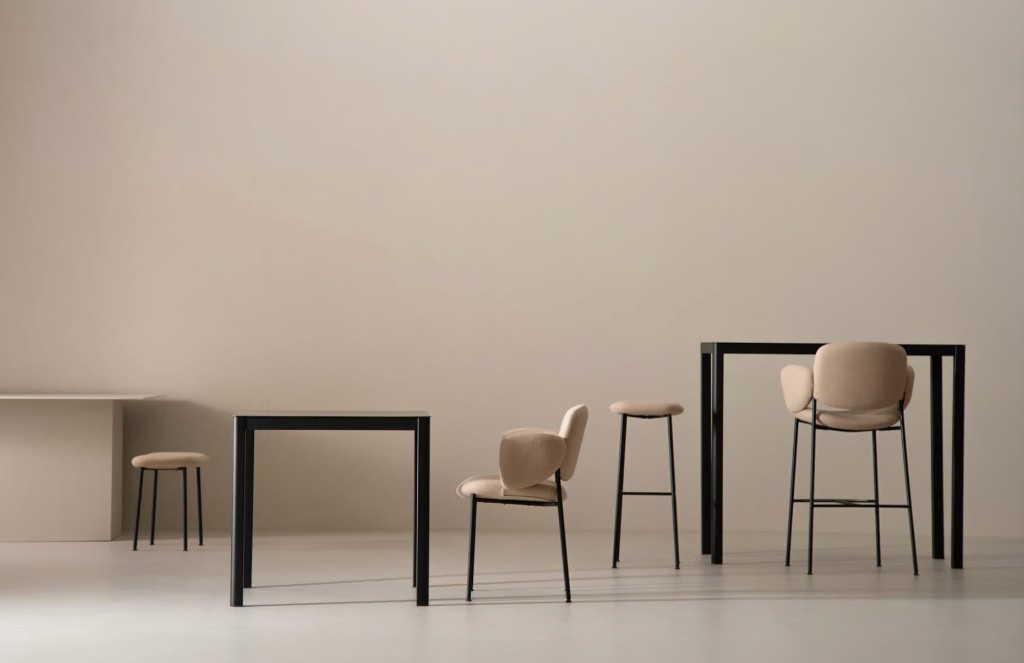
Product image recipe
Soft-light product set
Saved hero, detail, and channel-ready views in controlled light.
Browse in Studio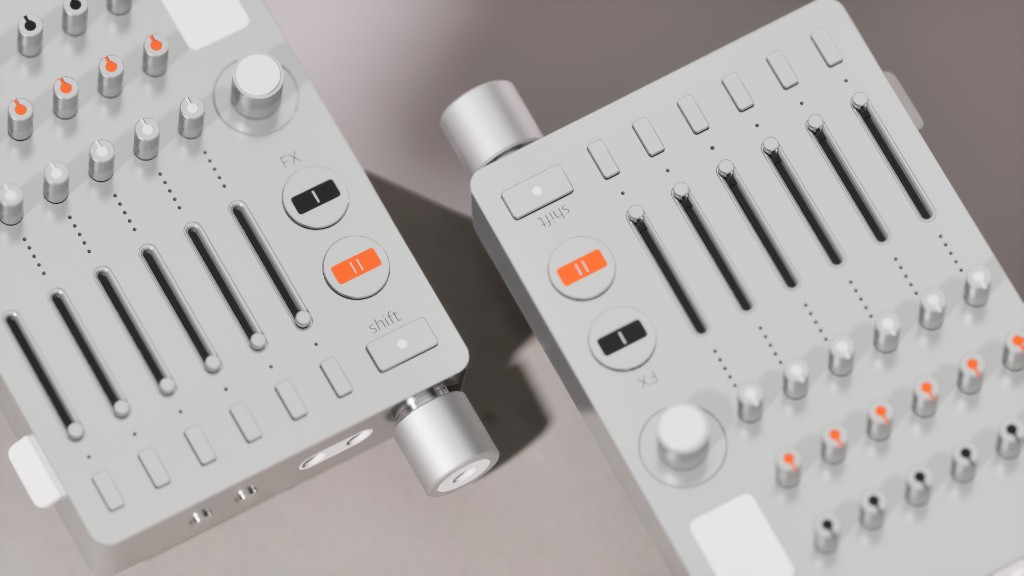
Product image recipe
Bright product stills
Crisp product images with saved light, framing, and clean edges.
Browse in StudioMotion recipe
Slow turntable
Saved camera, motion timing, lighting, and video settings.
Browse in Studio
Campaign recipe
Launch scene
Art-directed lighting, backdrop, props, and channel crops.
Browse in Studio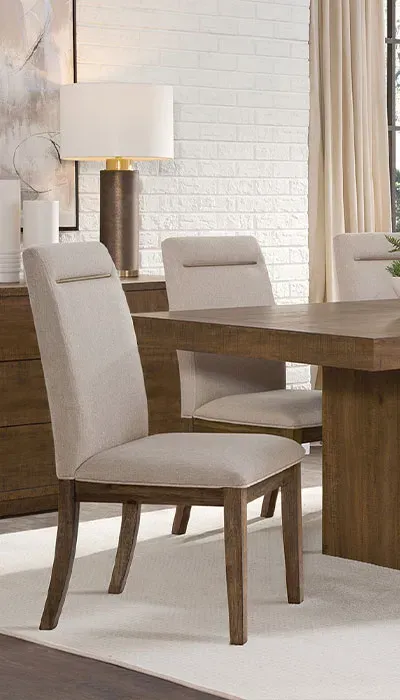
Product image recipe
Low-angle hero
Saved framing, lighting, and backdrop for a stronger product silhouette.
Browse in Studio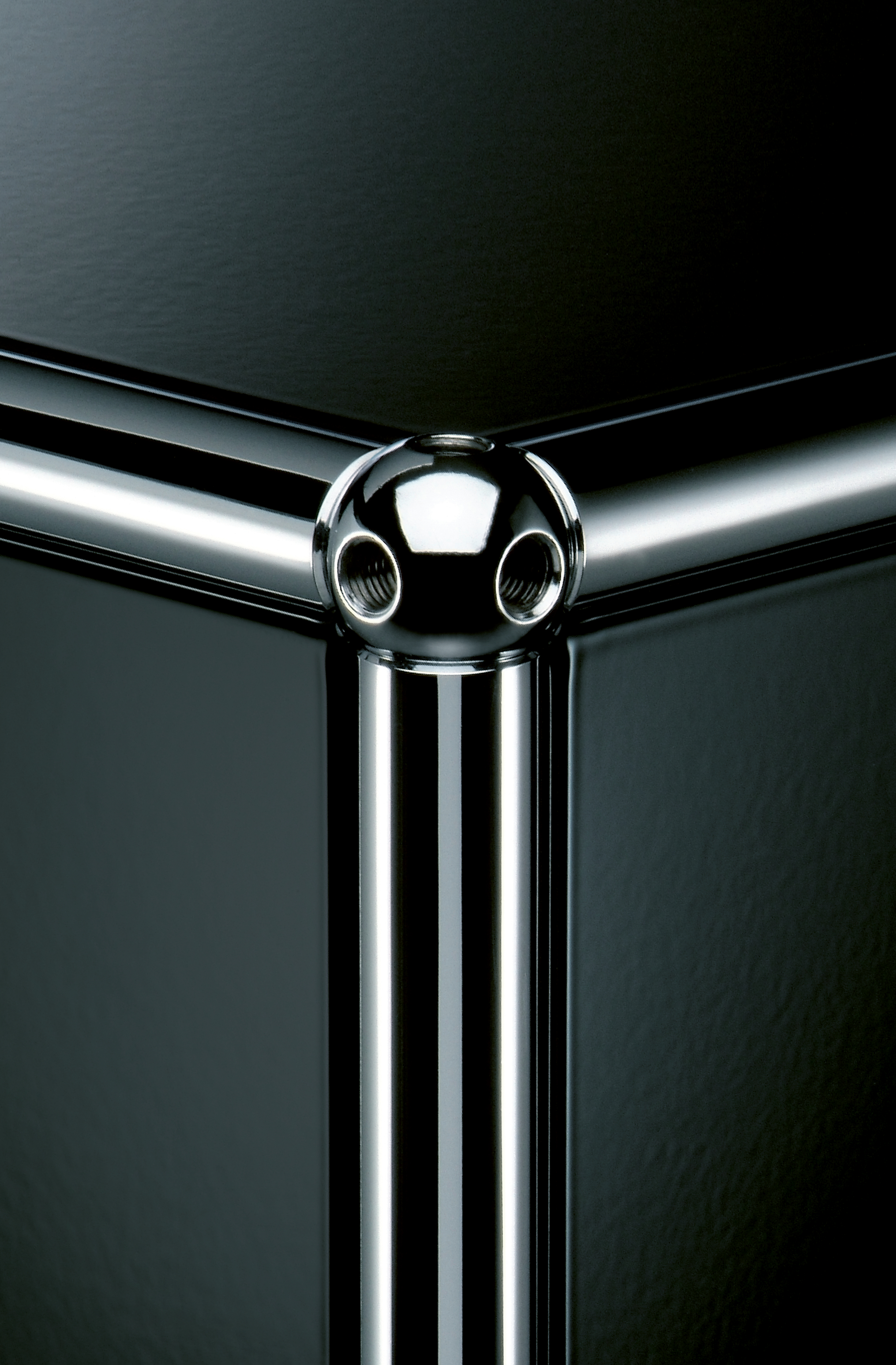
Campaign recipe
Surface close-up
Bring texture, labels, and hardware forward.
Browse in Studio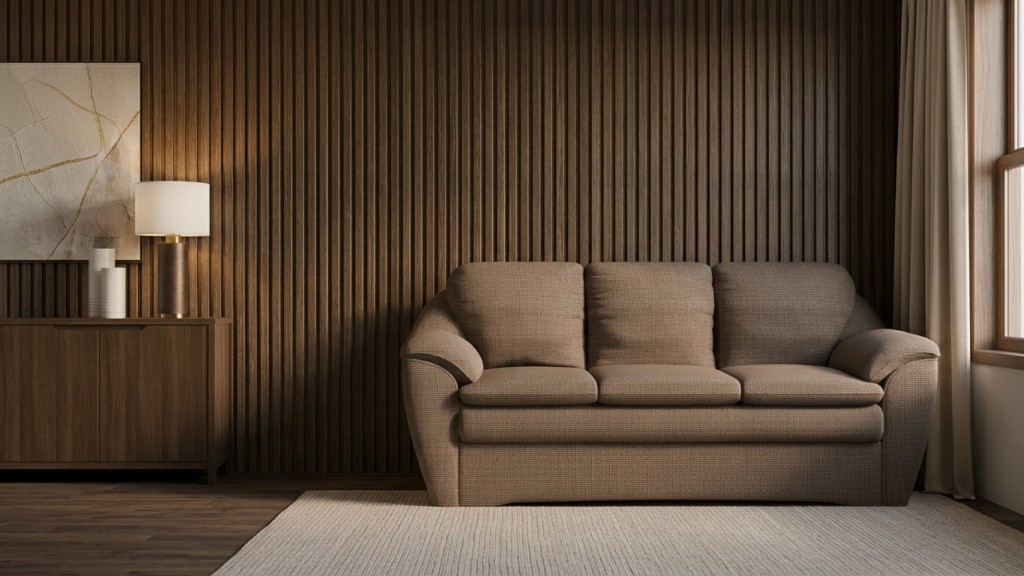
Campaign recipe
Seasonal set
Reuse a launch direction across PDP, ads, and merchandising.
Browse in StudioMotion recipe
Detail movement
Keep timing and camera language consistent across product lines.
Browse in Studio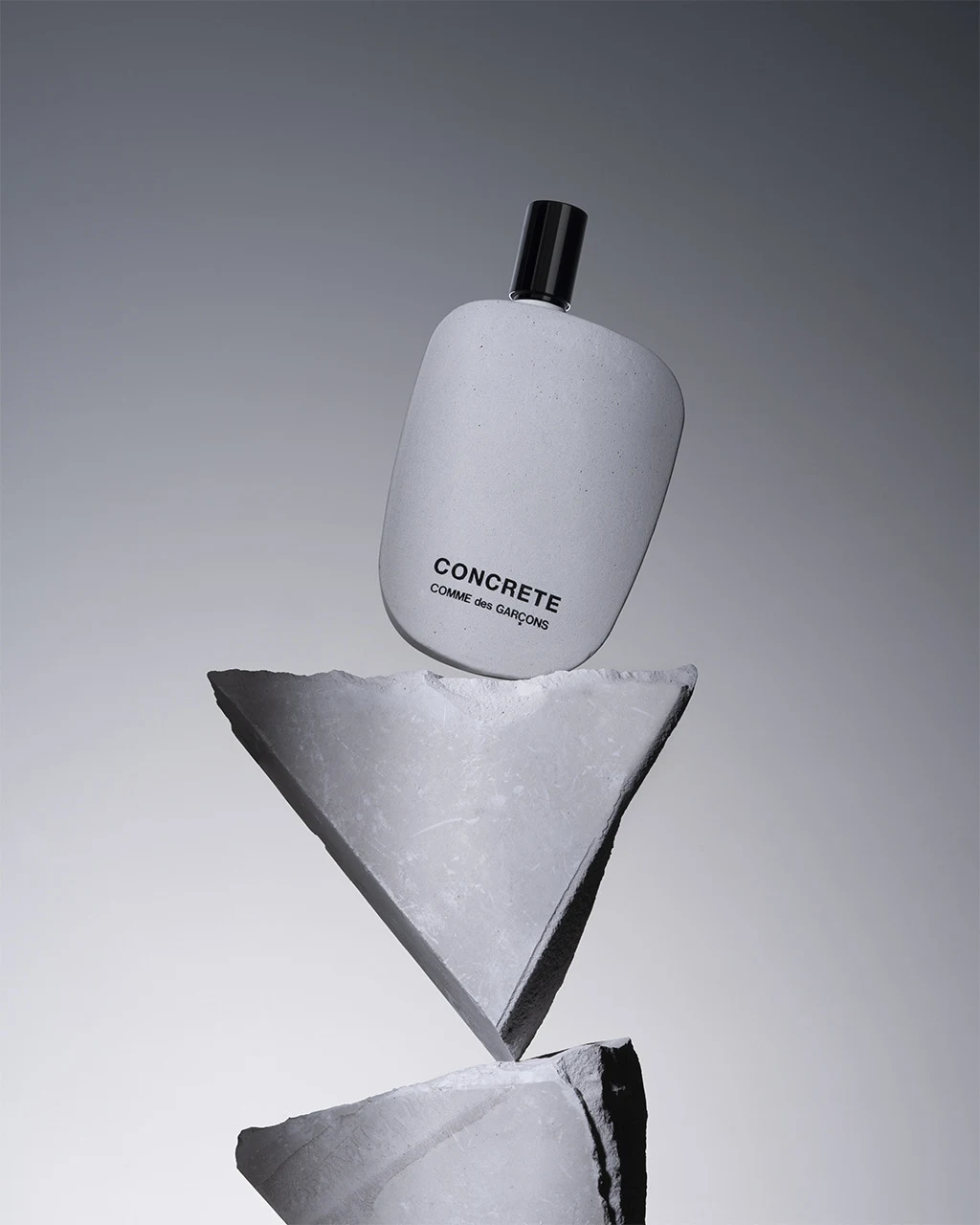
Product image recipe
Fragrance pedestal
Saved hero and detail views with quiet architectural light.
Browse in Studio
Product image recipe
Soft audio portrait
Balanced front, profile, and detail views for technical products.
Browse in Studio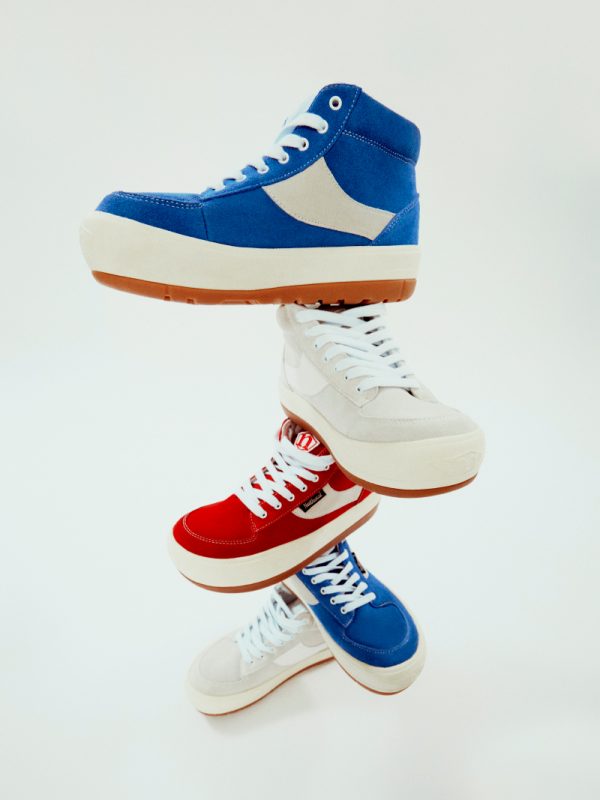
Campaign recipe
Colorway campaign
One art direction prepared for a complete product color range.
Browse in Studio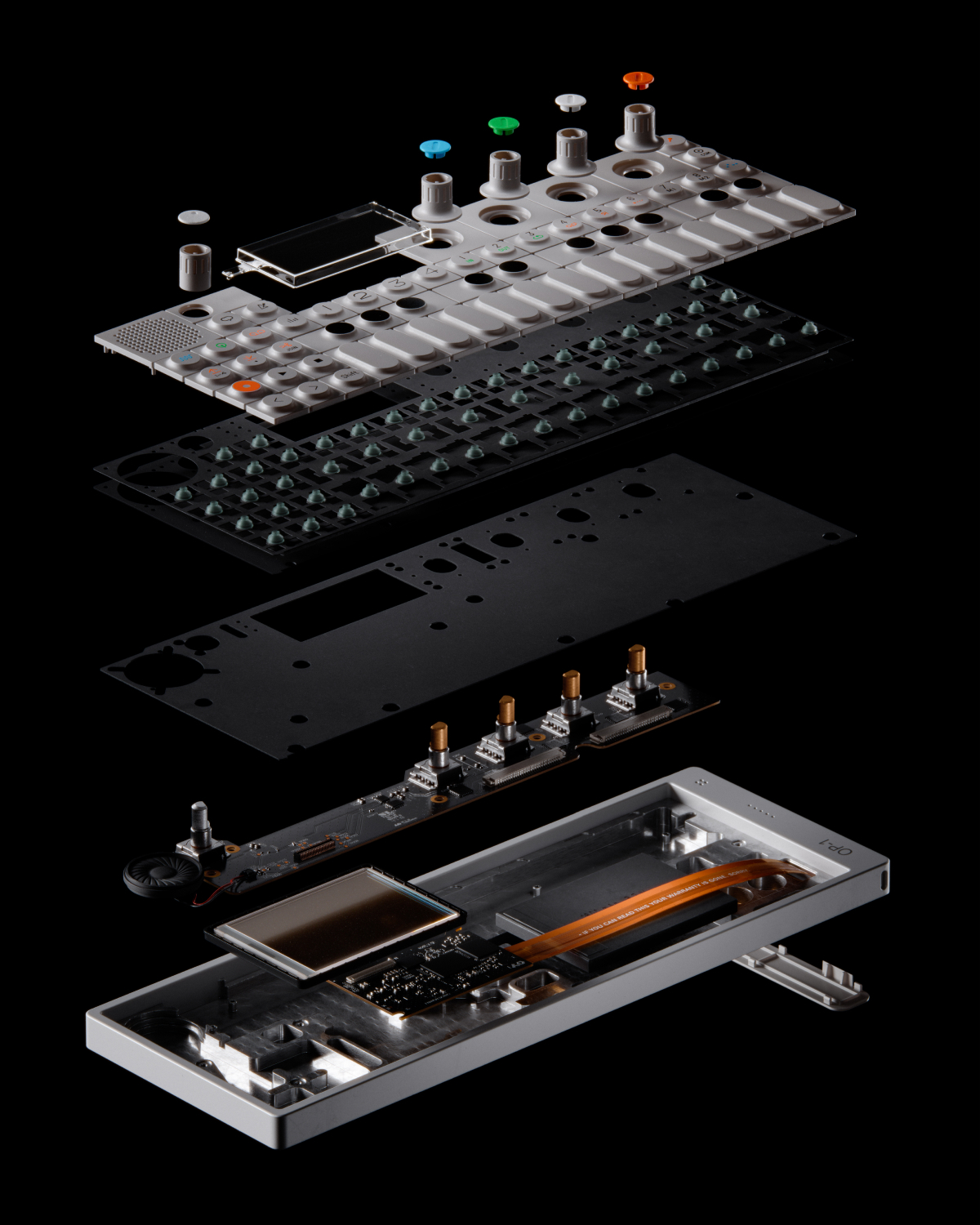
Motion recipe
Component reveal
Saved staging and motion for products built from visible parts.
Browse in Studio
Reusable scene recipes
What a template can preserve.
Keep the parts of the setup that matter, then continue editing in Studio.
Camera anglesSaved framing
LightingSaved setup
BackdropSaved environment
StagingSaved placement
MotionSaved timing
Save the setup as your own template.
Start with a Glossi template or build from a blank scene. Save the complete setup to your workspace so the next project begins with your creative standard.
Add your product to a finished setup.
Browse templates, choose a direction, and keep full creative control in Studio.