Add your workspace key once.
The plug-in stores the key locally and uses it for future garment uploads.
Send the garment directly from CLO. Then build commerce views, colorways, motion, and campaign formats in a live cloud studio the whole team can use.
Windows and macOS · CLO’s native GLB controls · Direct handoff to Glossi
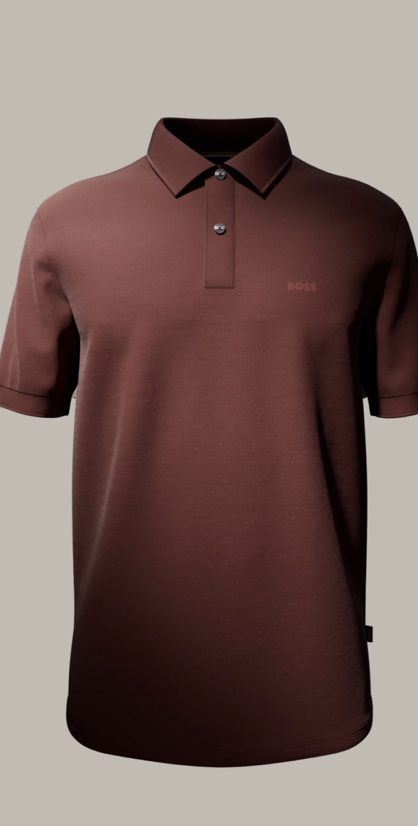 CLO plug-inSend garment
The plug-in keeps CLO’s familiar GLB controls and sends the garment to your Glossi workspace. Creative teams can then build commerce views, colorways, and motion in the browser.
The plug-in stores the key locally and uses it for future garment uploads.
Set the export options for the garment and confirm the handoff.
Place it in a scene, start from a template, or build your own setup.
Create the approved front, back, side, and detail views from one setup.

Reuse the scene across controlled garment colors and material states.
Create camera and product movement in the same scene used for stills.

Adapt the approved direction to each aspect ratio and crop.
Yes. It launches CLO’s GLB export dialog and uploads the result directly to your Glossi workspace.
Send the garment with the Glossi plug-in, open it in a studio setup, then create commerce views, colorways, and motion from the same garment.
Yes. The plug-in uses CLO’s native export dialog, so the handoff stays inside the workflow your garment team already knows.
Windows and macOS on CLO versions that support Python plug-ins.
Once the prepared garment is in Glossi, authorized teams can direct, review, and render in the browser.
Start with one garment, validate the materials, and build the reusable view set around it.