
Headphones 01 / 05

Direct high-fidelity product images and motion in a live browser studio.

Build studio-grade content faster than ever, across your whole catalog. Set the scene up once, never again.

Studio-grade product content from your 3D models Backed by NVIDIA Epic Games Unreal Engine

Turn one 3D model into studio-grade assets.

Upload a 3D model and get back stills, video, and AI edits from the same live scene. Glossi replaces the flat file with a 3D scene, so any shot can be reframed, relit, and rendered again.

Explore the Live 3D Studio
Photo Video
Console Project
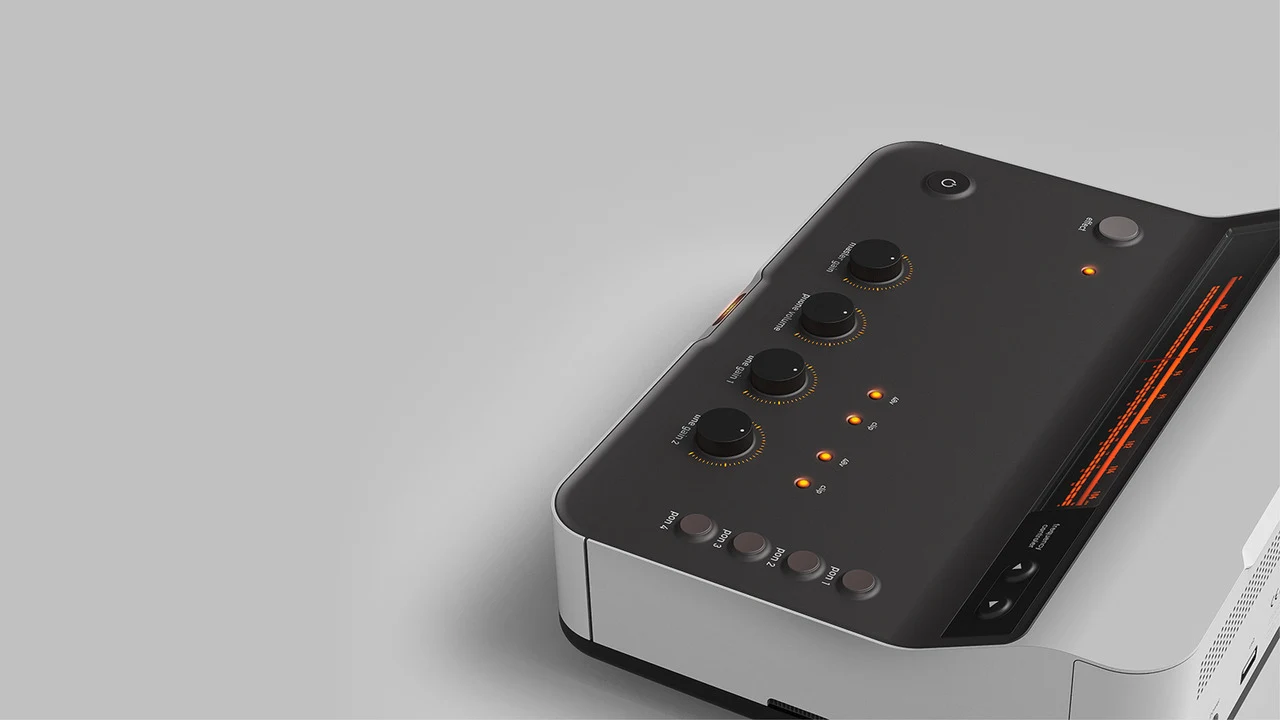
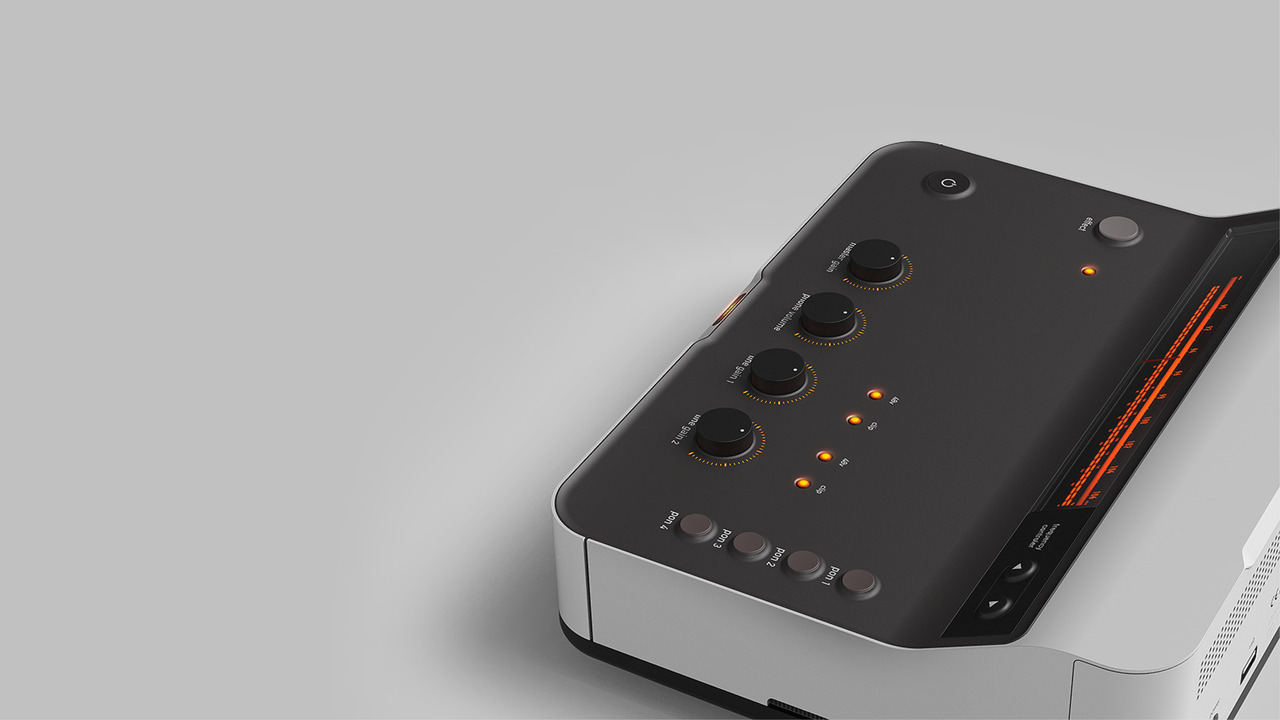
Audio console positioned in the Glossi studio Update capture
Views
Console front view Console control detail Console hero view
Photo Console project
Audio console scene saved in Glossi Saved setup
Views 04 Console hero view Control detail Material detail Alternate product angle
Photo Console project
Console control detail ready to export Hero angle
Selected 05 Hero angle Material angle Control detail Alternate angle Detail angle

Upload to export in four steps.

The whole flow runs in your browser. The scene you set up in step two is saved, so the next product skips straight to export.

  1. Upload your 3D model

    Drag in a GLB or a file from your CAD or 3D tool.

    View supported formats
  2. Set the scene

    Start from a template, or describe the shot and AI stages it.

  3. Dial it in

    Tune materials, lights, and cameras by hand, or ask Studio Agent.

  4. Export

    Render stills, video, and AI edits from the same scene.

Control the look
from surface to final frame.

Build the scene, control every product, and carry every decision into each output. Materials, artwork, motion, and saved views stay connected while you work.

Product finish

Control every product detail.

Tune materials, colorways, labels, and artwork while every saved view stays live.
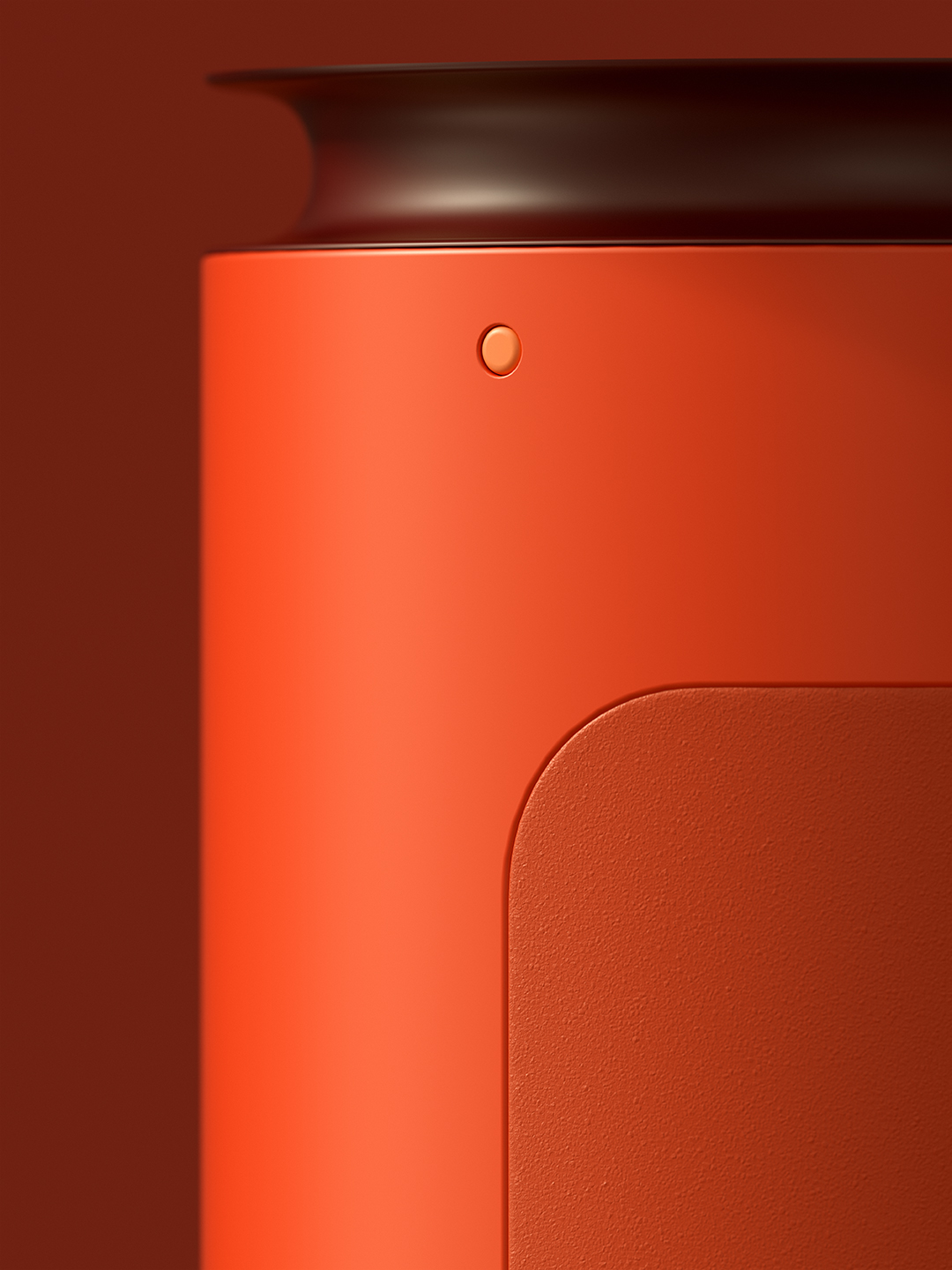
Close product surface with controlled orange material and fine texture
ArtworkSide label
Surface finishSelected material
Roughness
Normal
Metallic

Scene building

Compose the whole scene.

Stage multiple products, props, and backdrops in one live workspace.

Orange bag
Navy bag
Display blocks
Studio set
Orange and navy handbags composed together in one product scene
Product animation

Move the product through the shot.

Animate product, camera, and light from the same scene.

AI edit

Explore from a saved frame.

Test new directions without changing the source.

Views and formats

Save the camera. Render each crop.

Keep saved views ready for each channel.

Asset system

Keep every source connected.

Models, materials, scenes, views, and templates stay organized.

/005Output
Black metal chronograph in a controlled dark scene
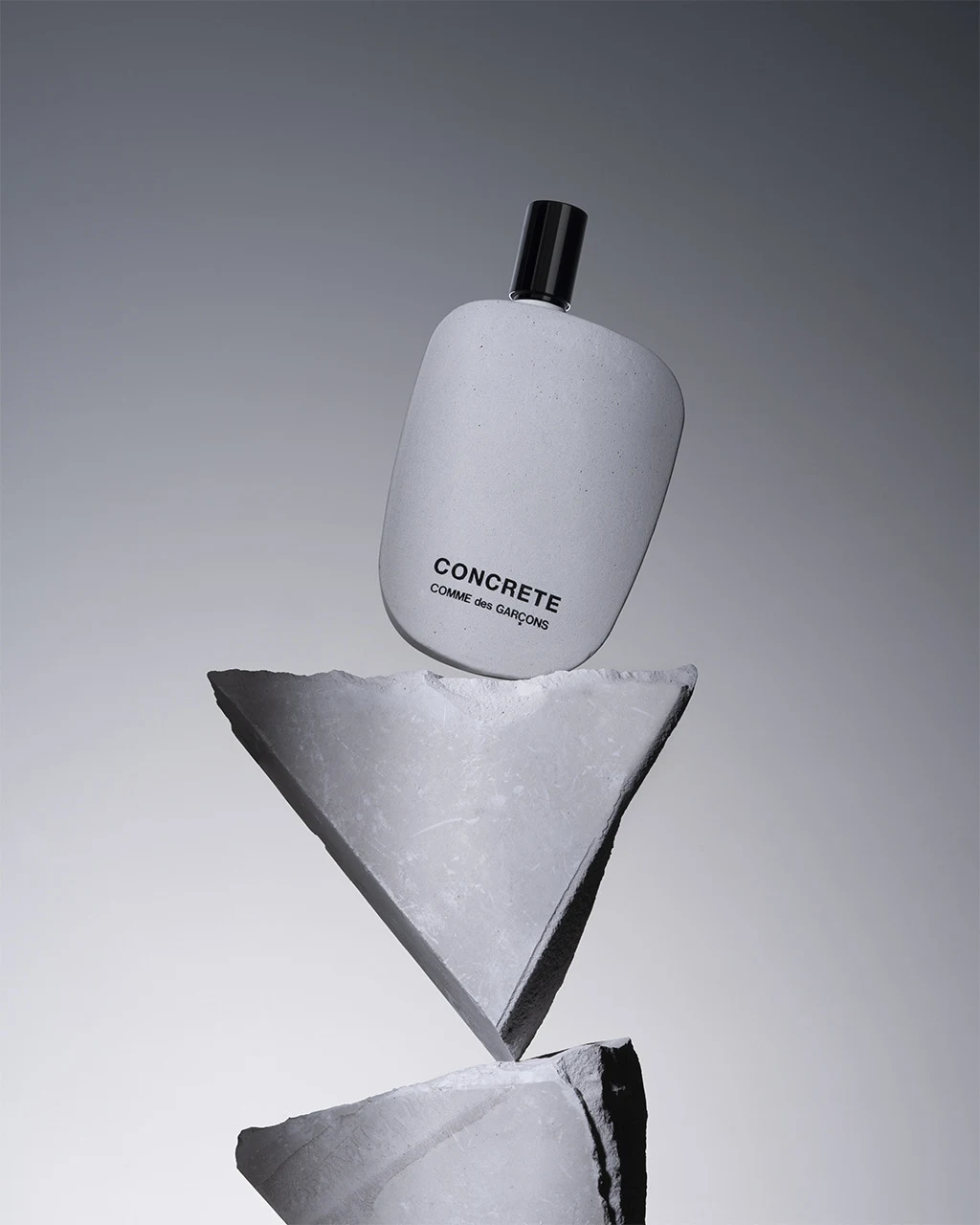
Concrete fragrance bottle balanced on geometric stone forms
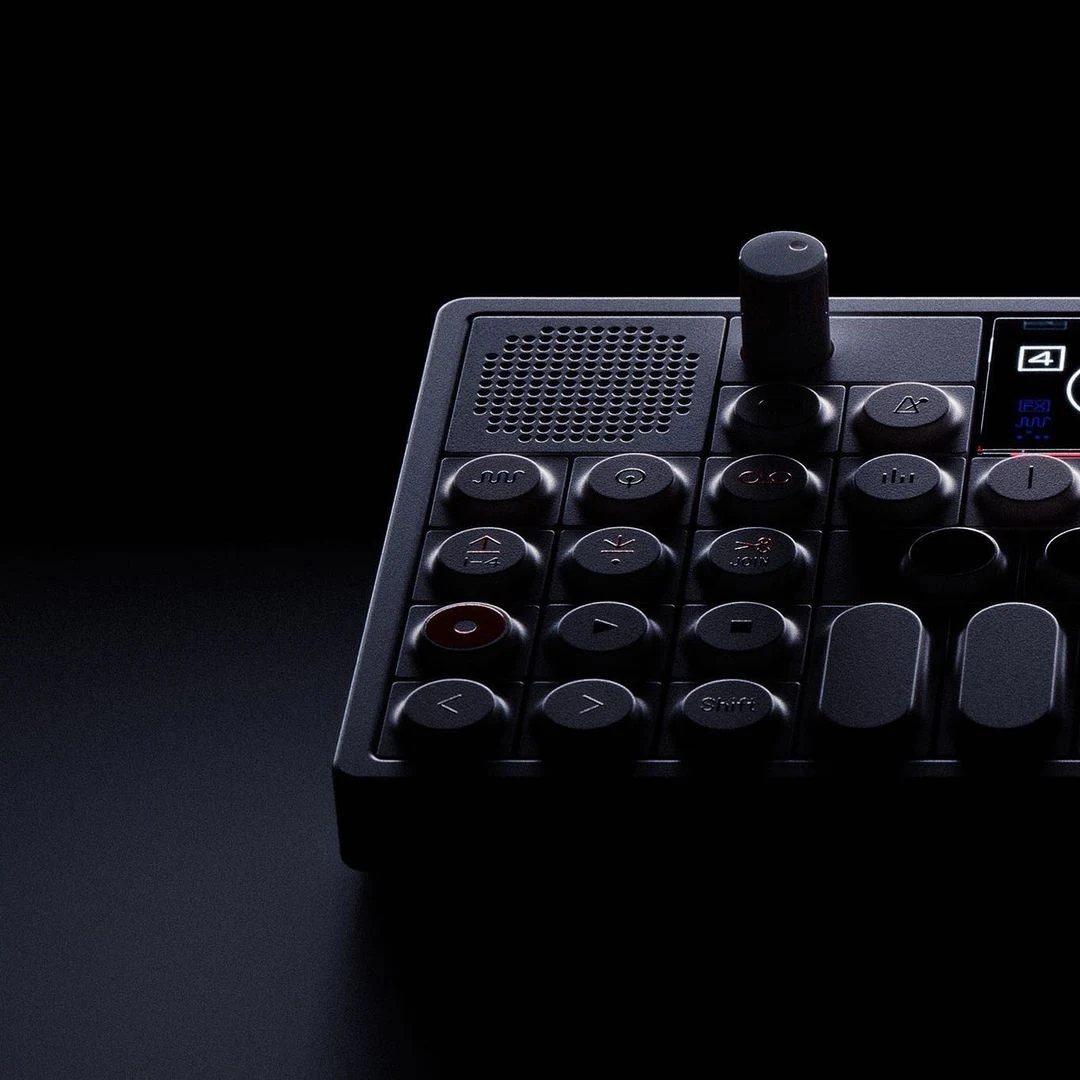
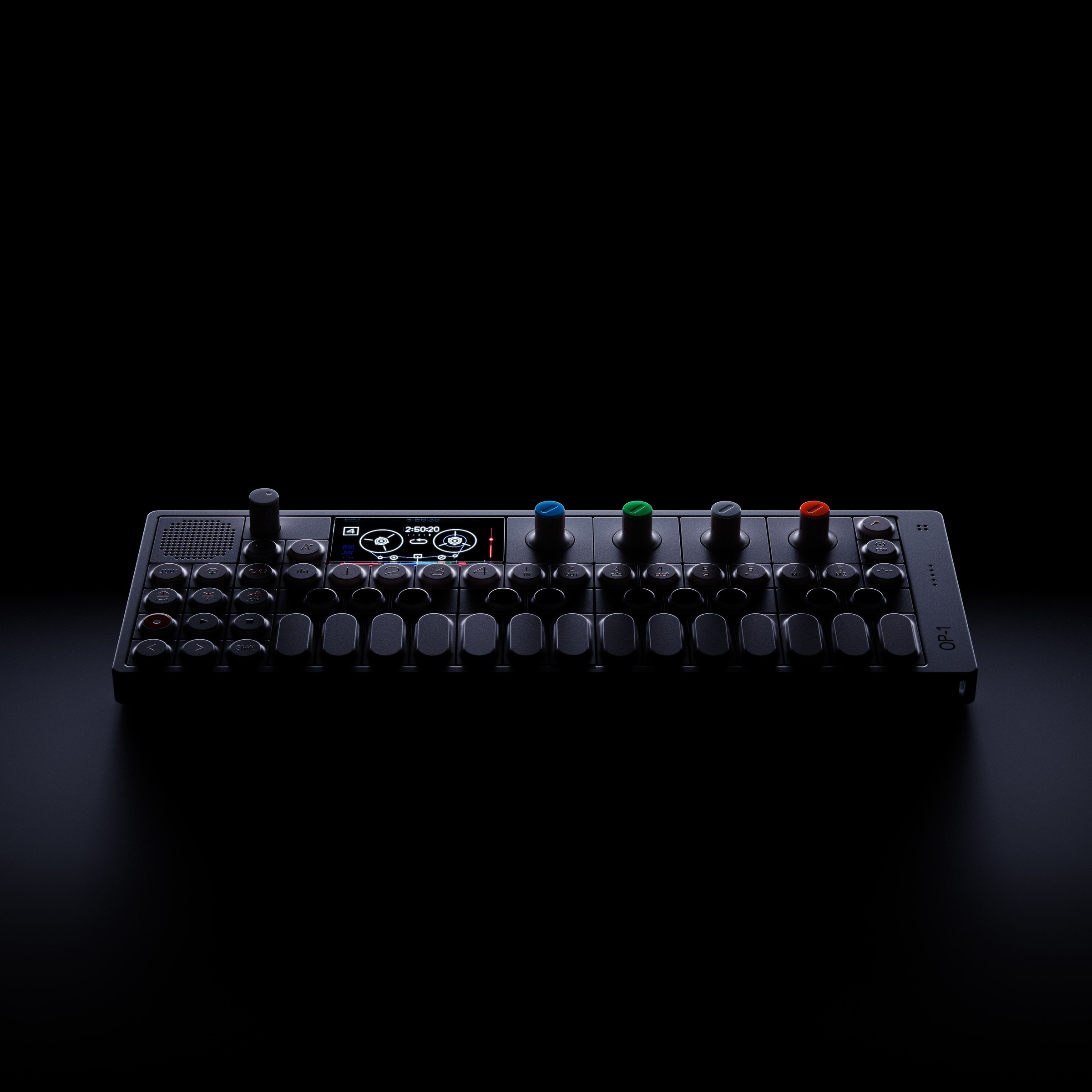
Black control surface photographed in low light
Iridescent close product detail in blue and red light

Direct the whole 3D scene with a prompt.

Change materials, lighting, cameras, staging, and motion in plain language. Studio updates the live Unreal scene while every control stays editable. Every still and clip starts from that updated scene.

Explore Studio Agent
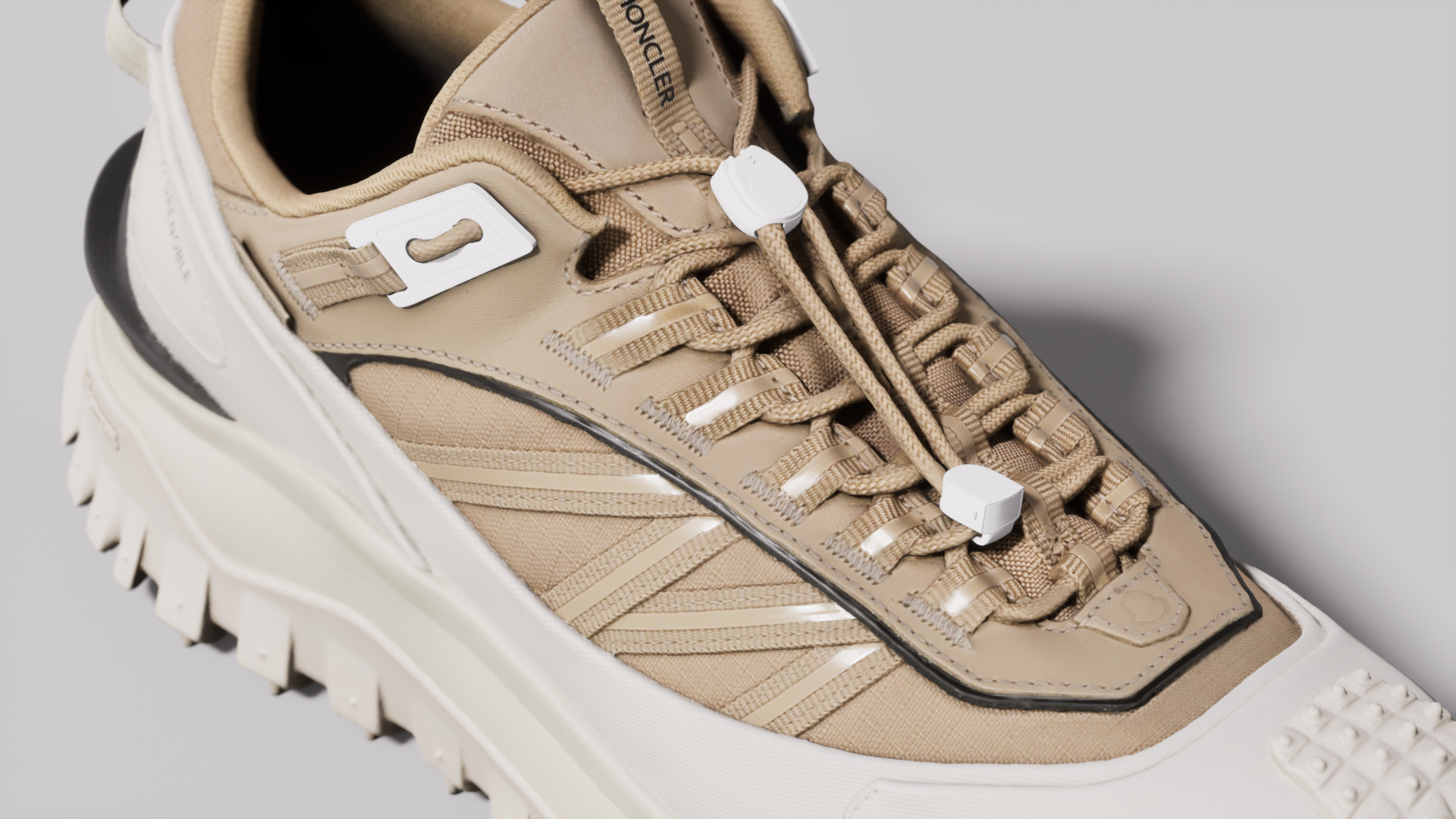
Trail shoe in the live Unreal scene
Live Unreal scene
Studio Agent
You

Make the product warm ivory, light it with a soft key, use Hero 03, and begin a slow turn.

Studio Agent

Updated the material, lighting, camera, and motion.

Unreal · Scene controlsEditable
MaterialWarm ivory
LightingSoft key
CameraHero 03
MotionSlow turn

Start with one render.
Grow to a full pipeline.

Glossi is as simple as dropping in a 3D model and exporting renders, and as advanced as shared workspaces, automations, and the API. Use exactly as much as you need.

Day one

Drop in a model, get renders.

Upload a 3D model, pick a template, and export finished shots in your first session.

With your team

One setup, every teammate.

Shared workspaces, templates, and libraries keep every shot consistent across the team.

At full scale

The catalog runs itself.

Automations and the API move every product through the same saved setup, hands off.

Explore Automations

Works with the tools
your team already uses.

Publish directly from Blender, KeyShot, 3ds Max, or CLO. Bring SOLIDWORKS, Shapr3D, and other tools through supported files. Then deliver finished output to a connected folder or API workflow.

Explore all integrations
Native plug-ins
Blender
KeyShot
3ds Max
CLO
File workflows
SOLIDWORKS
Shapr3D
Other 3D tools
Production delivery
Google Drive
Microsoft OneDrive
Adobe Experience Manager
API and webhooks

Secure by design.

Your files stay yours. Encrypted at rest and in transit. Never used to train a shared model.

Enterprise access controls. SSO and role-based permissions, with security reviews available.

Pricing you can inspect. Published plans, with custom terms for larger workflows.

In their words.

“Anytime I have a free moment, I can jump into the studio, make adjustments and export whatever assets I need, whenever I need them.”
Rob GreggFounder and CEO, Stand Shoes
“Glossi simplifies 3D workflows using language people already understand, especially photography language. That’s the hard part, and they’ve nailed it.”
Michael TanzilloAdobe
“What Glossi has built on Unreal Engine is fabulous. It puts real-time, studio-grade rendering in the hands of teams that could never run an engine pipeline themselves.”
Sallyann HoughtonEpic Games
“I tried KeyShot once and couldn’t figure it out in the half hour I gave it. Glossi is the polar opposite. I was setting up shots of our own products in my first session.”
Taylor UlrichKC HiLiTES
“We went from brief to final cut in 36 hours, before the product had even arrived. Seeing it come together that quickly and beautifully was amazing.”
Steve ShulmanPresident, AWOL Vision
“The camera presets are really great. I’m happy with the ready-made studio environments because we usually spend a lot of time setting up studios in Unreal and 3ds Max.”
Nitav ParikhTulfa
“Seeing the packaging we’ve been working on inside a live scene changed how we think about production. It opens a completely new range of possibilities.”
Nastya KolykhanSilverside
“No one will disagree that better images are better. The hard part is how you actually make them. Glossi delivers the solution.”
Johannes CreponPDM Automotive
“Update a material in VNTANA, send it to Glossi, and it can update every SKU using that material and generate the renders. That’s awesome.”
Ashley CrowderCo-founder and CEO, VNTANA
“These hero assets are much higher quality than what teams get out of their existing 3D tools, at a fraction of the effort.”
Angus DavisFoundation Capital
“We save a setup once and reuse it across every product and view. That consistency is exactly what our catalog needs.”
John CervenyMagnaFlow
“It’s a really beautiful tool. Watching our work come together inside it, in real time, is genuinely exciting.”
Allie WrubelSilverside
Start in Studio

Start creating in Glossi.

Open the studio with ready-made products, scenes, and materials. Bring in your own 3D model when you are ready.

For enterprise

Producing content across a full catalog?

Connect product intake, rendering, review, and delivery around your existing systems.

Explore enterprise workflows