Select the assembly or configuration.
Start with the exact product state marketing needs to communicate.
Export the assembly or configuration you need and open it in Glossi. Marketing can then build approved images, motion, and variants without sending every new request back to engineering.
No native plug-in yet · GLB carries supported appearances · STEP carries clean CAD geometry
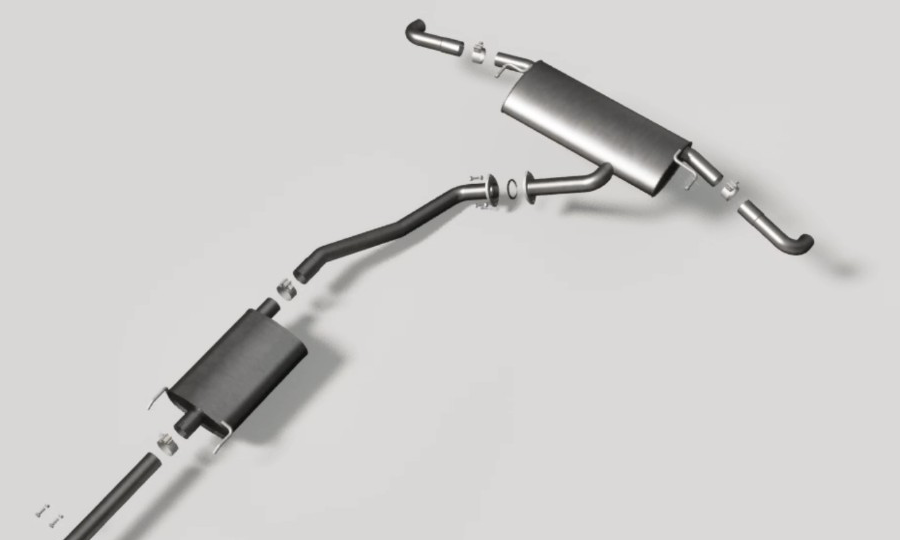 GLB or STEPUpload assembly
SOLIDWORKS remains the source of CAD truth. Glossi becomes the production surface for product presentation, reusable creative direction, and channel-ready output.
Start with the exact product state marketing needs to communicate.
Choose GLB when appearance matters. Choose STEP when clean geometry is the priority.
Validate the model, then reuse lights, cameras, motion, and outputs across products.
Create approved views before or after a physical sample is available.
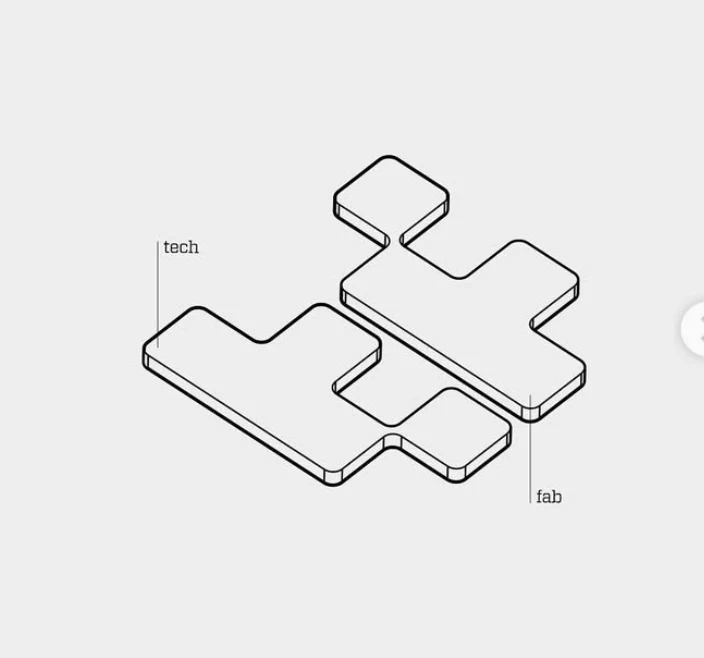
Show part relationships and configuration differences clearly.
Build camera and product movement around the prepared CAD model.
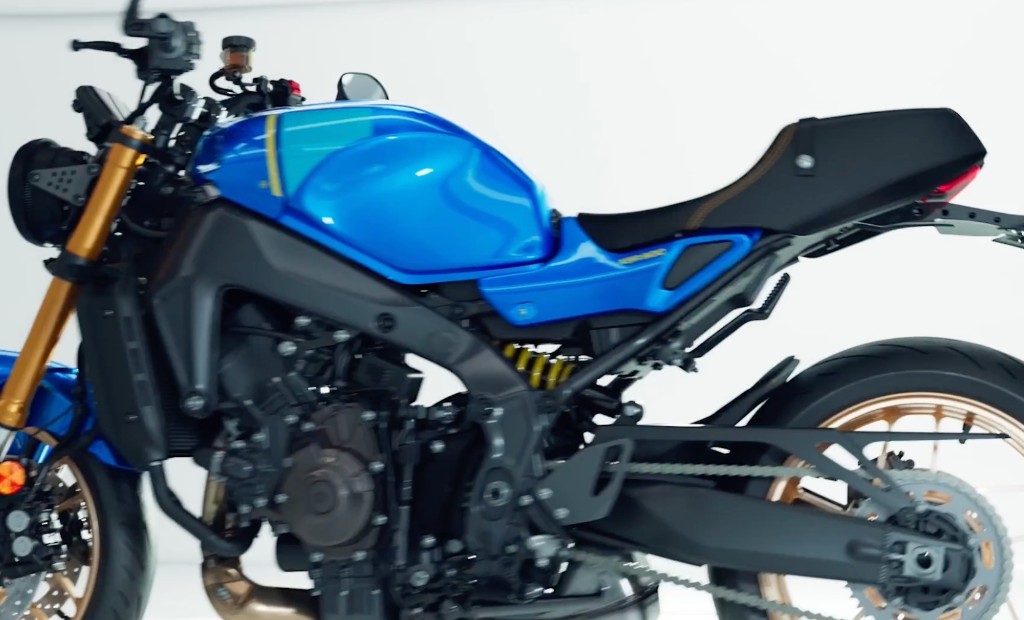
Reuse one approved setup across the full product family.
Use GLB when the export contains appearances and textures worth bringing into Glossi.
Use STEP when exact CAD geometry matters most and the product finish will be created after import.
Not yet. You can bring a SOLIDWORKS model into Glossi today with GLB or STEP.
Export the assembly or configuration as GLB or STEP, upload it to Glossi, then verify the product and place it in a studio setup. From there you can create images, 360s, and video.
Use GLB when you want to keep supported appearances from the export. Use STEP when clean CAD geometry matters most and you plan to build the final materials in Glossi.
Export the exact configuration or exploded state you need. Then test it in Glossi before using the workflow across a full product line.
Yes. Once the product is ready in Glossi, authorized users can direct, review, and render in the browser.
We’ll help you choose the file path and validate the finished product before you scale it.