Keep the template, views, and output rules together.
Glossi Automations
Turn approved creative direction into finished assets across your 3D catalog.
Choose the approved views, lighting, motion, and output formats once. Automations apply that direction to each production-ready 3D model. Every run stays visible through delivery.
Reuse the approved direction without choosing every setting again.
Follow progress through delivery. Exceptions stay visible.
Triggers
Start from a folder or the API.
Start as simple as a folder drop: Glossi watches a connected Google Drive or OneDrive folder and runs on every new 3D model. Start runs manually when you want control, or drive full catalog runs through the REST API.
Connected Google Drive and OneDrive foldersManual startPublic REST API
Automations in the docs
Connected folderNew product file
WatchingManual startRun when the team is ready
AvailableREST APIPOST automation trigger
Available
Production visibility
See every asset move through production.
Track each run from source model to finished output. Progress, errors, retries, and results stay in one place, so your team can step in quickly and keep the catalog moving.
Live progress across every runClear errors and retry statusFinished assets ready to open
AutomationCatalog production
RunsModelCurrent stepStatus
Trail shoe · v12RenderRunning
Dining chair · v08DeliverComplete
Chronograph · v04PrepareNeeds review
Delivery
Deliver files where your team works.
Deliver through supported connectors or the public API. Glossi makes the content, then returns the files to a supported destination.
Google Drive and OneDriveAdobe Experience ManagerPublic REST API
DeliveryCatalog production
Connected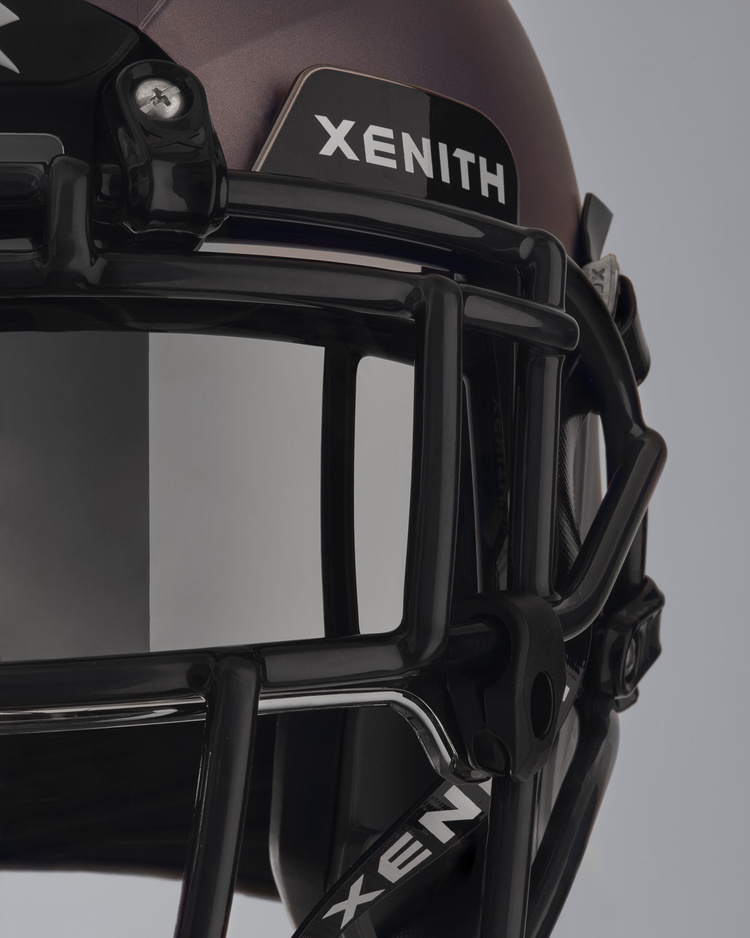
Finished outputtrail-shoe-detail.webpReady to deliver
Google DriveOutput folder
ConnectedOneDriveOutput folder
ConnectedAdobe Experience ManagerAsset delivery
AvailablePublic APICustomer system
AvailableRender the full image and video set.
Automations render stills and video in the output formats you set. Every result stays attached to its run.
 Commerce stillChannel crop
Glossi API
Run production from your own systems.
Everything above is also callable directly. Send 3D models and a template in one request: Glossi creates a project per model, renders your saved views, and returns a signed URL for every finished file. Webhooks report progress, so a PIM, DAM, or internal tool can run a whole catalog without a person watching.
{
  "models": [
    { "fileName": "trail-shoe.glb", "fileType": "glb" }
  ],
  "templateId": "your-template-uuid",
  "renderSettings": { "renderBookmarks": true },
  "webhookUrl": "https://acme.com/hooks/glossi"
}jobId8f31c2Upload URLs returned · rendering starts when the models arrive
Questions
Details for production teams.
What are Glossi Automations?
An Automation is a saved production setup: a trigger, project creation from a template, rendering, optional AI styles, and delivery. It runs across your 3D models in the background.
Can automations run in the background?
Yes. Runs continue in the background. Status, errors, retries, and output links stay visible for review.
How can an automation run start?
A run can start manually, from a connected Google Drive or OneDrive folder, or through the Glossi REST API.
Where can automations deliver files?
Glossi supports Google Drive, OneDrive, Adobe Experience Manager, and the public API.
Build your first Automation.
Bring a folder of 3D models and the template you saved in Studio.