Build live
Work in the scene while every material, light, and camera decision remains visible.
Control materials, lighting, cameras, and scenes in a live Unreal studio, then reuse saved setups across products and outputs.
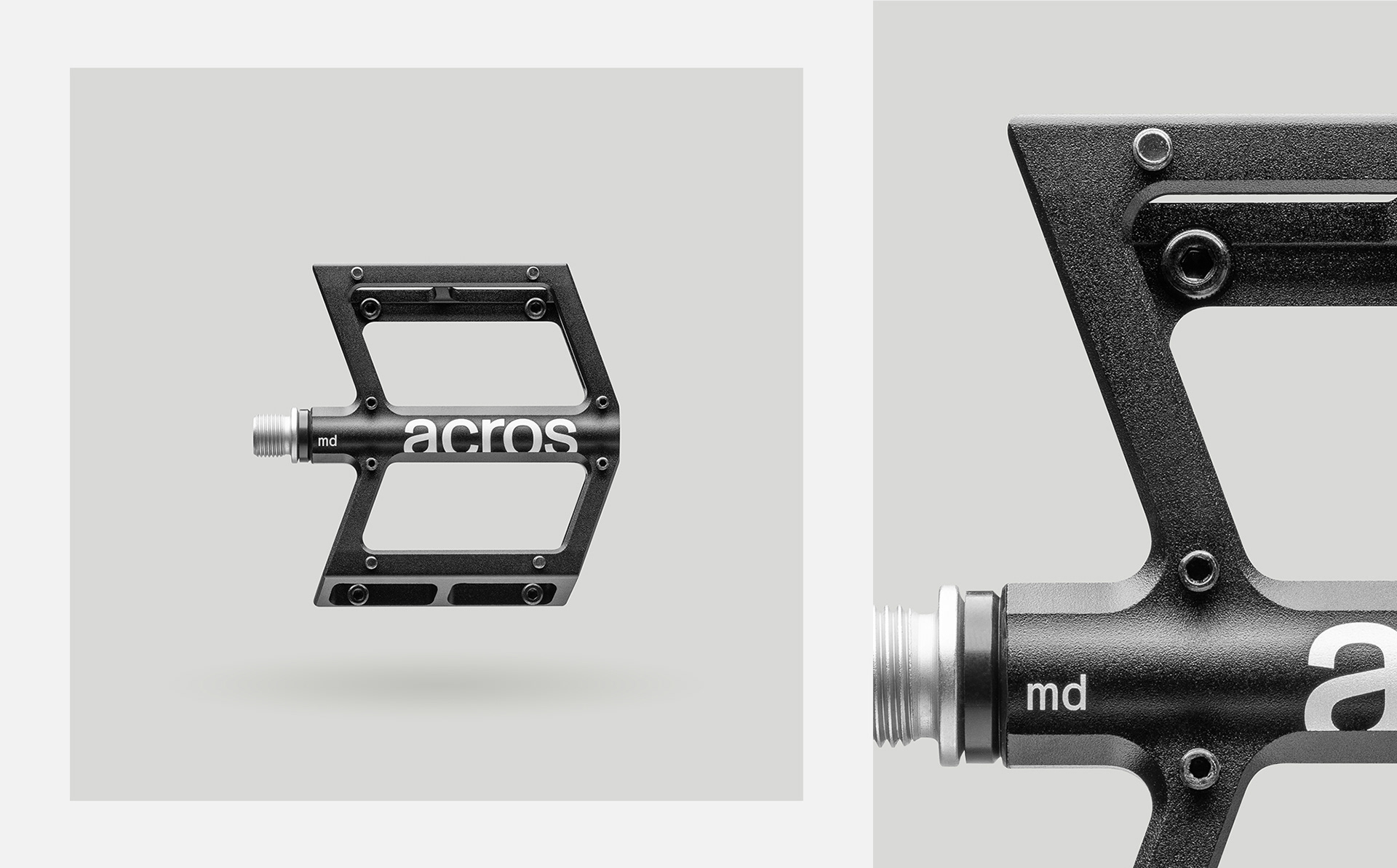 4K product render
It turns a digital 3D model, its materials, lights, and cameras into images or video. Glossi adds live browser direction, reusable setups, tracked runs, and delivery.
Save the product, materials, lighting, cameras, and output settings so the next view or product starts from a saved setup.
Work in the scene while every material, light, and camera decision remains visible.
Preserve the accepted setup as views, motion, and a reusable template.
Create supported stills or video, inspect the run, and return outputs to the destination.
Glossi streams a live Unreal scene to the browser so product and creative teams can review the work in the environment where decisions happen.

Choose supported image sizes, selected views, video clips, transparency-aware assets, and output formats from the saved project.
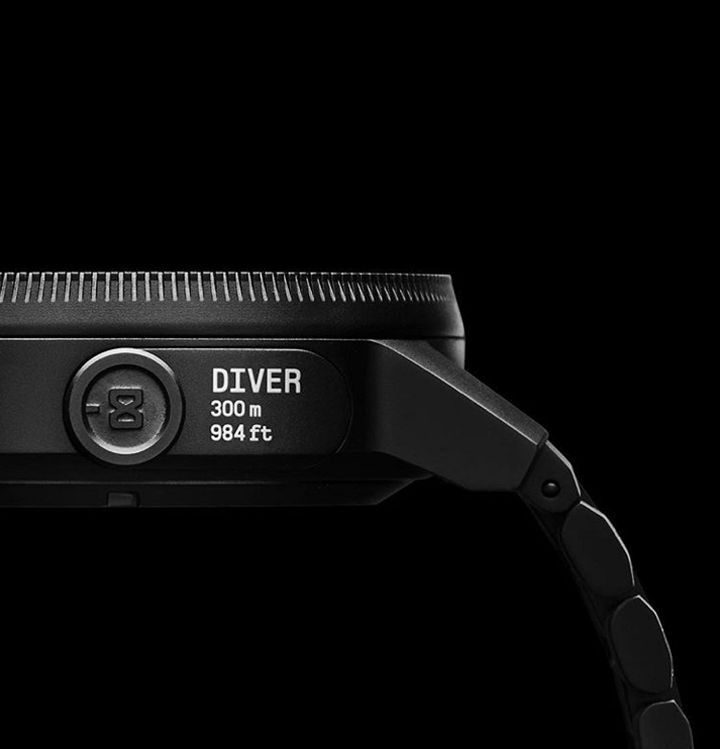
Reuse the product, materials, lights, and saved views across ecommerce images, review assets, and motion.
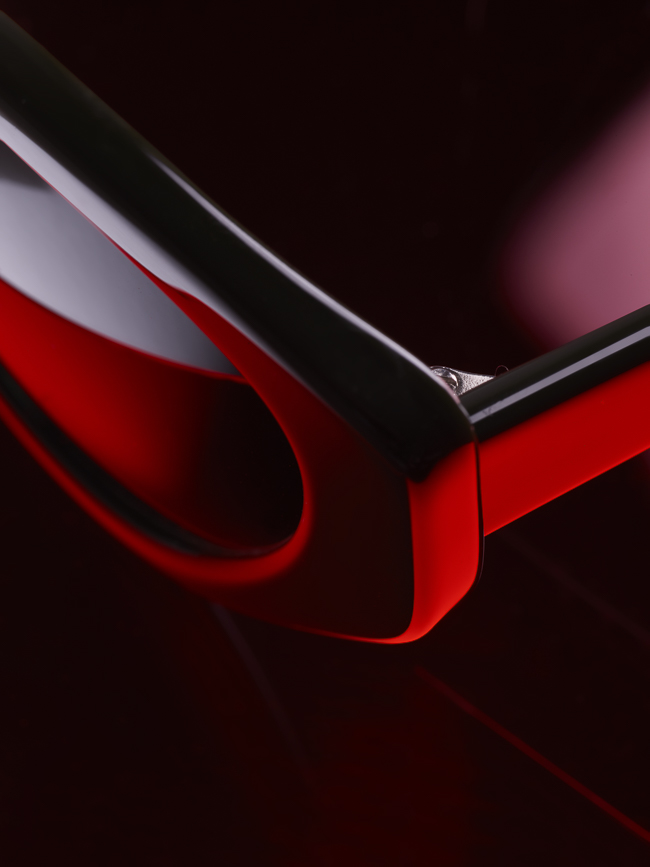 Primary product view
 Work without a local renderer or workstation setup.
 Render the formats the channel needs.
Live browser controls, reusable scenes and templates, visible production status, and delivery to connected systems.
Complex model performance, color-critical accuracy, format combinations, and render timing should be verified on representative products.
Learn more about 3D product rendering with Glossi.
No. Rendering is one part of a broader product content production system that includes preparation, Studio direction, templates, automation, history, and delivery.
The current Studio includes a 4K image path. Render time and supported format combinations depend on the project and should be tested.
No local Unreal Engine workstation is required for the browser Studio. The interactive scene is streamed from Glossi infrastructure.
Start in Studio with ready-made assets, then bring your own prepared product when you are ready.