Prepare the product
Bring a usable 3D model and confirm its materials and product regions.
Use a prepared 3D model to create PDP images, campaign stills, and motion without photographing every product configuration.
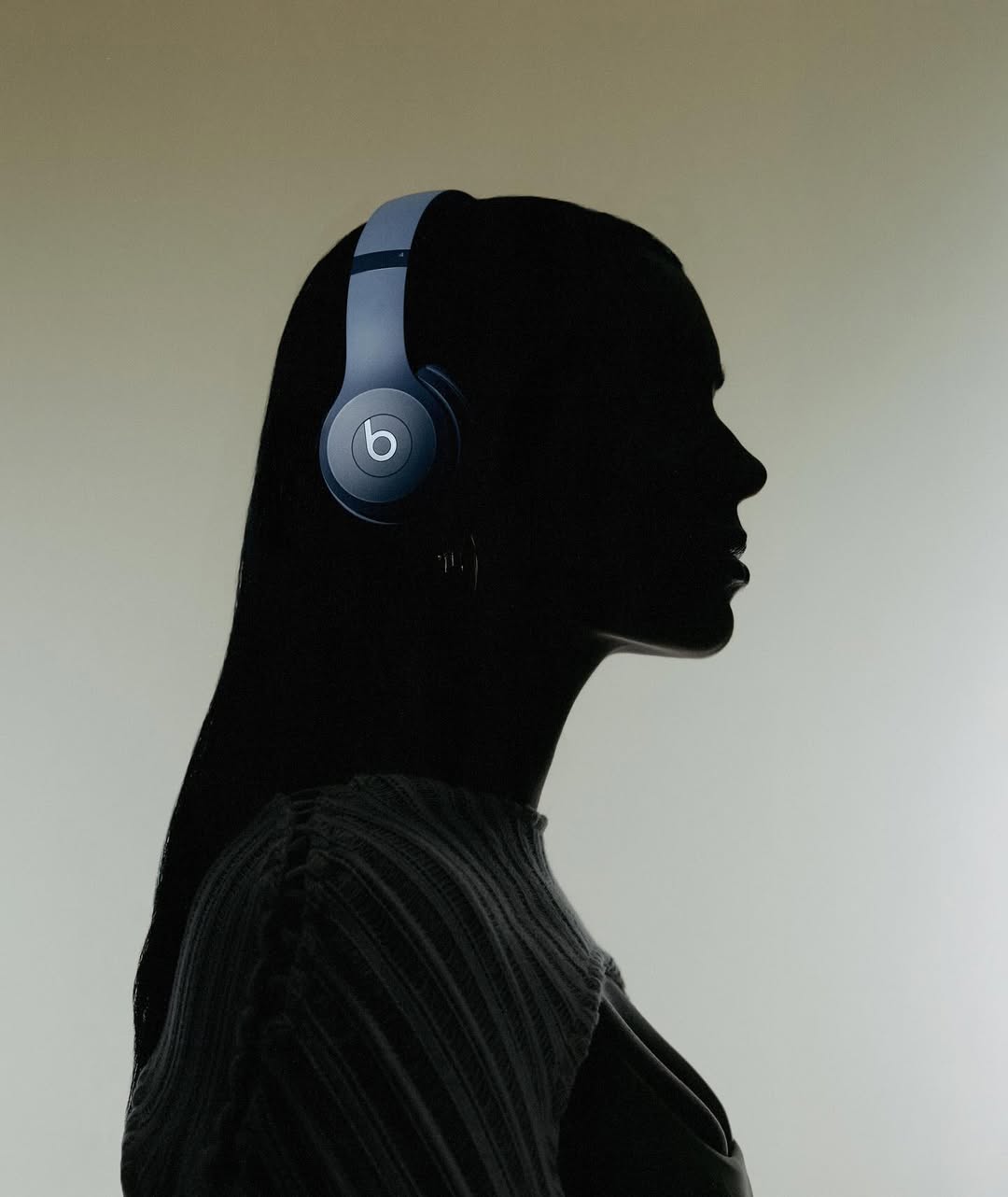 Rendered from 3D
Virtual product photography uses a 3D model, materials, lights, cameras, and scenes to create images or video without photographing every physical configuration. Glossi keeps the setup reusable for the next product.
The goal is a complete content package, not a single generated image.
Bring a usable 3D model and confirm its materials and product regions.
Build the product treatment, light, cameras, and scene in the live Studio.
Render the views, formats, and motion required for launch and reuse the setup.
The prepared 3D model anchors geometry, proportions, finish regions, and supported variants while the scene changes around it.
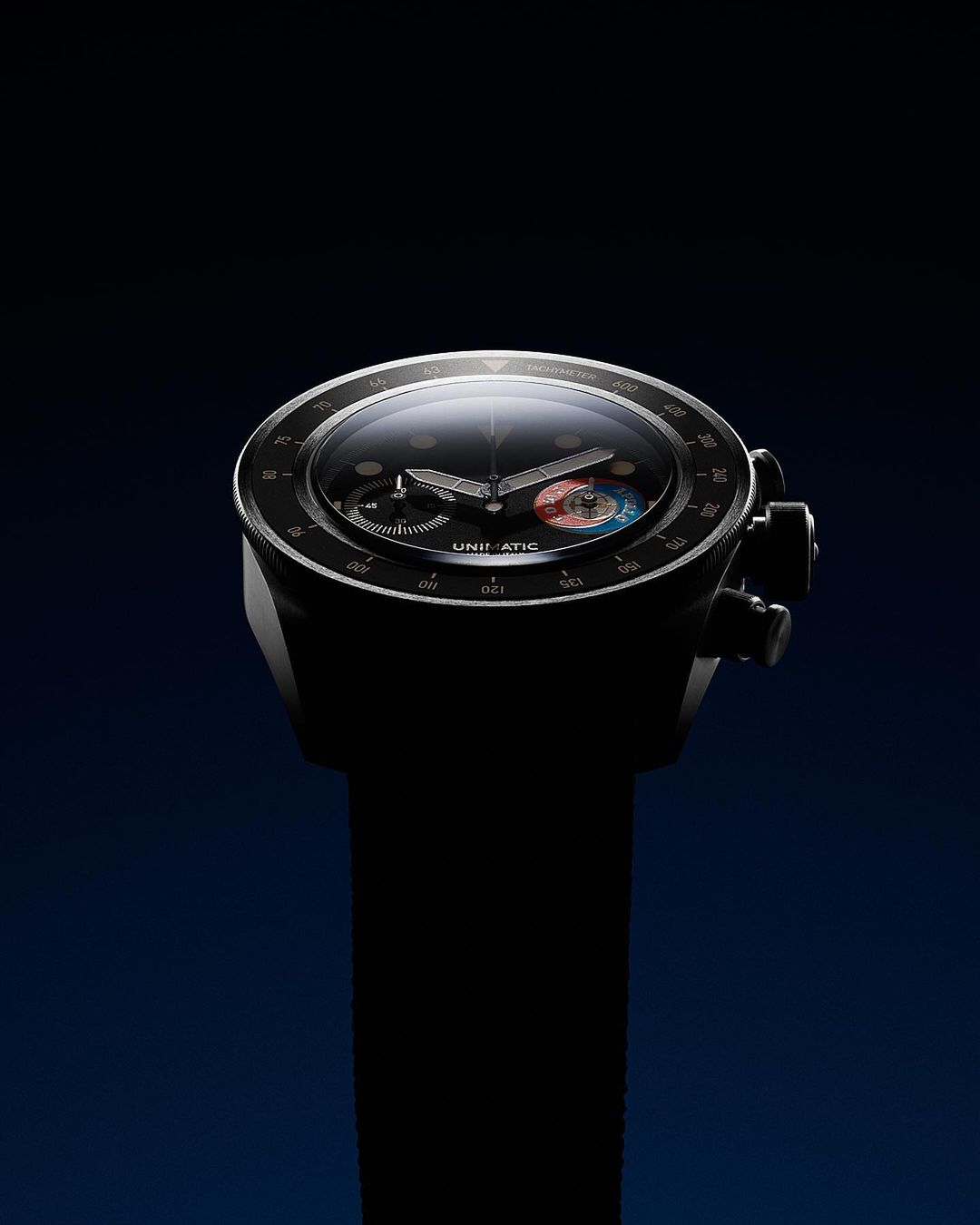
Move from hero and detail images into transparent assets, short motion, and 360 turns using the same product source.
Reuse the same prepared product and live scene for hero images, detail views, transparent assets, and short motion.
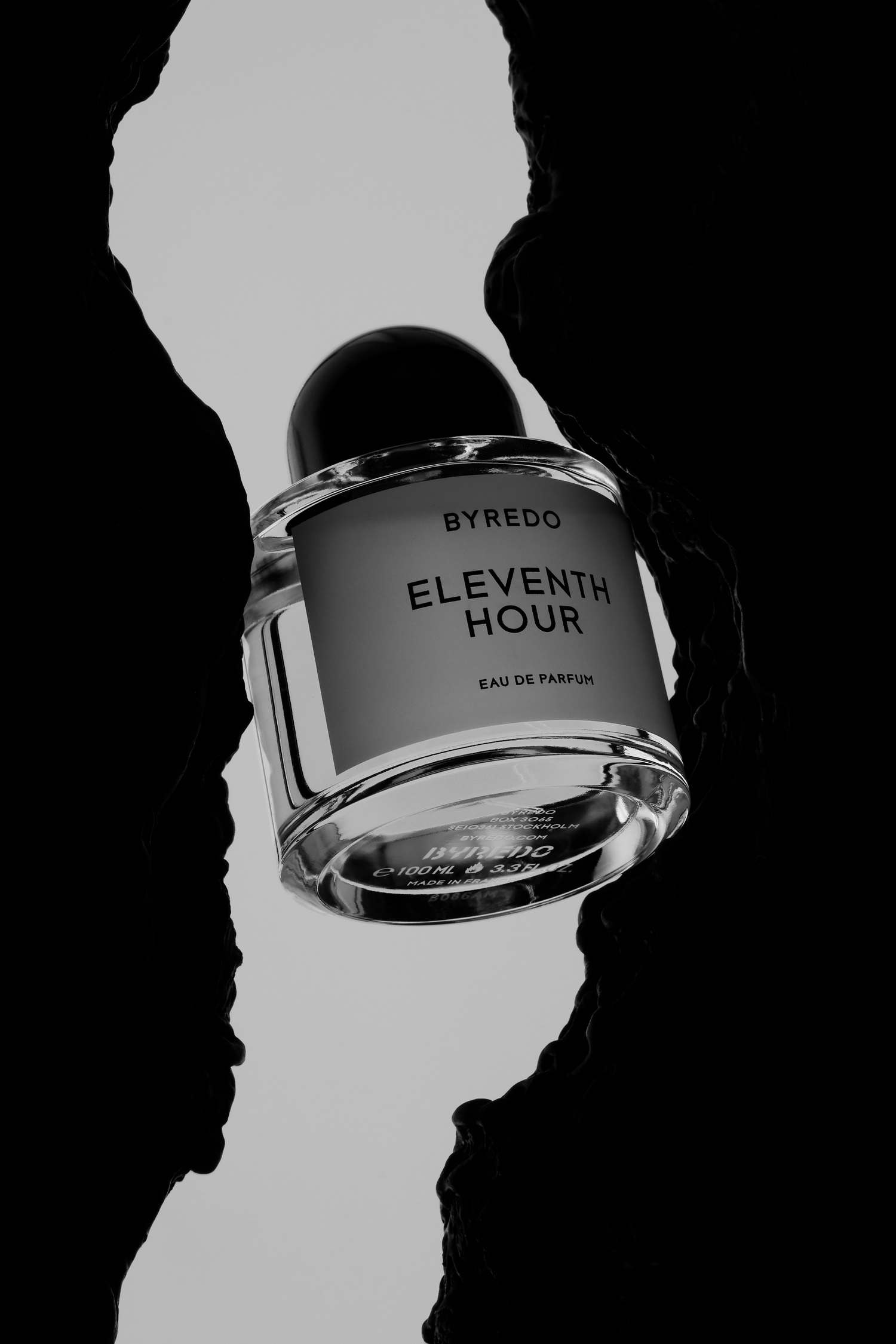 Primary product view
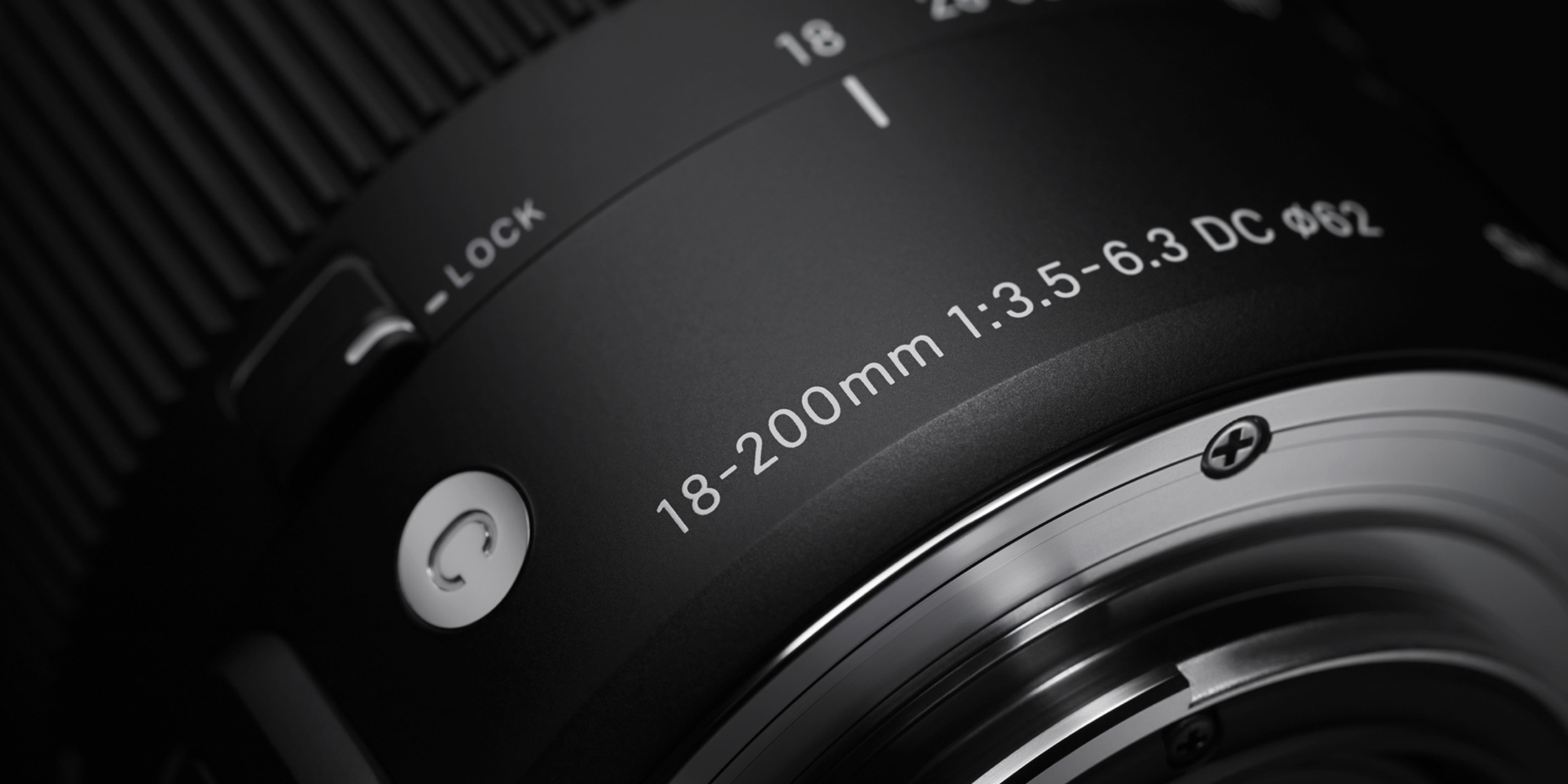 Keep the actual product at the center of every frame.
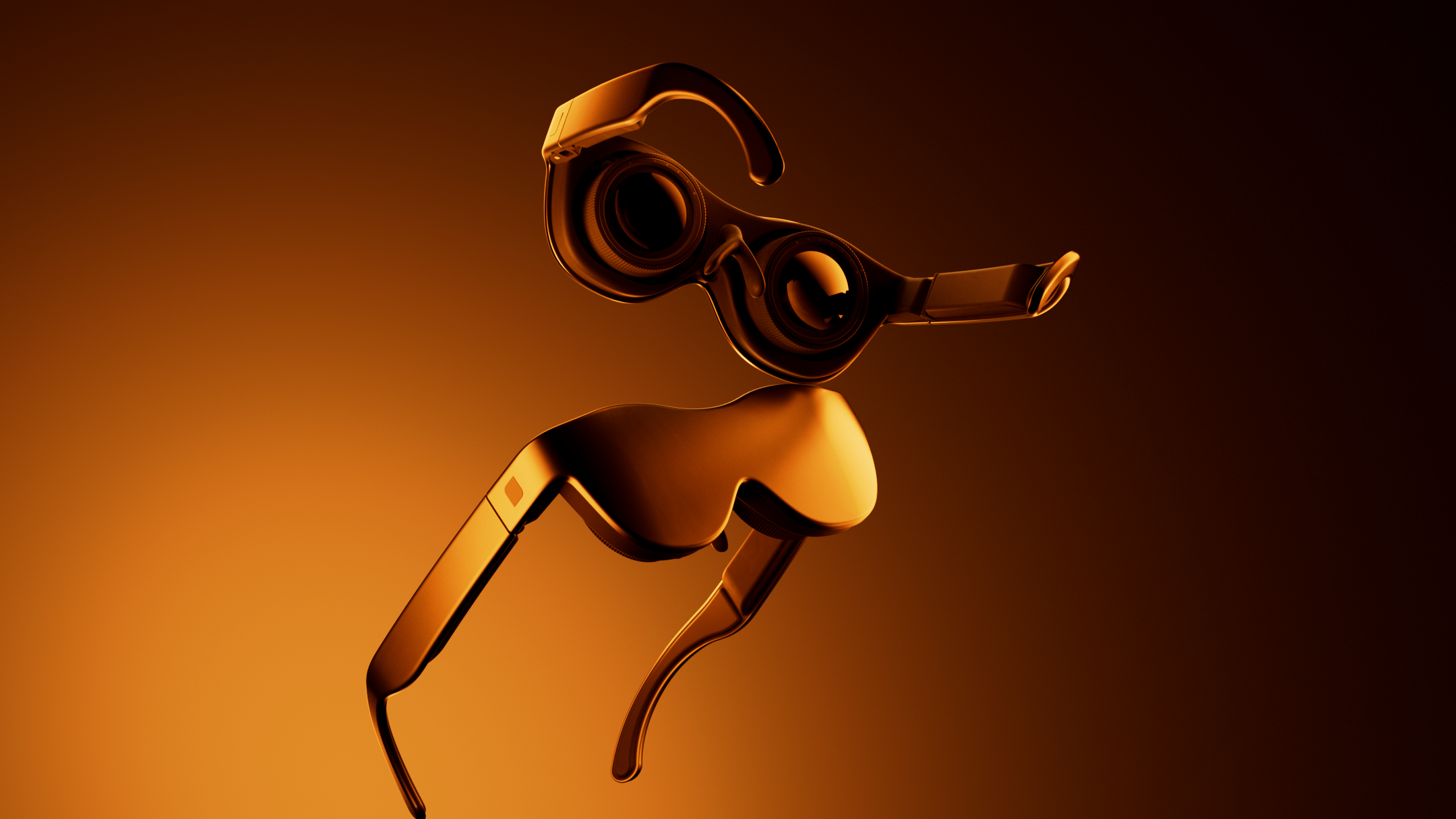 Channel-ready format
Brands and teams with prepared 3D assets, repeatable shot requirements, or a need to create content before samples arrive.
People, unpredictable physical behavior, and concepts that depend on real-world capture may still belong in a physical studio.
Learn more about virtual product photography with Glossi.
It is the creation of product imagery from a digital 3D model rather than a physical camera capture.
You can explore Studio with ready-made assets. To create accurate imagery of your own product, you need a usable 3D model or a path to create one.
No. It is strongest for controlled product imagery, repeatable formats, variants, pre-launch work, and motion from 3D. Human and highly physical scenes may still need photography.
Start in Studio with ready-made assets, then bring your own prepared product when you are ready.