Prepare the product and pack
Start with CAD or 3D, create an initial model from product photos, or use a preparation partner.
Set the product, materials, packaging, lighting, and views in one live setup. Use it across product pages, retailer requirements, pack sizes, regional variants, motion, and campaigns.
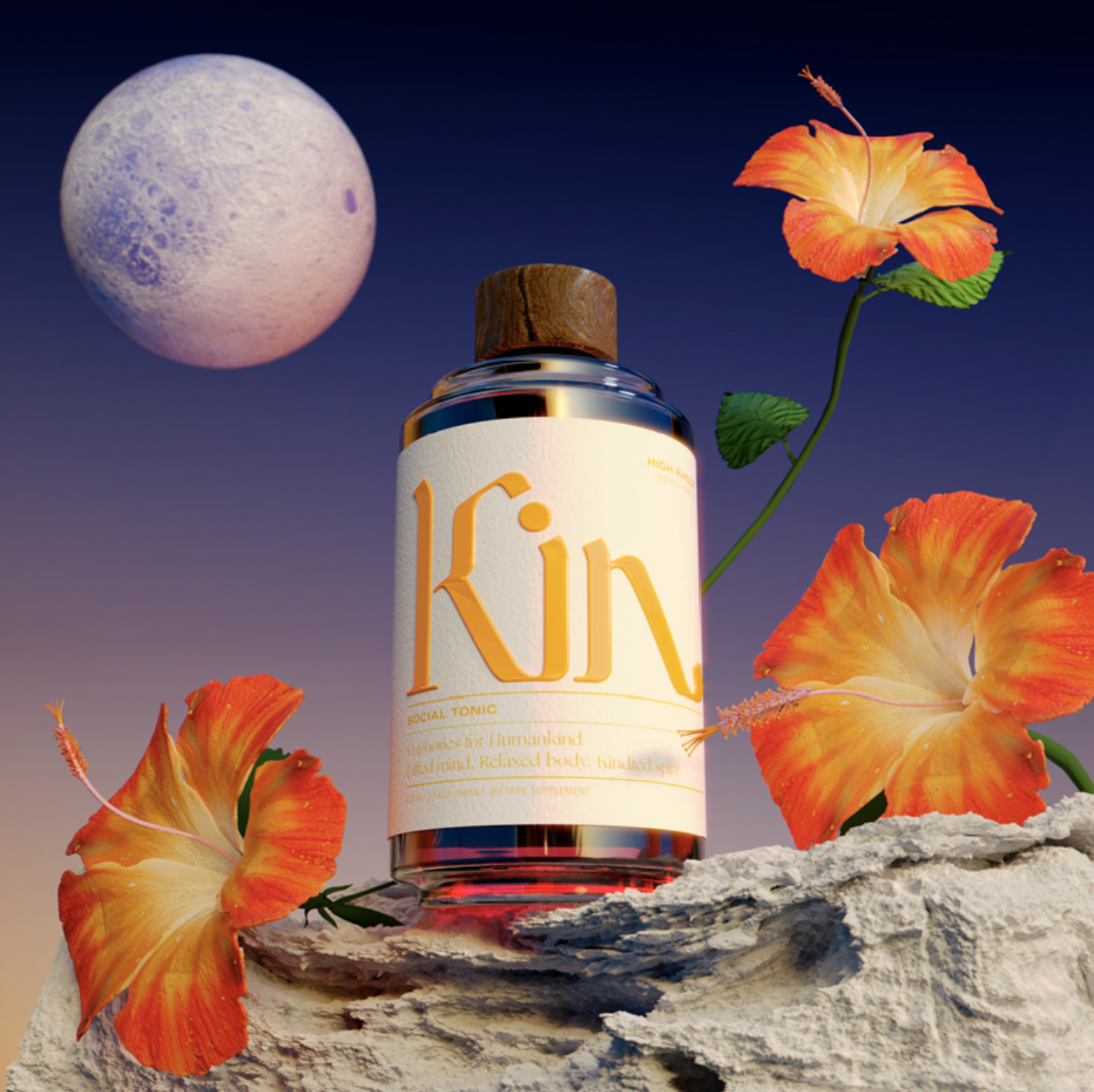 Consumer goods production
Turn product data, CAD, 3D models, or product photos into a reusable content system for product pages, retailer syndication, pack variants, launch campaigns, and motion.
Keep product geometry, materials, packaging, labels, camera views, and output requirements connected.
Start with CAD or 3D, create an initial model from product photos, or use a preparation partner.
Review color, finish, labels, claims, pack size, lighting, and camera views against the live result.
Create PDP, retailer, detail, 360, motion, and campaign outputs across approved variants.
Review color, surface, artwork placement, and pack geometry in the live scene. Save the approved product setup, then apply each label or finish variant to the same views.
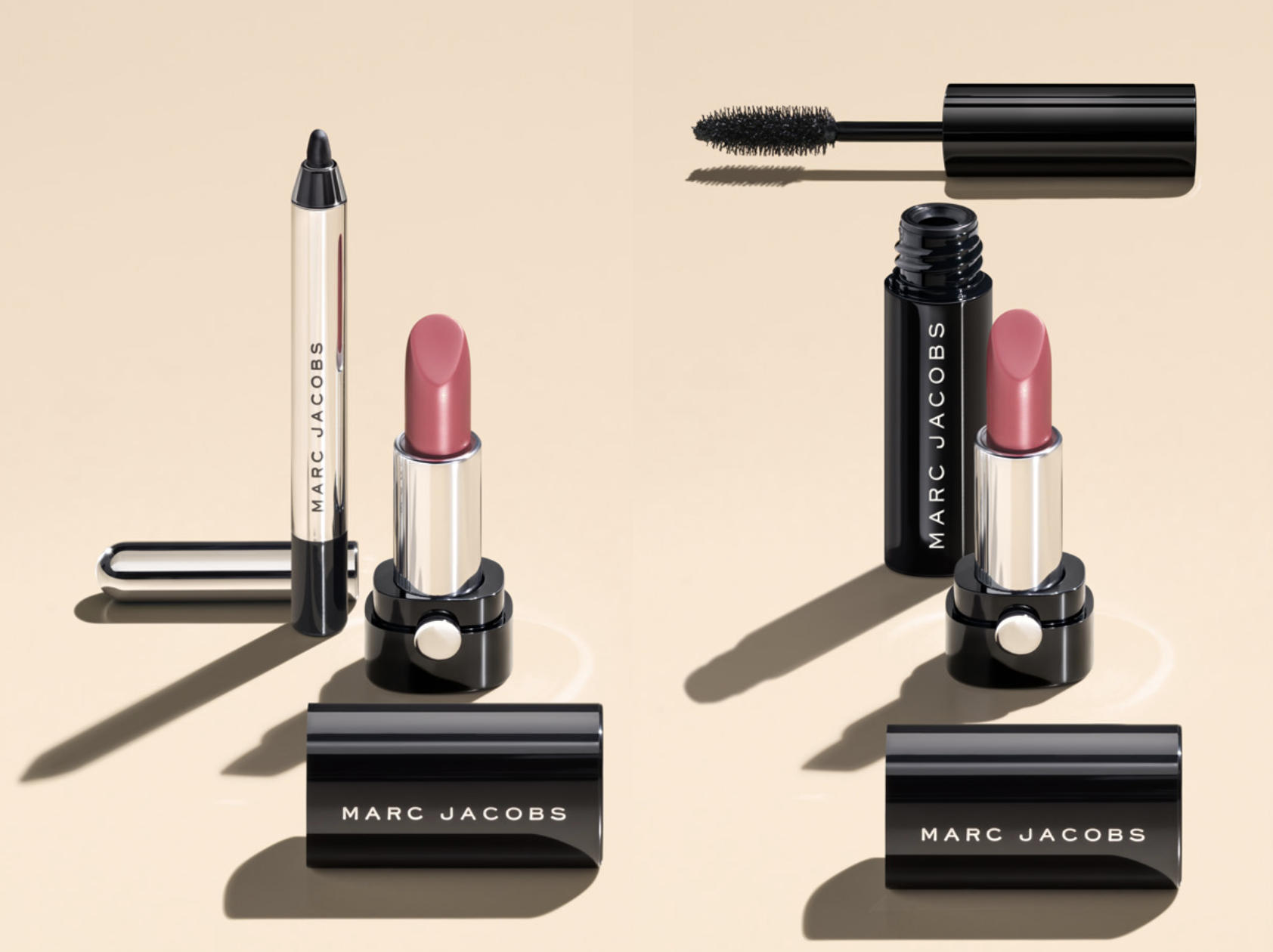
Keep the approved product connected while you change staging, light, camera, background, and motion for retailer pages, launch stories, and seasonal campaigns.
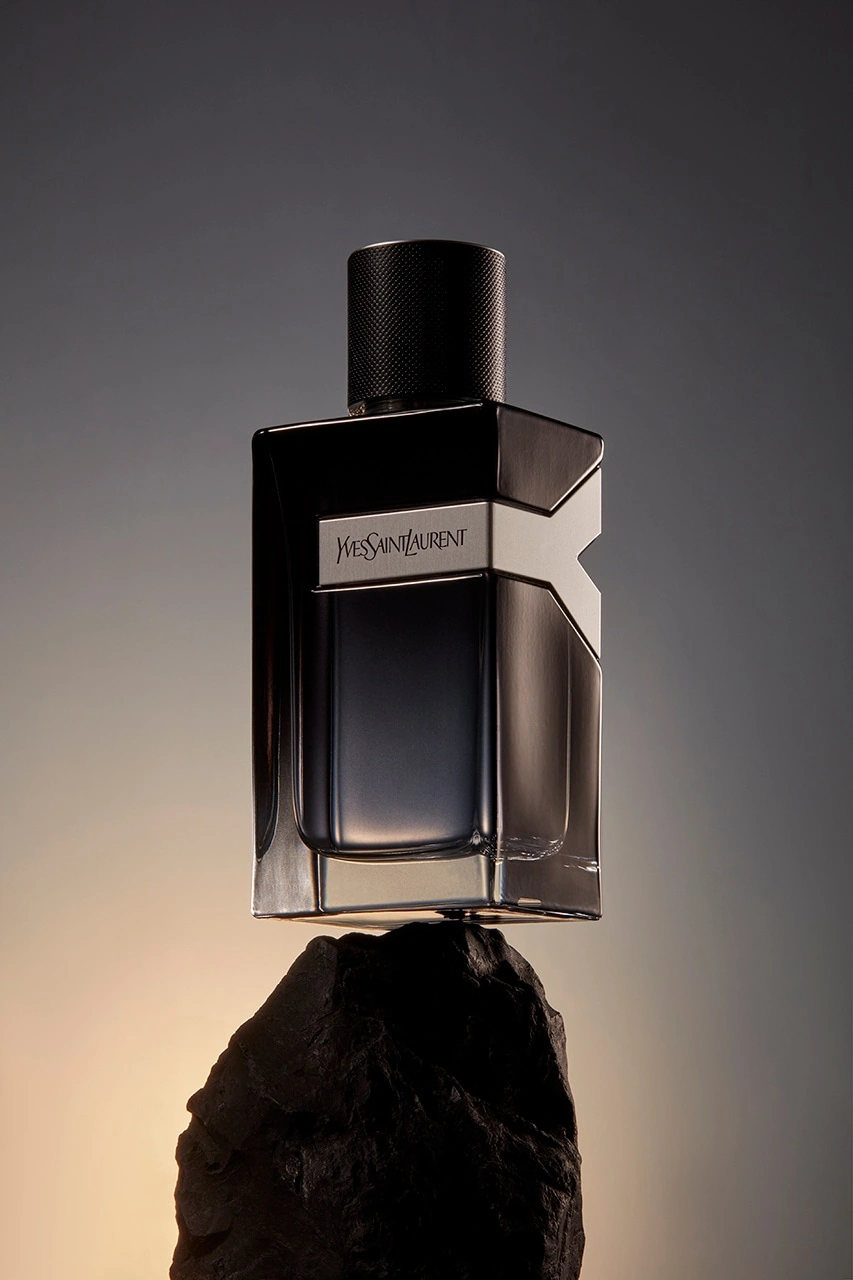
Reuse the same product across commerce, retailer portals, merchandising, sales, packaging detail, and campaign content.
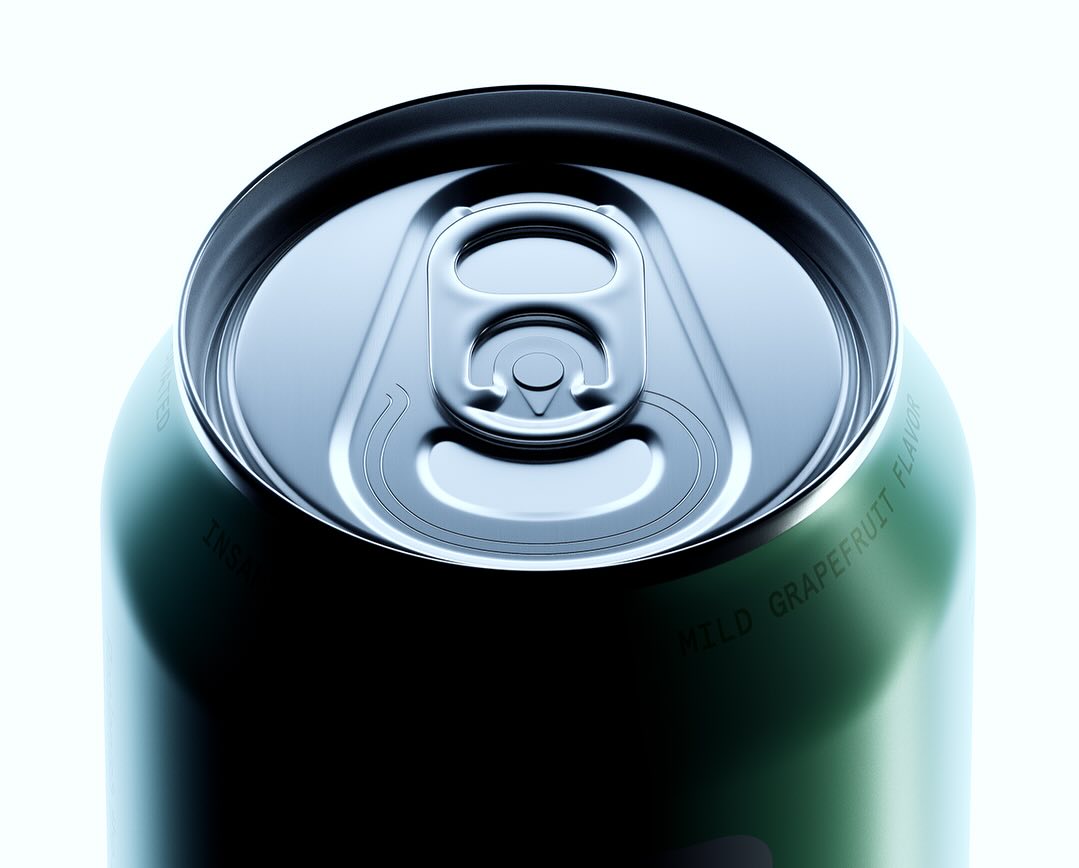 PDP and retailer
 Packaging detail
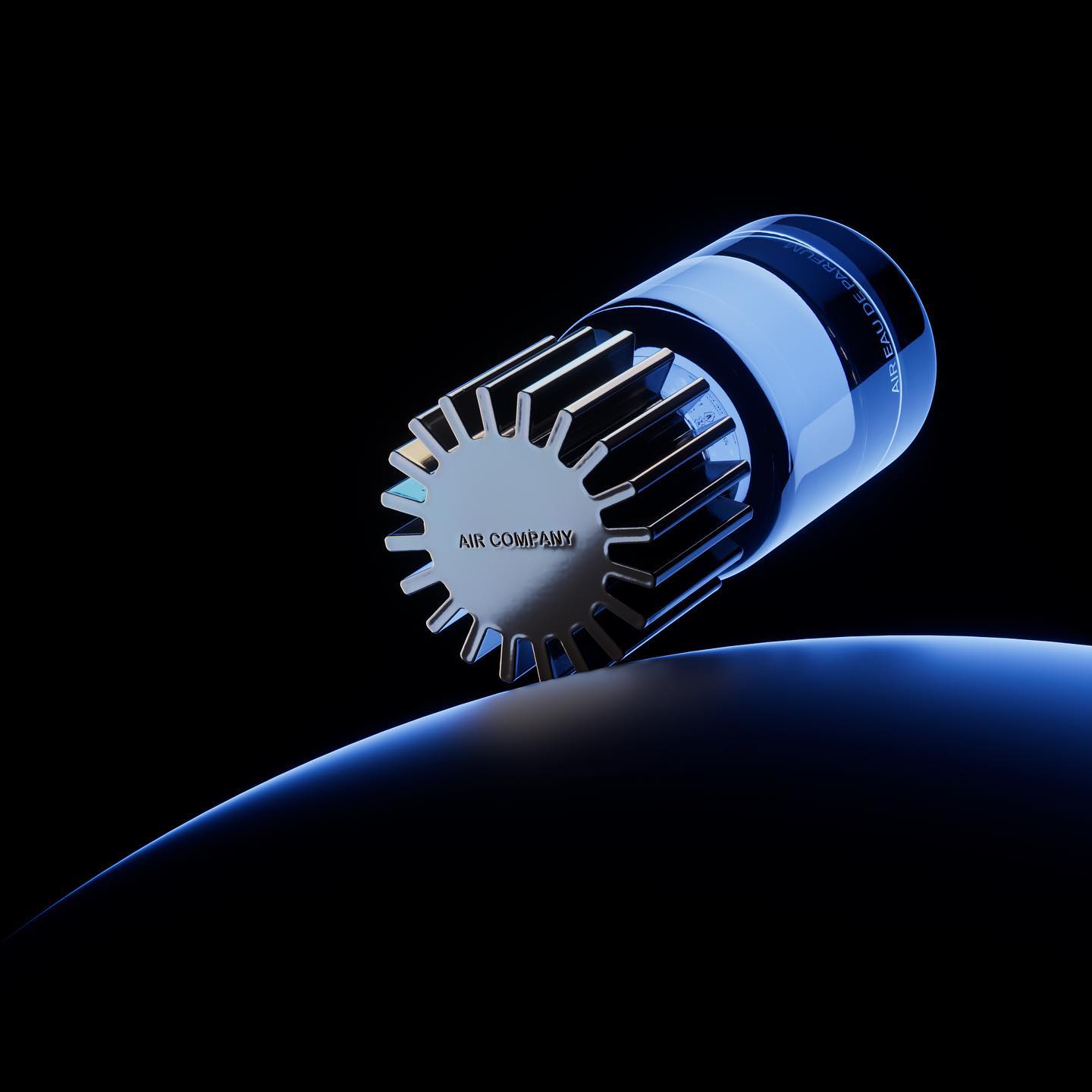 Campaign and merchandising
Give creative, e-commerce, sales, and retail teams consistent outputs without recreating the product for every request.
Use Glossi for repeatable visualization while label copy, claims, regulatory review, and final product approval remain with the responsible teams.
Learn how Glossi supports consumer goods catalogs, packaging variants, and retail content.
Glossi can support beauty, personal care, packaged food and beverage, household, wellness, and other packaged products that can be represented by a reusable 3D product source.
Yes. Once artwork regions and materials are mapped, approved labels, colors, finishes, sizes, and packaging variations can be applied across saved views.
Yes. Save retailer and channel requirements for camera angle, crop, background, resolution, and format, then render the approved product into each required output.
No. Start with an existing CAD or 3D file, create an initial model draft from product photos, work with a preparation partner, or use starter assets to explore the workflow.
Start with ready-made assets, then bring an approved product or packaging workflow when you are ready.