Anchor the product
Start with the prepared 3D model and its mapped material and region information.
Generate image variations with prompts, references, annotations, and saved styles, then compare each version with the original render before approval.
 Product anchored to 3D
Start with a controlled 3D render, then use prompts, references, annotations, or saved styles to create variations. Each result stays connected to the original render for review.
Use prompts, references, annotations, and saved styles while keeping the original render available for comparison.
Start with the prepared 3D model and its mapped material and region information.
Use supported AI tools for material starting points, backdrops, or creative adaptations.
Compare the result to the source product before it enters the content package.
Generated channels remain visible and tunable on the live product rather than disappearing inside a prompt.
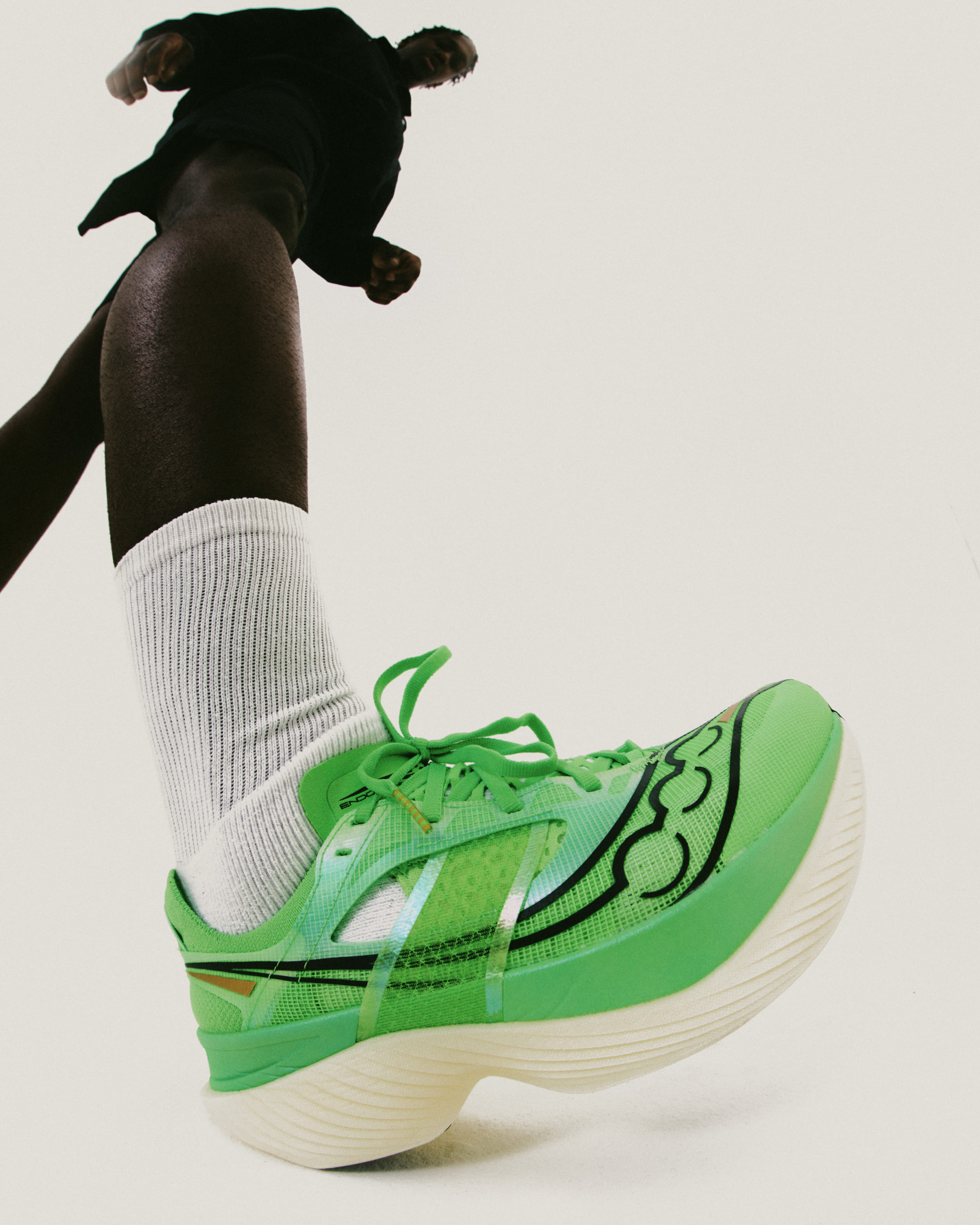
Start from a controlled 3D render, then use AI to explore environments and campaign treatments around it.
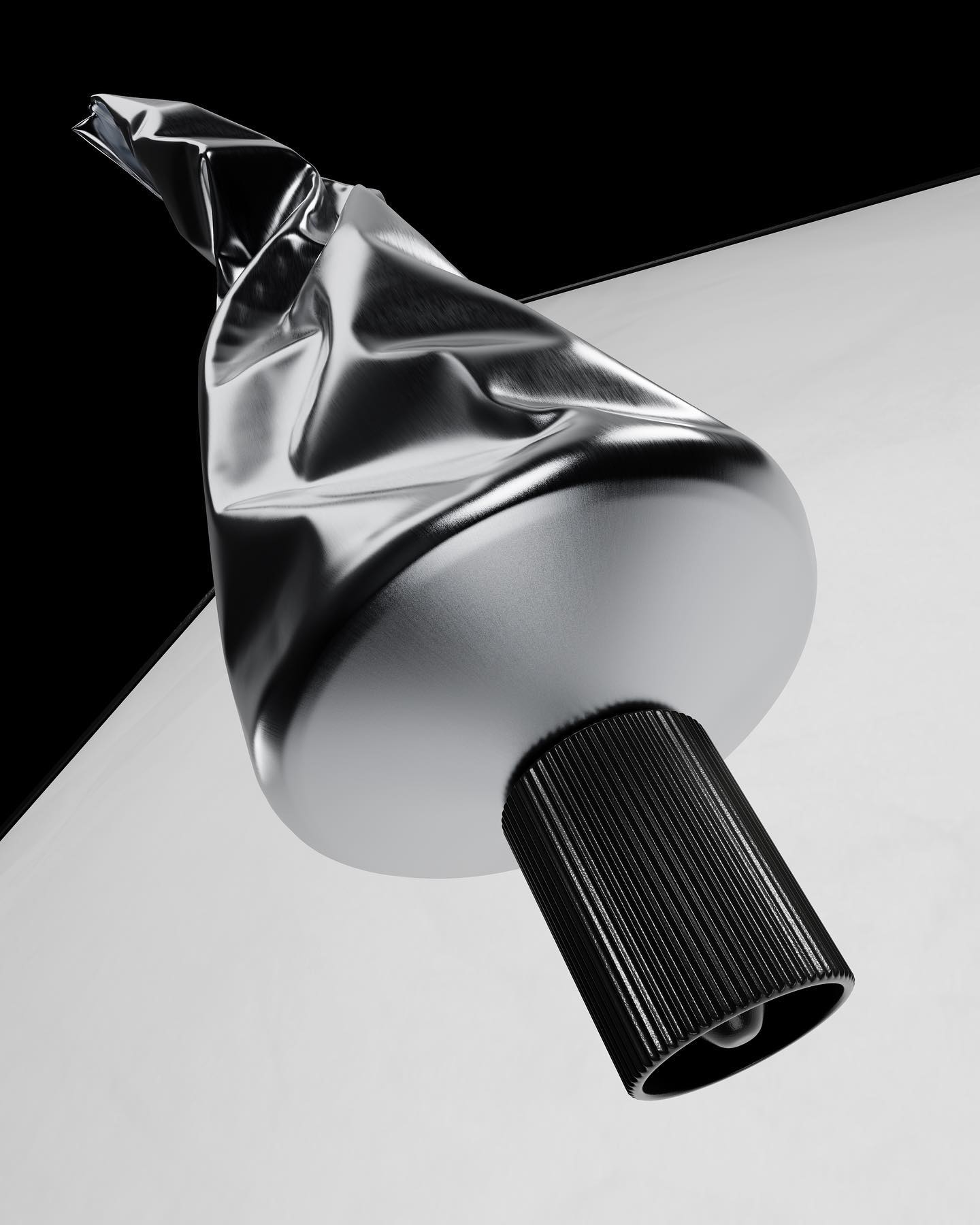
Create and compare variations without losing the original render or its production context.
 Primary product view
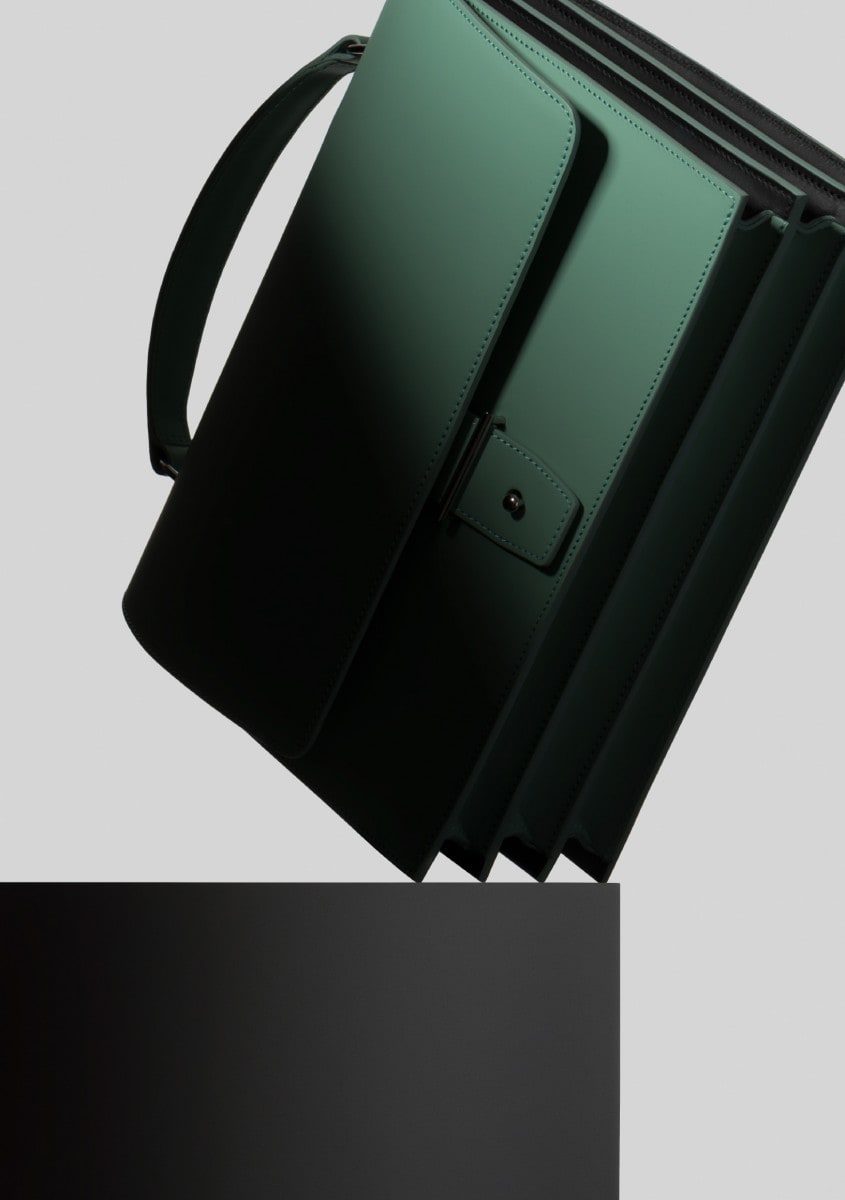 Turn an image or description into an editable PBR starting point.
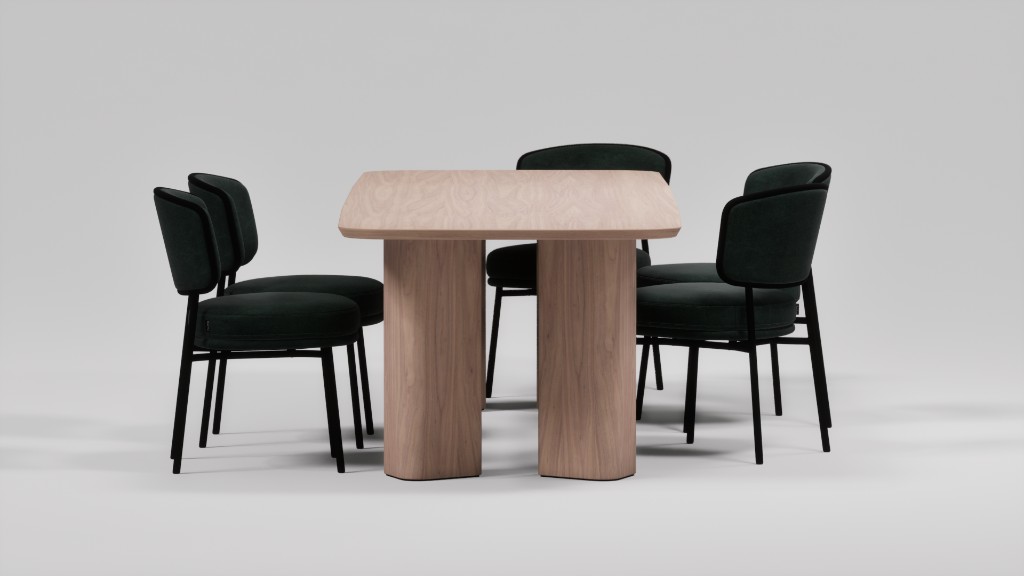 Change the context without relying on a prompt to define the product.
Creative exploration can move faster because the product exists as a prepared 3D source instead of a collection of prompt instructions.
AI output still needs review. Do not assume perfect logos, measured color, or production readiness without comparing the result to the source render.
Learn more about AI-assisted product imagery with Glossi.
Glossi starts from a prepared 3D model and keeps product controls, scene state, and production context visible. Supported AI work extends that system rather than replacing the source product with a prompt.
Yes. Glossi can create editable PBR material starting points from a reference image or description.
Supported workflows should be reviewed against the prepared product. Glossi is designed to keep product truth visible, but AI-assisted outputs still require human inspection.
Start from a Glossi render, then explore campaign directions with prompts, references, and saved styles.