Controlled source
Begin with approved geometry and explicitly prepared product regions.
Reuse saved camera views, materials, and labels for product images, component views, training visuals, and short video. Route each version through the right review.
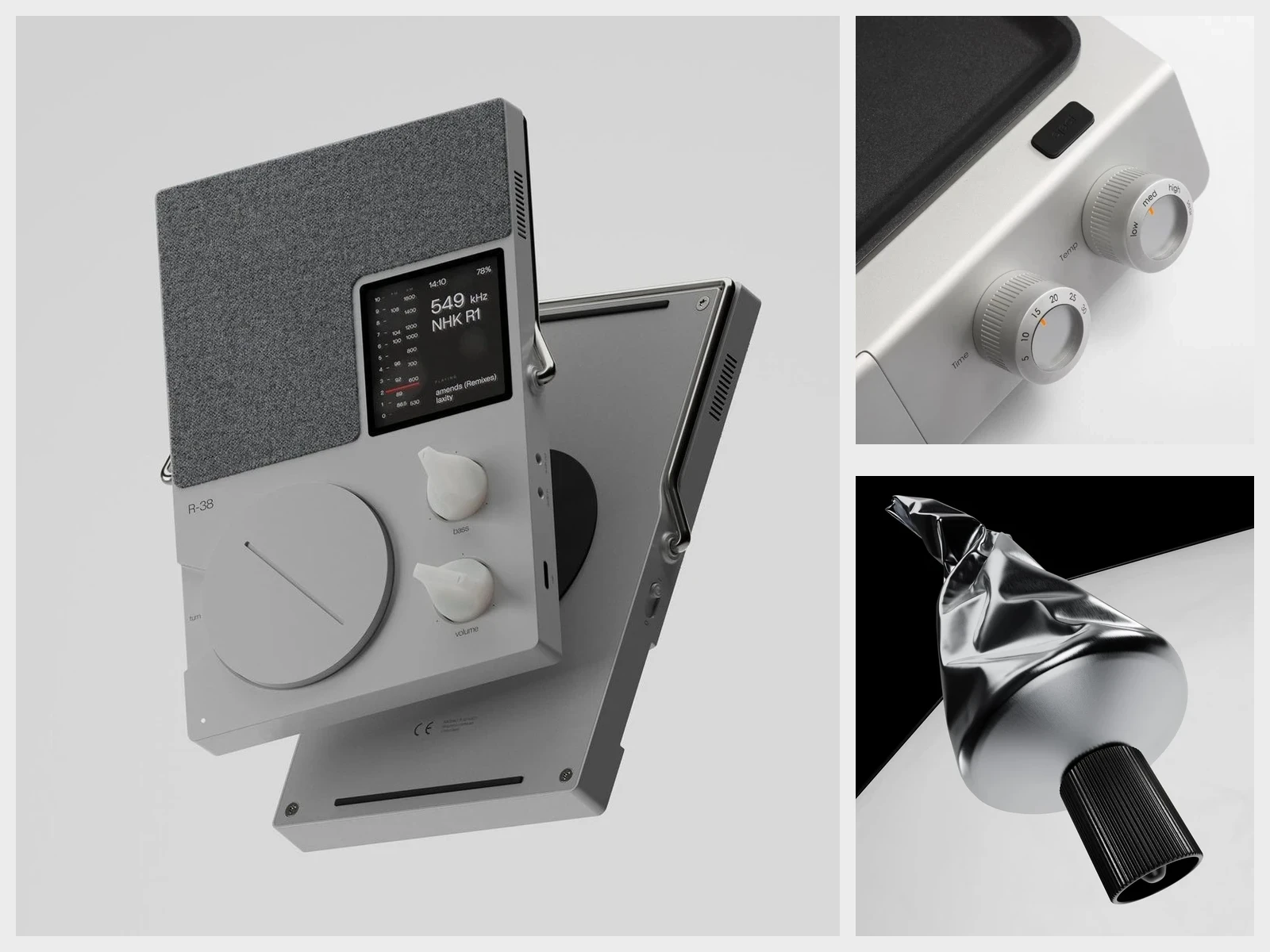 Medical devices production
Use prepared device geometry to create product images, component views, training visuals, and short clips. Save the scene and review each output version in context.
Prepare the device model once, save approved views and labels, then route each image or clip through the required review.
Begin with approved geometry and explicitly prepared product regions.
Direct views, materials, labels, and component compositions while the source stays inspectable.
Render approved visual assets and deliver them through the organization’s existing review and asset systems.
Use prepared 3D geometry to keep device proportions and visible components consistent across visual outputs.
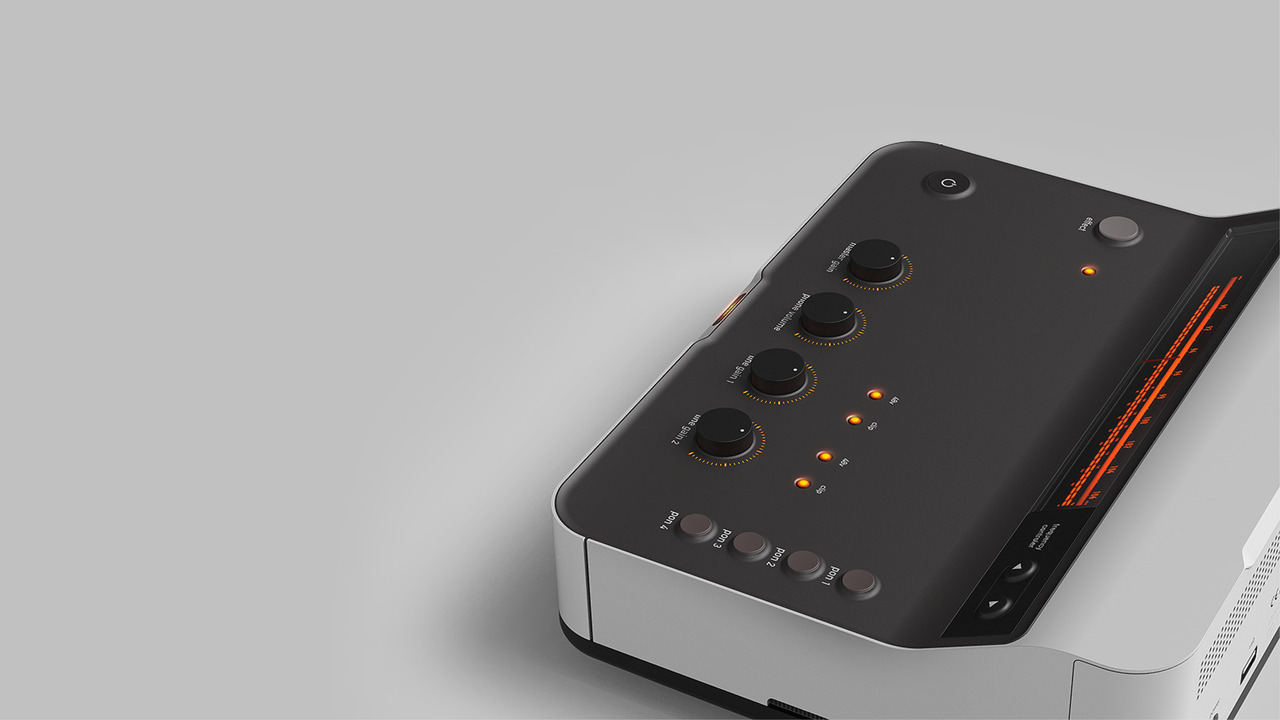
Separate product visualization from clinical, regulatory, instructional, and claims approval.
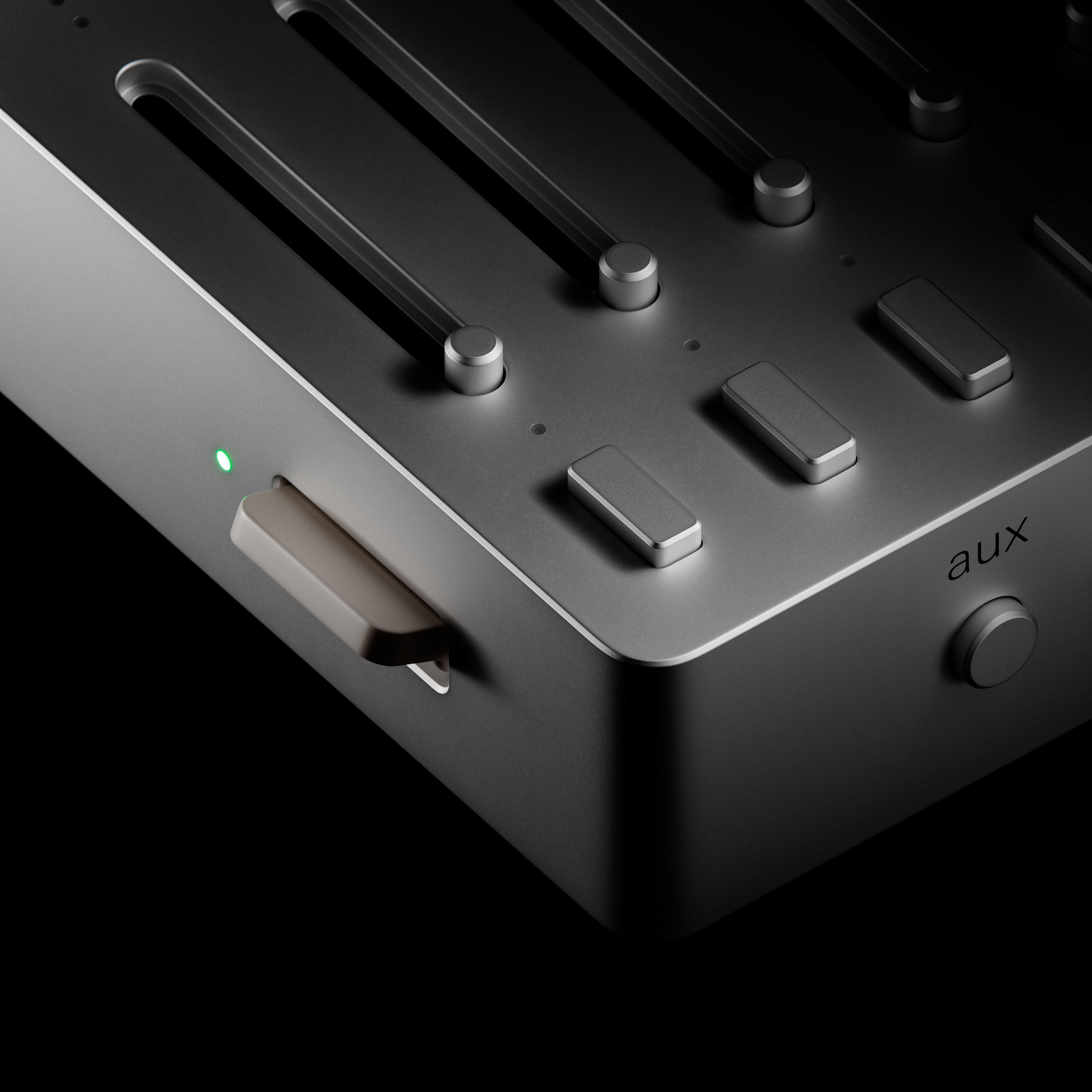
Reuse the prepared device and saved scene across product images, component views, training visuals, and sales content.
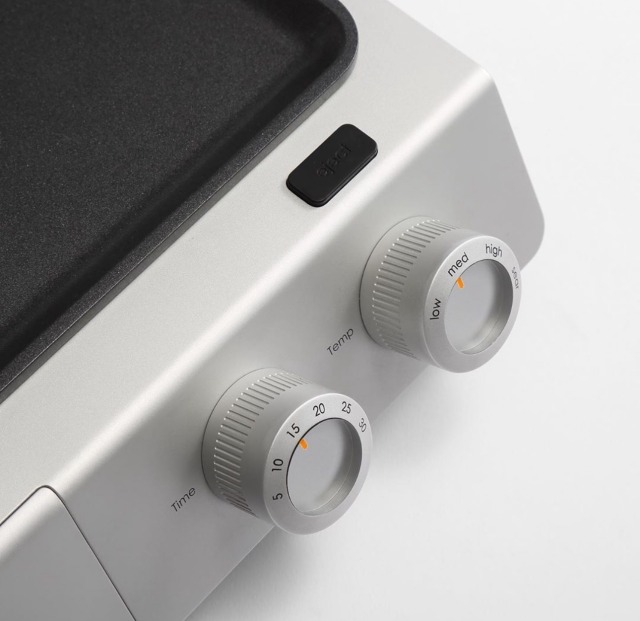 Product communication
 Component views
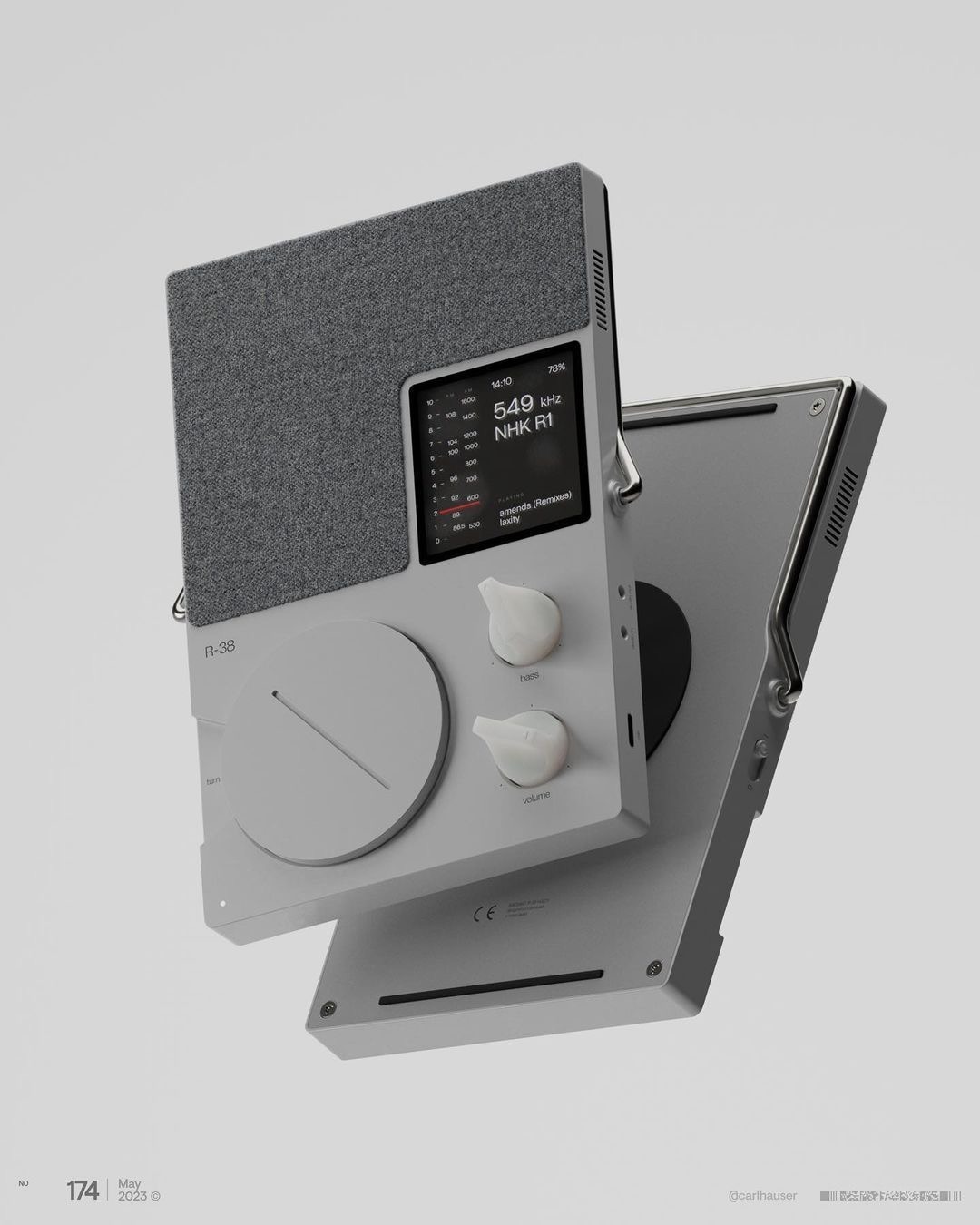 Training visuals
Use Glossi after device geometry is prepared to create product, component, training, and sales visuals.
Engineering validation, clinical instructions, labeling, regulatory claims, and final approval remain with your team.
Answers on device geometry, component views, labels, and regulated content review.
No. Glossi produces visual content from prepared 3D assets. It does not validate engineering tolerances, clinical use, labeling compliance, or regulatory claims.
Yes, when device parts are prepared for independent positioning and the scene remains within tested complexity.
Use your existing quality, legal, regulatory, and claims process. Glossi can create the visual asset and production history, but it does not replace those approvals.
Start in Studio with ready-made assets, then bring your own prepared product when you are ready.