Existing product data
Bring CAD or prepared 3D assets into a product setup built for visual production.
Reuse saved materials and camera views for product shots, room scenes, short video, and buyer-facing configurations.
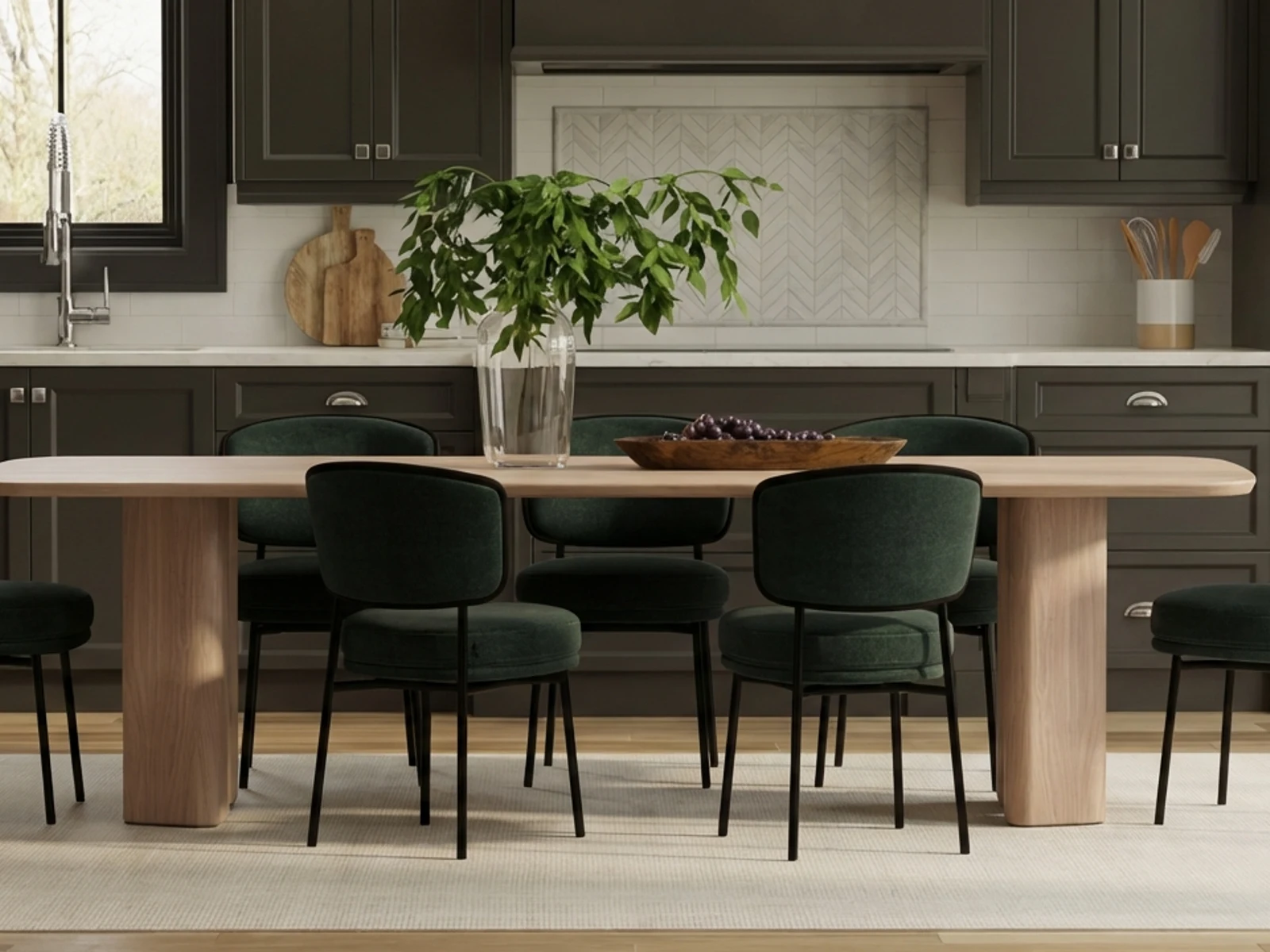 Furniture and home production
Use a prepared furniture model to create product shots, finish options, room scenes, and short motion while the product and saved views stay reusable.
Prepare the furniture model once, save its finishes and views, then produce product shots, room scenes, and dealer content.
Bring CAD or prepared 3D assets into a product setup built for visual production.
Map materials and modeled variants to the regions buyers and merchandisers need to compare.
Create isolated views, dimensions-ready angles, detail crops, motion, and lifestyle contexts.
Reuse approved fabric, wood, metal, and painted surfaces across prepared products.
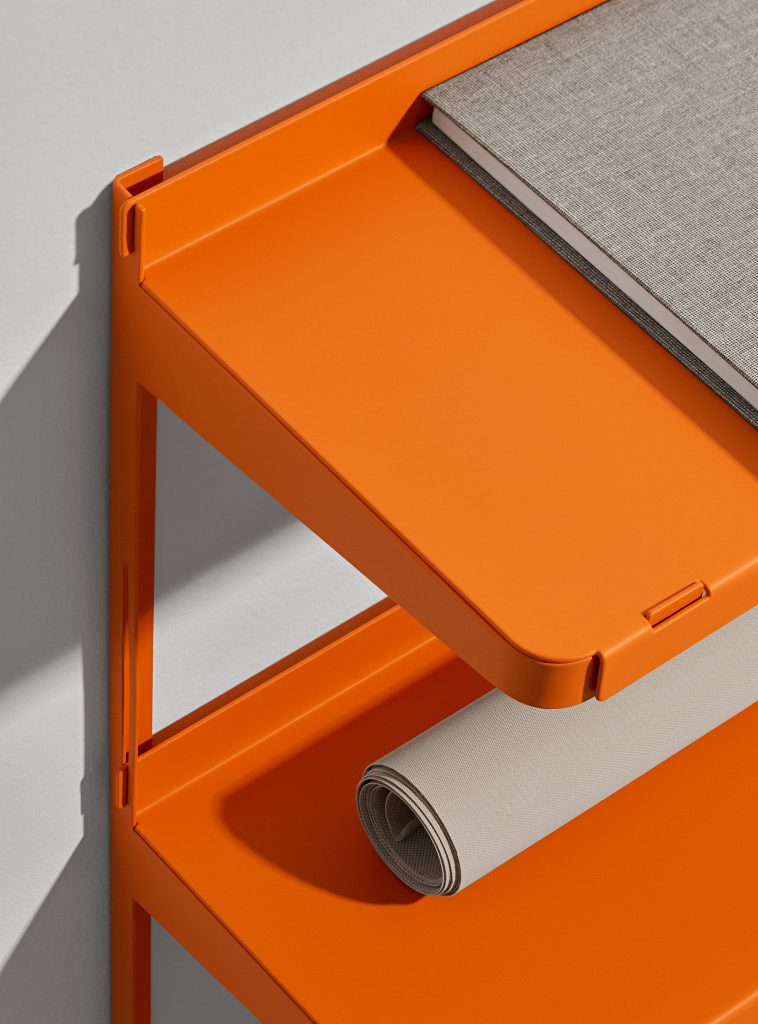
Show the right product composition while keeping scale and geometry under review.
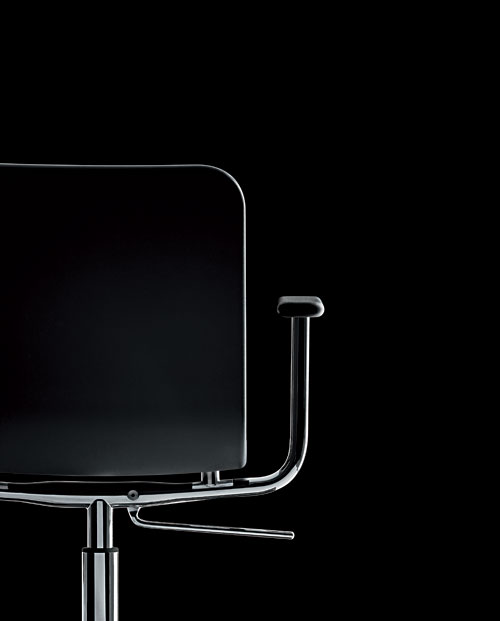
Reuse the prepared furniture model and saved scene across PDP images, finish options, room scenes, and dealer content.
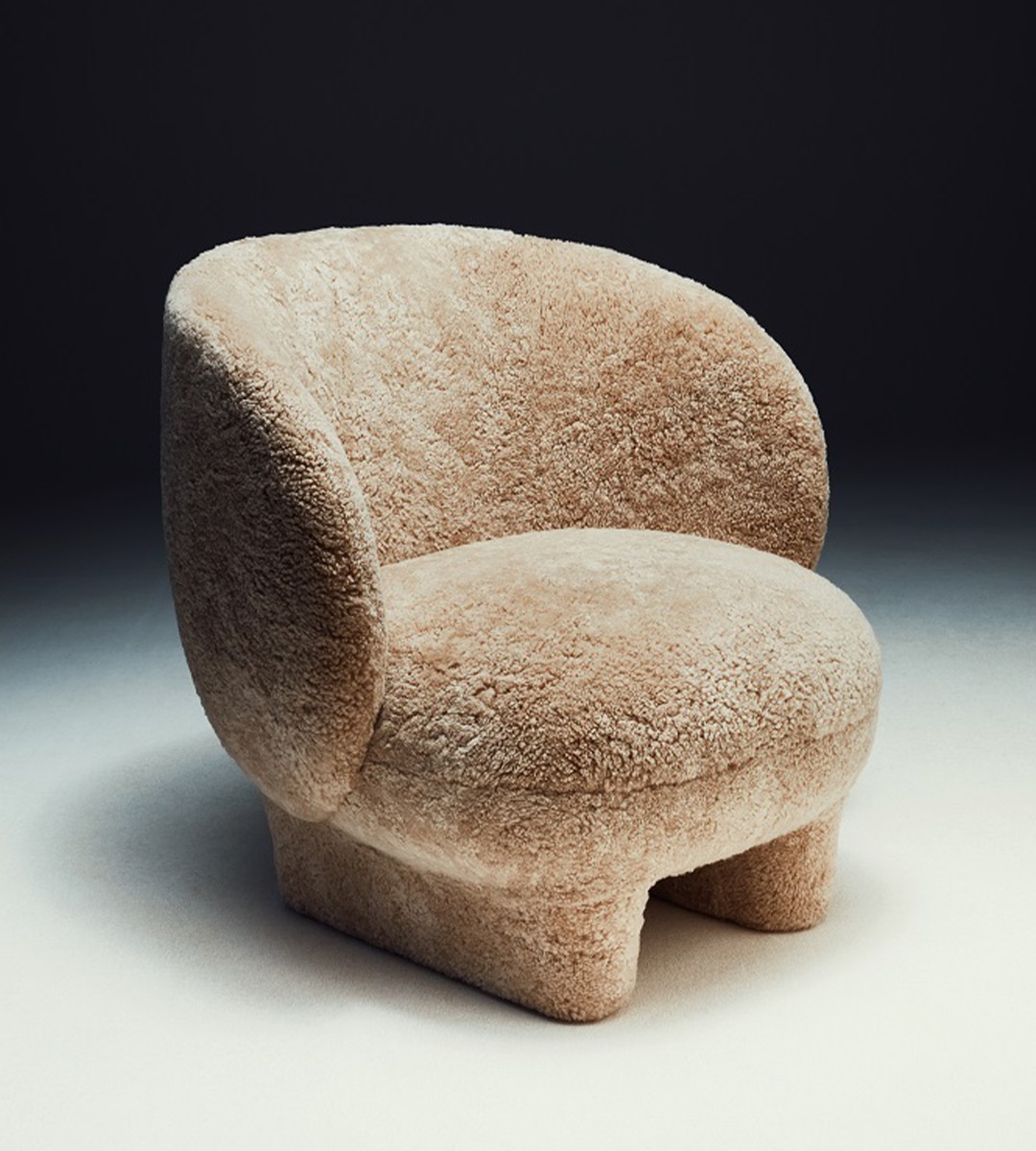 Isolated product
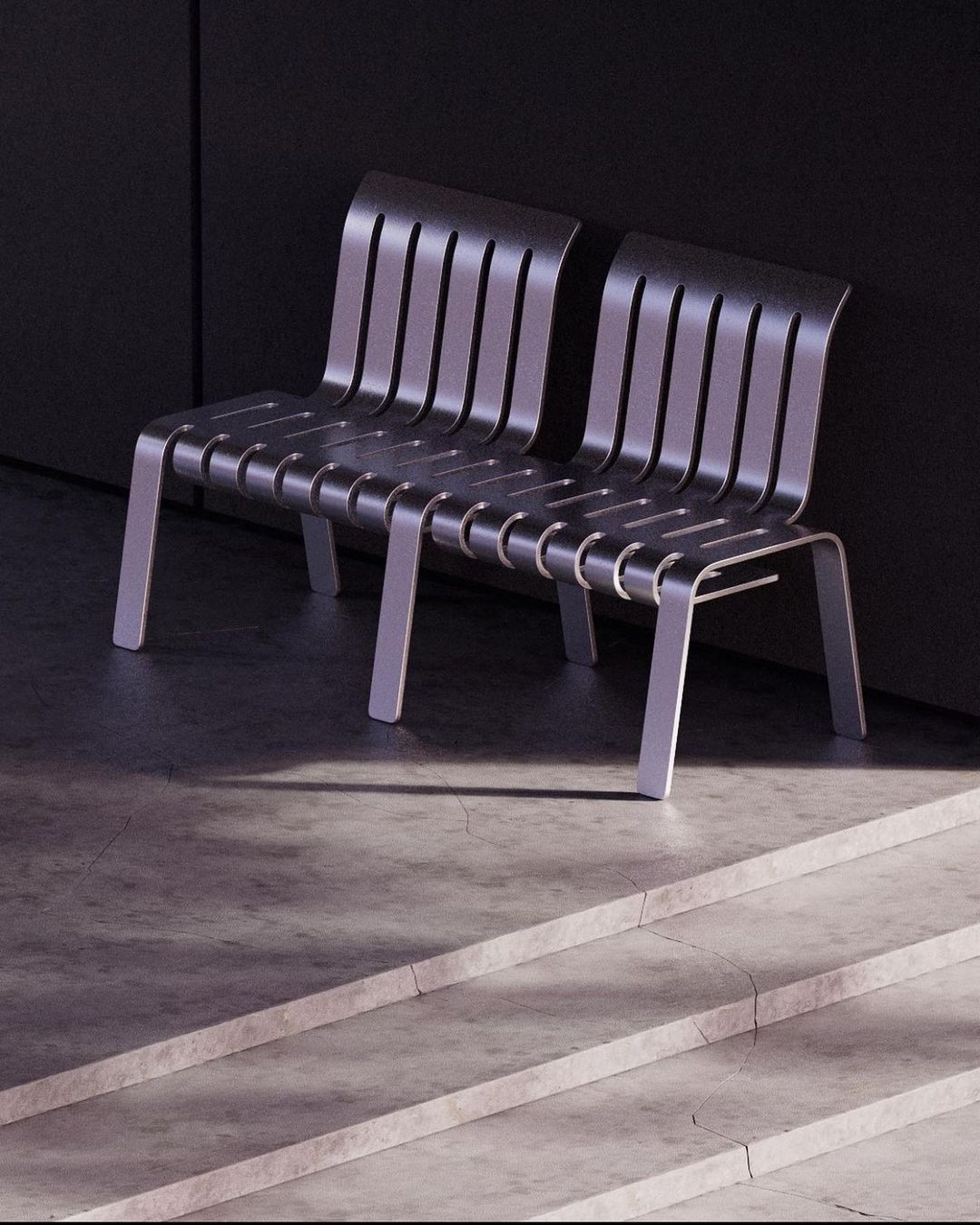 Finish and configuration
Use Glossi when prepared furniture models need to become finish variations, room scenes, dealer imagery, or buyer-facing configurations.
Product dimensions, material and color approval, merchandising rules, and final creative approval remain with your team.
Answers on CAD preparation, finish changes, configurations, and room scenes.
Common CAD and interchange formats can enter the onboarding workflow, but hierarchy, scale, and geometry should be tested on representative products.
Yes, when material regions and finish relationships are prepared. Each treatment remains inspectable in Studio.
Glossi can place products and props in 3D scenes and supports AI-assisted context workflows. Final room-scene accuracy should be reviewed.
Start in Studio with ready-made assets, then bring your own prepared product when you are ready.