Digital product creation
Bring footwear assets from the tools and partners already used in design and development.
Save approved angles, materials, and lighting once. Reuse them for PDP images, colorways, spins, and campaign content before samples reach the studio.
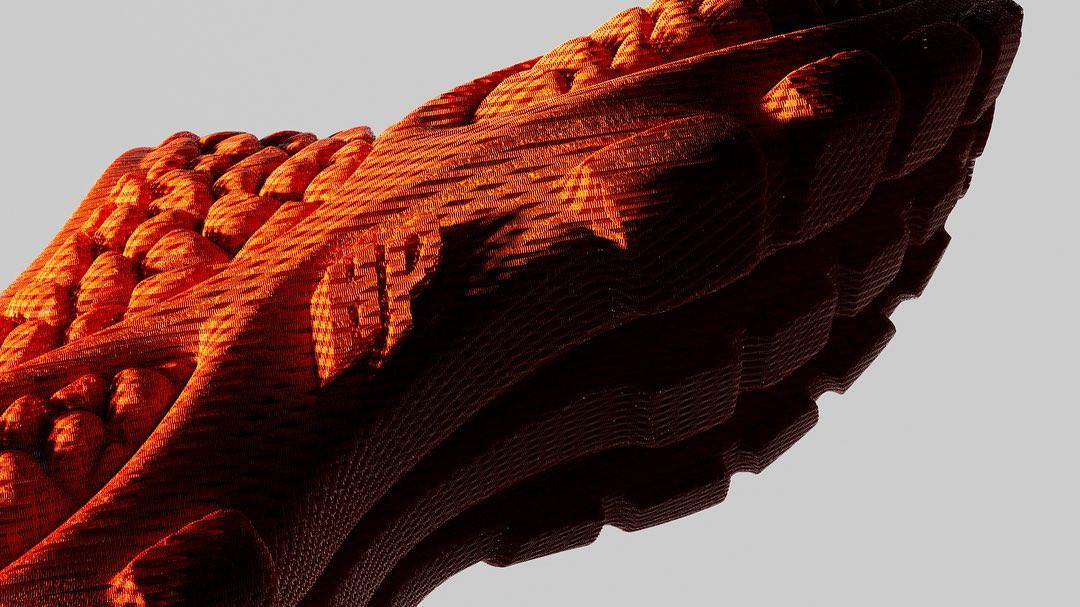 Footwear production
Use a prepared footwear model to create product imagery, finish options, spins, and short motion while saved angles and scene decisions stay reusable.
Prepare the model, save the required views, and map each approved finish. Then create the PDP set and motion from the same controlled scene.
Bring footwear assets from the tools and partners already used in design and development.
Save the material, lighting, view, and motion setup behind the accepted product story.
Produce hero, side, sole, heel, detail, spin, and motion assets from the prepared product.
Begin content production before the final physical sample reaches a studio.
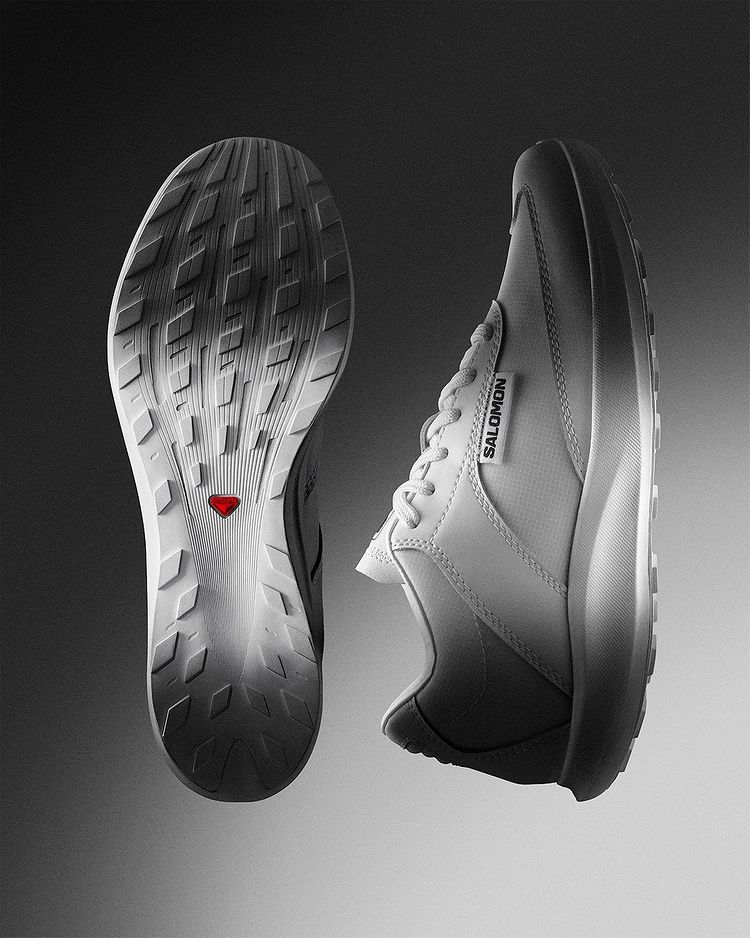
Check logos, material response, color, sole geometry, and fit-critical details before release.
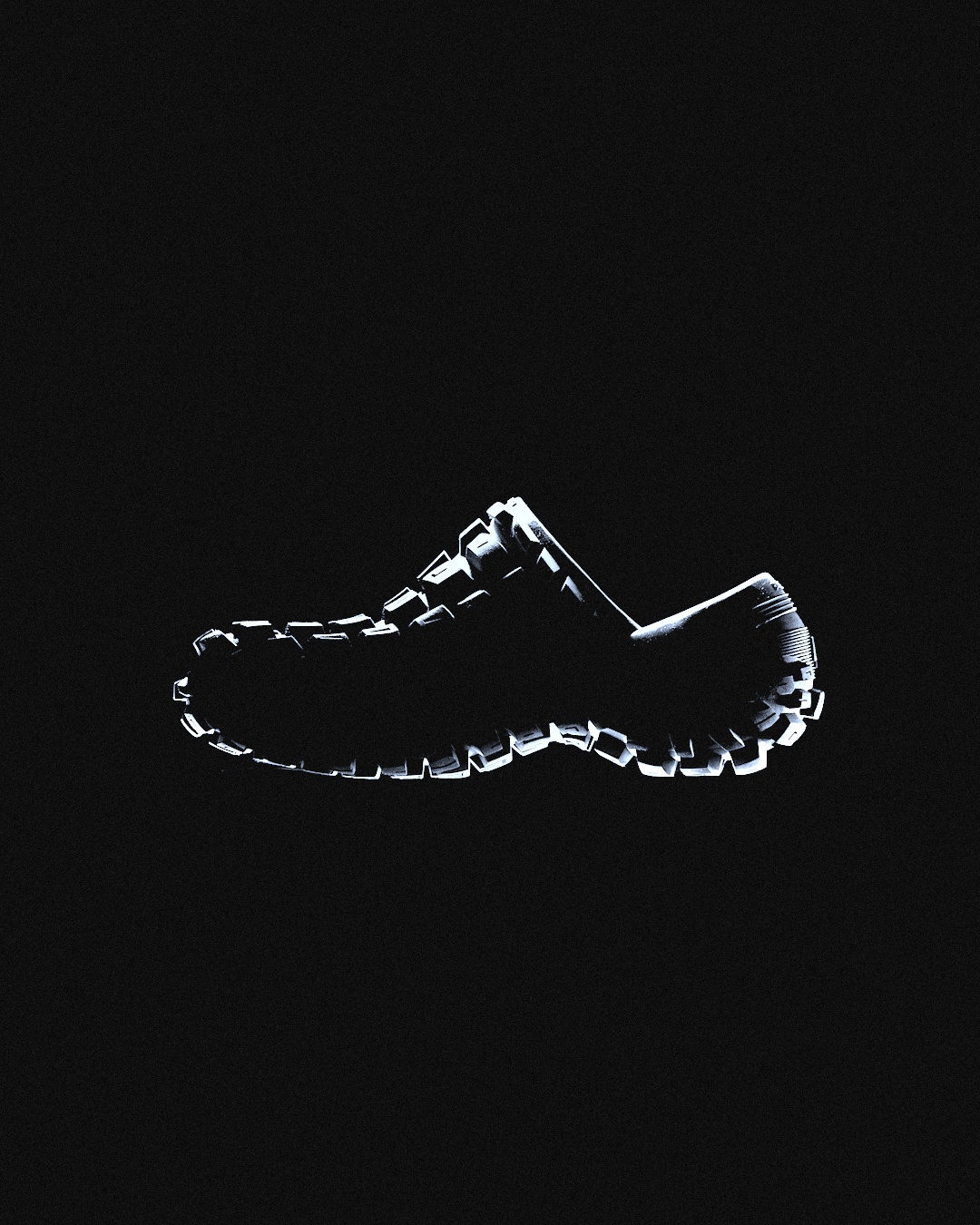
Reuse the same shoe model and saved scene across PDP views, finish options, spins, and campaign images.
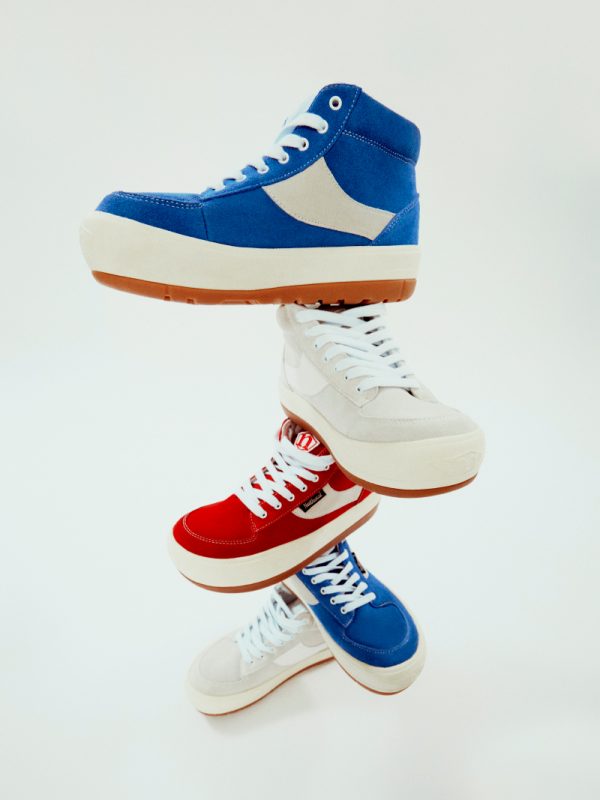 PDP and wholesale
Use Glossi when a DPC or prepared 3D footwear model needs to become product, finish, spin, and campaign content.
Model preparation, material and color approval, fit claims, and final creative approval remain with your team.
Answers on DPC assets, colorway production, and content before physical samples arrive.
Yes. Prepared interchange assets from footwear design workflows can be onboarded and mapped for Studio, depending on source quality.
Mapped finishes and modeled variants can be reused, but each product and batch path should be prepared and reviewed.
Yes, when a usable digital product asset exists and has been prepared for content production.
Start in Studio with ready-made assets, then bring your own prepared product when you are ready.