Product preparation
Convert representative source geometry and prepare the parts the content workflow needs.
Save materials, lights, and camera views once. Reuse them for launch images, component views, fitment visuals, configurations, and short video.
 Automotive and industrial production
Use prepared CAD or 3D assemblies to create marketing images, component views, product configurations, and short motion from the same reusable source.
Prepare the assembly once, save the approved views, then render the images and clips each launch or sales team needs.
Convert representative source geometry and prepare the parts the content workflow needs.
Position components, direct materials and lighting, and save the required product views.
Apply approved recipes to supported products and return outputs to connected teams.
Keep component structure, scale, and product-specific details visible during preparation.
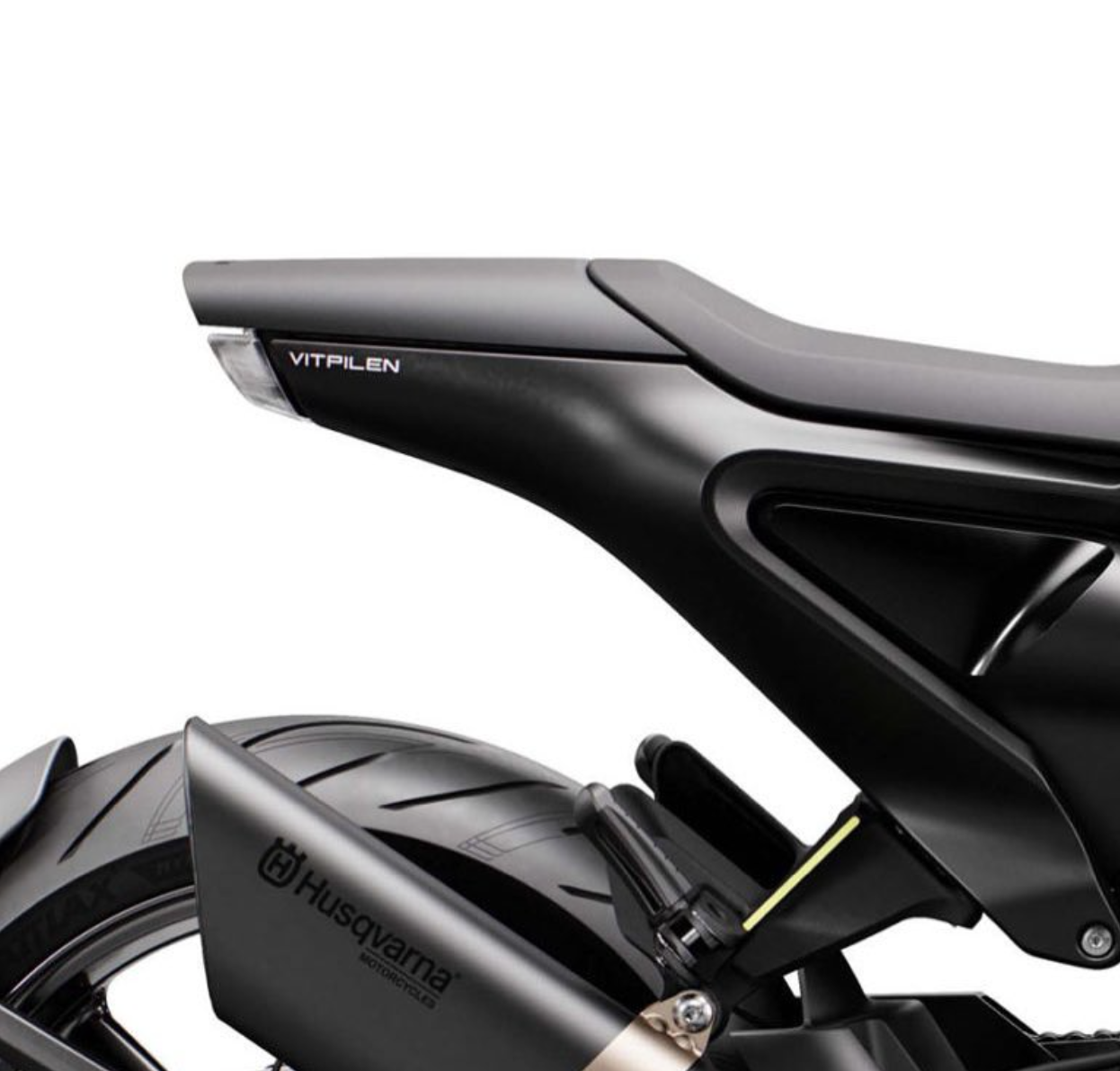
Create clean marketing views and product-specific technical perspectives from the same prepared source.
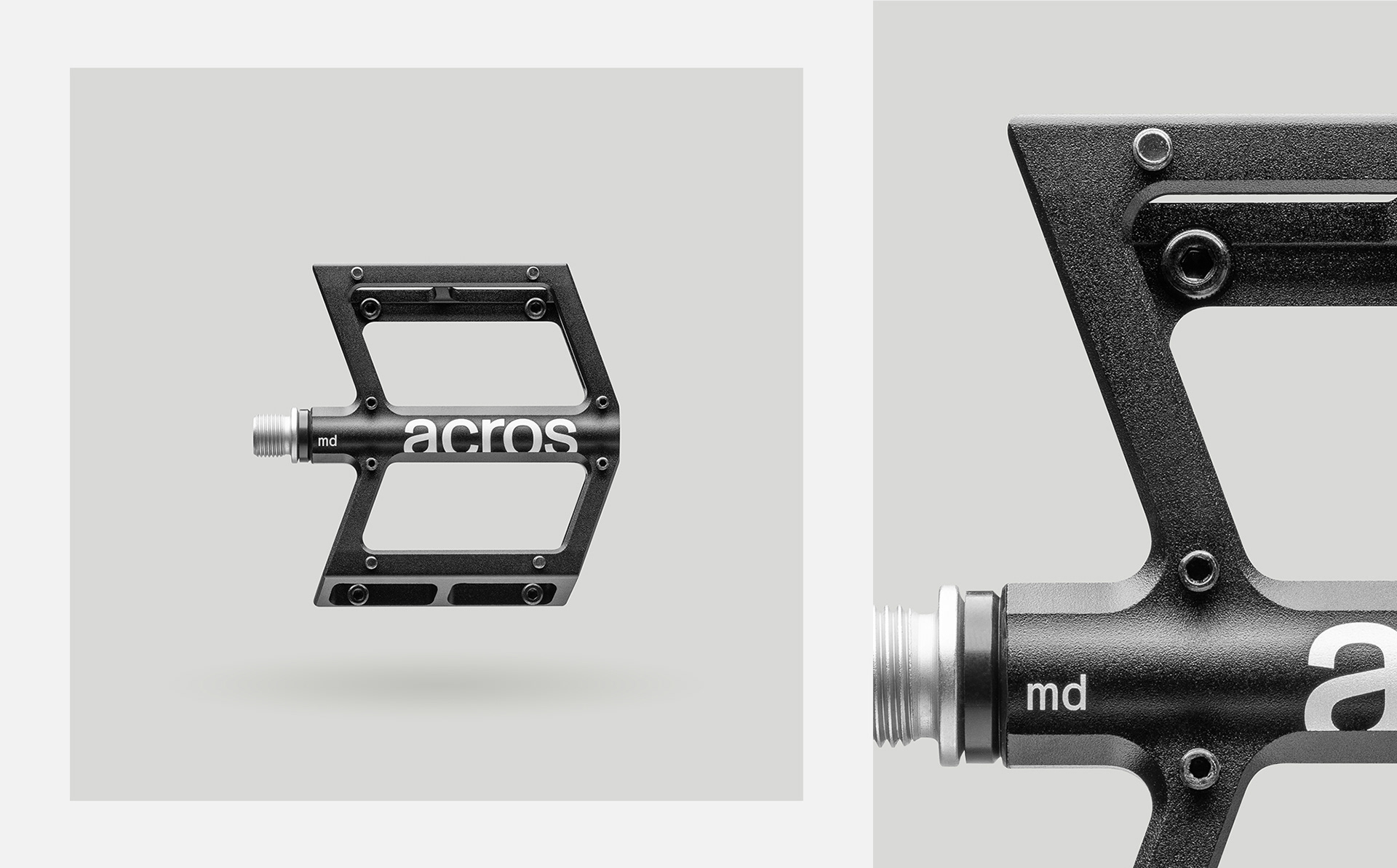
Reuse the prepared assembly and saved scene across launch imagery, sales views, component stories, and motion.
 Product overview
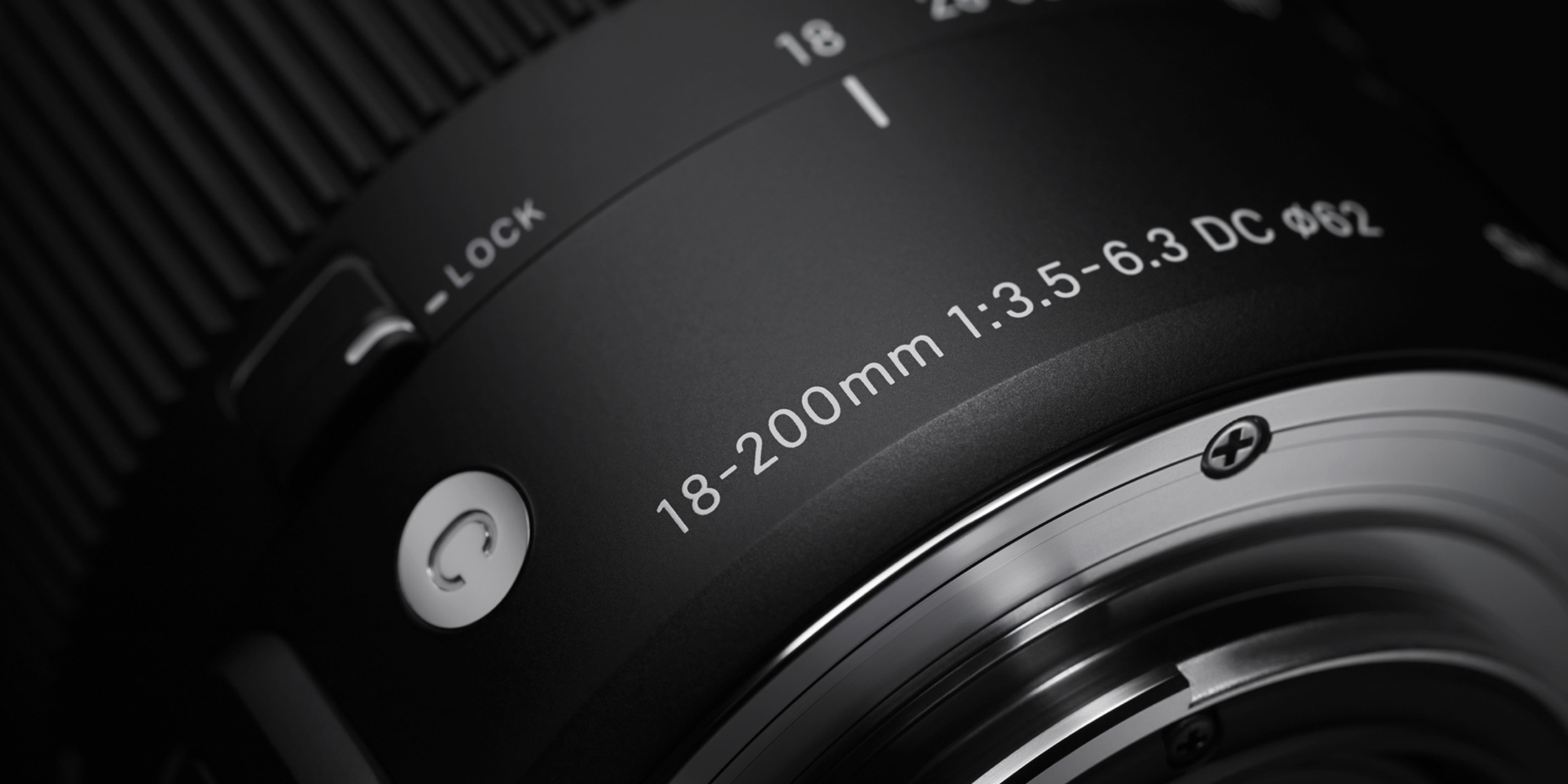 Technical views
Use Glossi after CAD or 3D preparation to create reusable marketing, sales, and product views from the same assembly.
Engineering validation, fitment, claims, compliance, and final creative approval remain with your team.
Answers on CAD preparation, fitment validation, and multi-part scenes.
Supported CAD formats can enter the conversion path, but complex assemblies should be tested for hierarchy, performance, and material readiness.
No. Glossi is a visual production system, not an engineering validation or simulation tool.
Yes. Prepared products and parts can be composed in multi-product scenes, subject to scene complexity and performance.
Start in Studio with ready-made assets, then bring your own prepared product when you are ready.