Prepare the client product
Start with client CAD or 3D, create an initial model from product photos, or use a preparation partner.
Direct product imagery, colorways, 360s, motion, and campaign concepts in one live 3D studio. Reuse the approved product, scene, and views across every channel, so each added deliverable starts from approved work.
 One approved product source
Once a product, materials, scene, and camera set are approved, your team can turn that work into product page imagery, retailer crops, colorways, 360s, motion, and campaign variants. The costly setup becomes reusable production capacity.
Review the live result in the browser while the artist adjusts materials, lighting, cameras, and composition. Once the direction is approved, save the complete setup for production.
Start with client CAD or 3D, create an initial model from product photos, or use a preparation partner.
Review the rendered result while an artist changes the scene. Decisions happen against the work itself.
Save the approved product, scene, views, and output settings, then produce every required variant from that source.
Explore compositions and campaign directions with editable products, materials, lighting, cameras, props, and motion. Keep the winning setup instead of rebuilding it after approval.
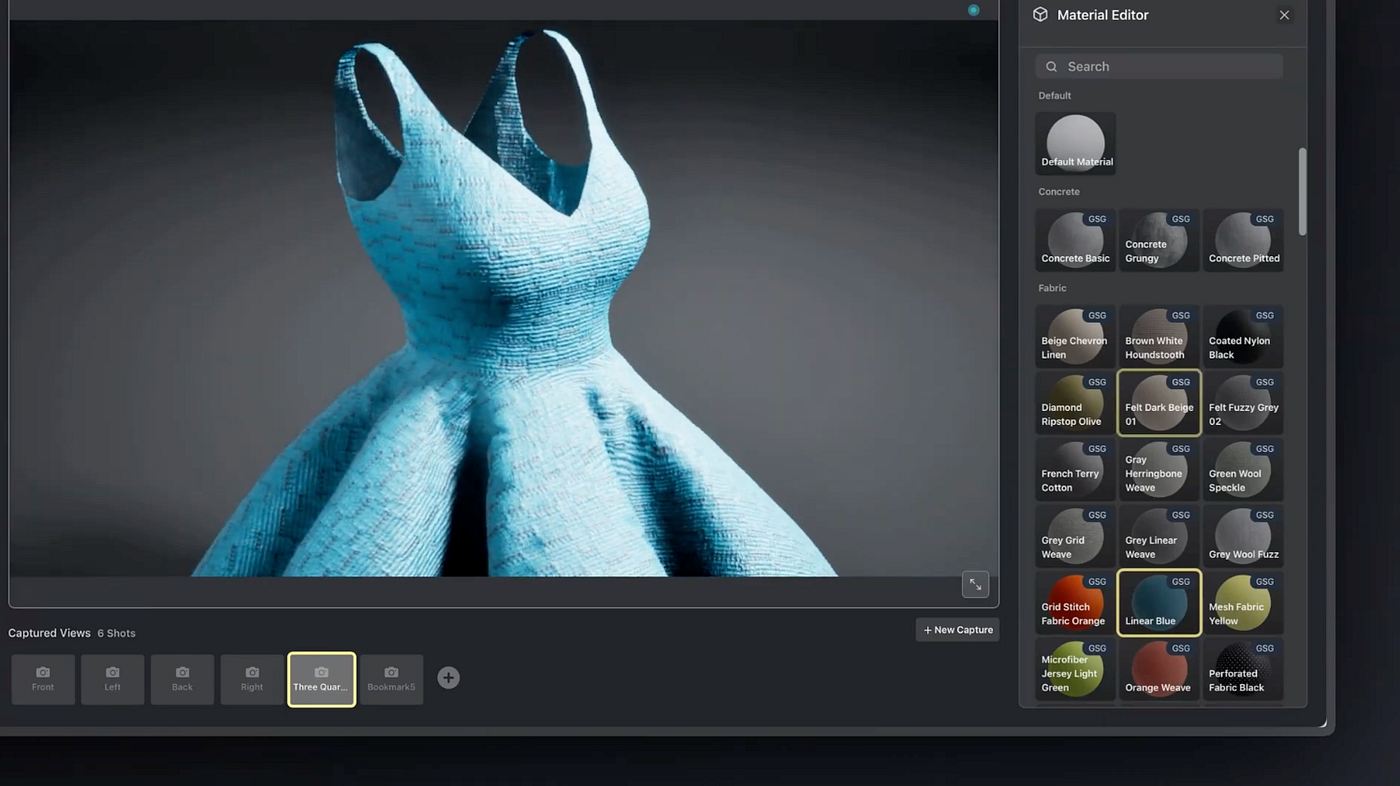
Store the model, materials, scenes, saved views, templates, and renders together. The next launch starts from what the client already approved.

Use the same approved product source across commerce, wholesale, merchandising, social, motion, and campaign work.
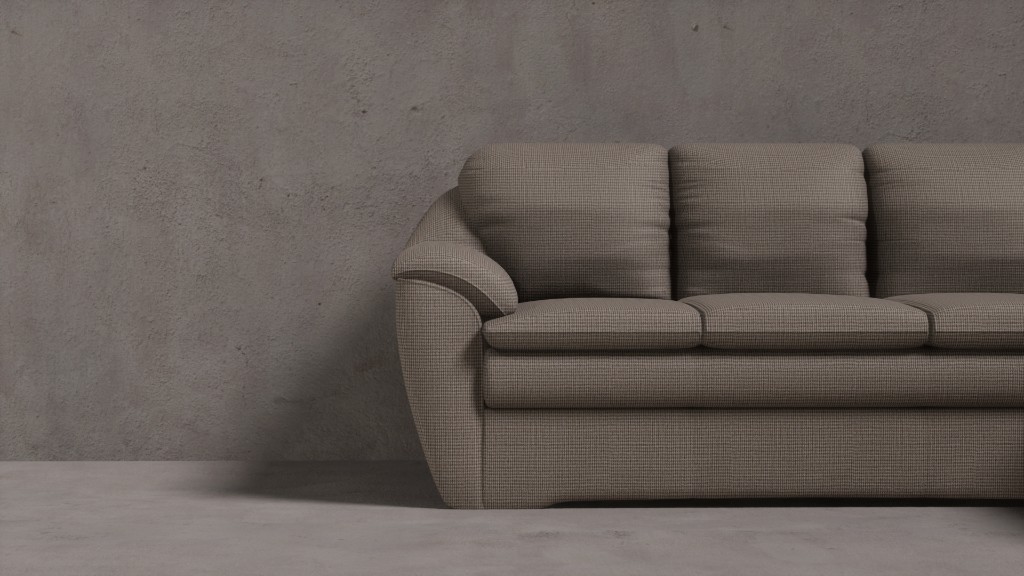 Commerce and wholesale
 Campaign and social
Give art directors and producers a browser-based studio for product scenes, approvals, and repeatable output sets. Bring in specialist 3D support where the source asset requires it.
Prepare and finish assets in your existing 3D tools, then use Glossi for client-facing direction, reusable scene systems, and production across products and variants.
Learn how agencies use Glossi for client product content.
No. Start with existing CAD or 3D files, create an initial model draft from product photos, use Glossi starter assets for concept work, or work with a preparation partner.
Yes. Keep each client's prepared models, materials, scenes, templates, saved views, and outputs organized in the cloud.
Product page and wholesale imagery, colorways, detail views, 360 spins, short motion, multi-product scenes, and campaign content can share the same approved product source.
Yes. Once a scene, template, and output set are approved, supported workflows can move repeatable catalog work through intake, rendering, review, and delivery while routing exceptions to people.
Bring the product source, deliverable list, and approval process. We will show where Glossi removes repeat setup and where your existing 3D workflow stays in place.