Bring the product source
Start with an existing 3D model, CAD file, or a new model created from product photos.
Save approved materials, hardware, logos, lighting, and angles once. Reuse them across product pages, seasonal variants, wholesale linesheets, and campaigns.
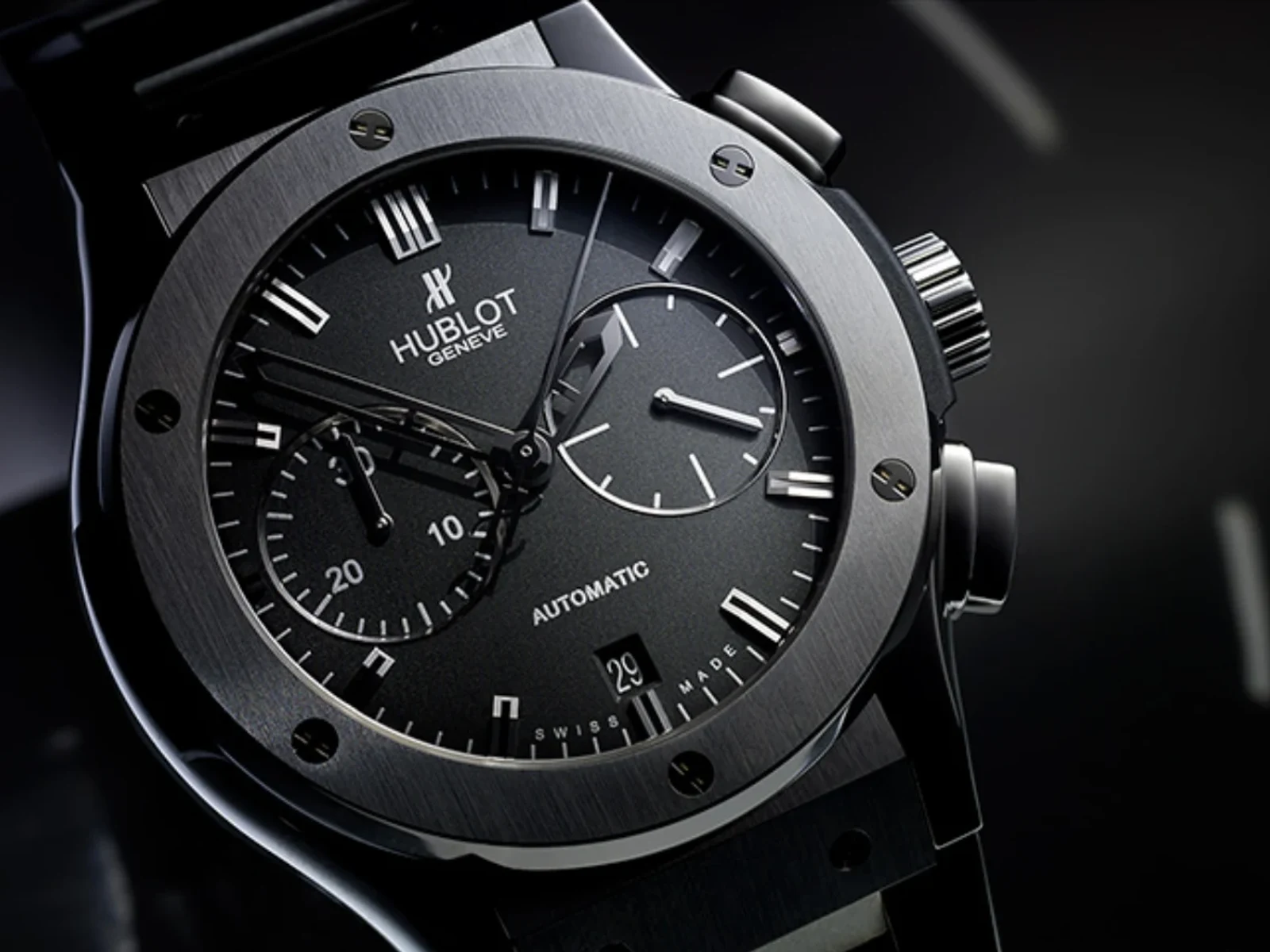 Accessories production
Turn approved product data or a 3D model into consistent images, colorways, detail views, spins, and short motion without rebuilding each product shoot.
Prepare the product, approve its materials and details, then produce the full launch set from the same source.
Start with an existing 3D model, CAD file, or a new model created from product photos.
Set materials, hardware, logos, lenses, stitching, angles, and lighting once.
Create PDP, detail, variant, spin, wholesale, and campaign assets from the same setup.
Direct light and camera detail around the surfaces that make an accessory valuable, from leather grain and stitching to metal, acetate, lenses, stones, and hardware.
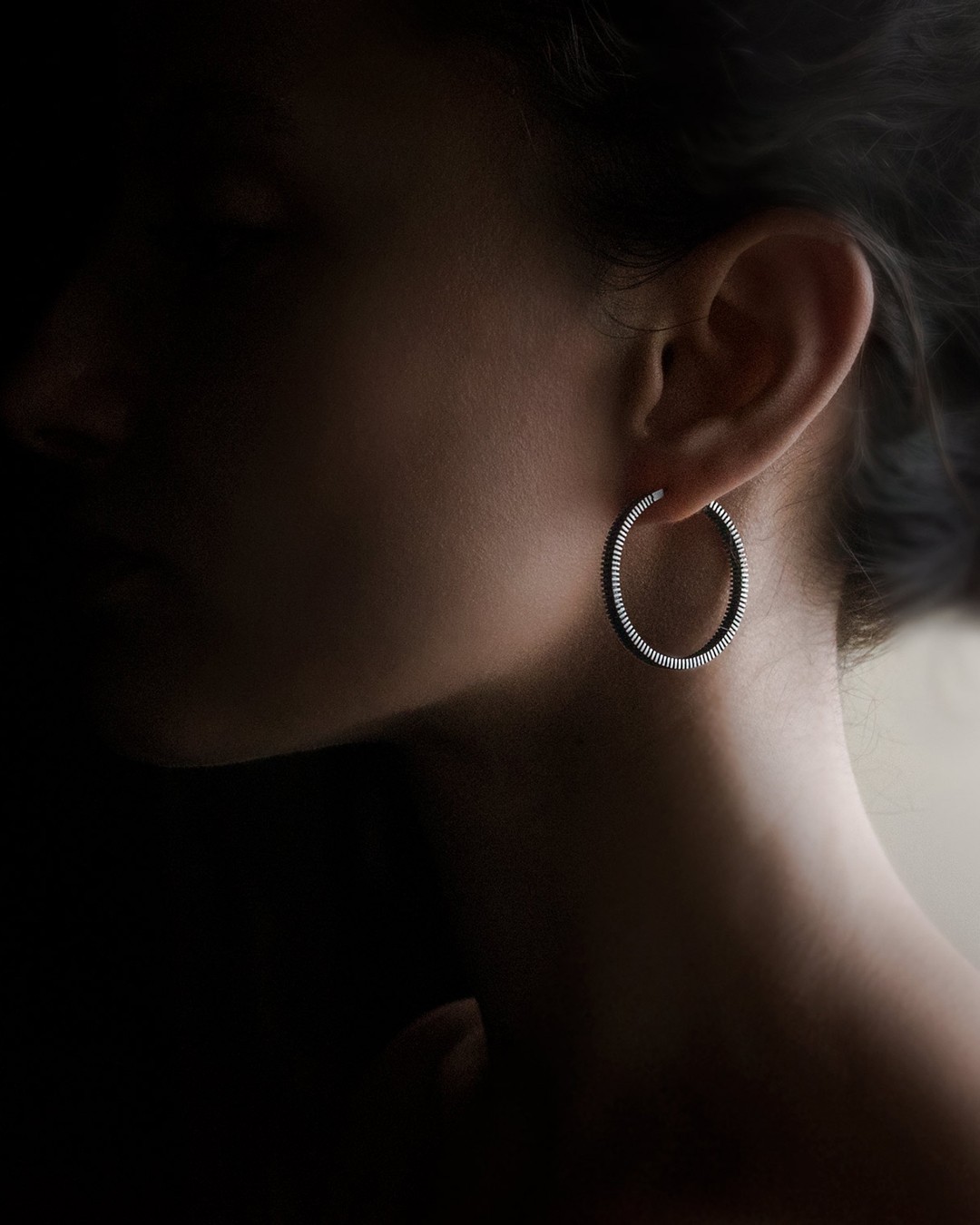
Apply approved leather, metal, lens, fabric, stone, and hardware options across saved views while the product and composition stay consistent.
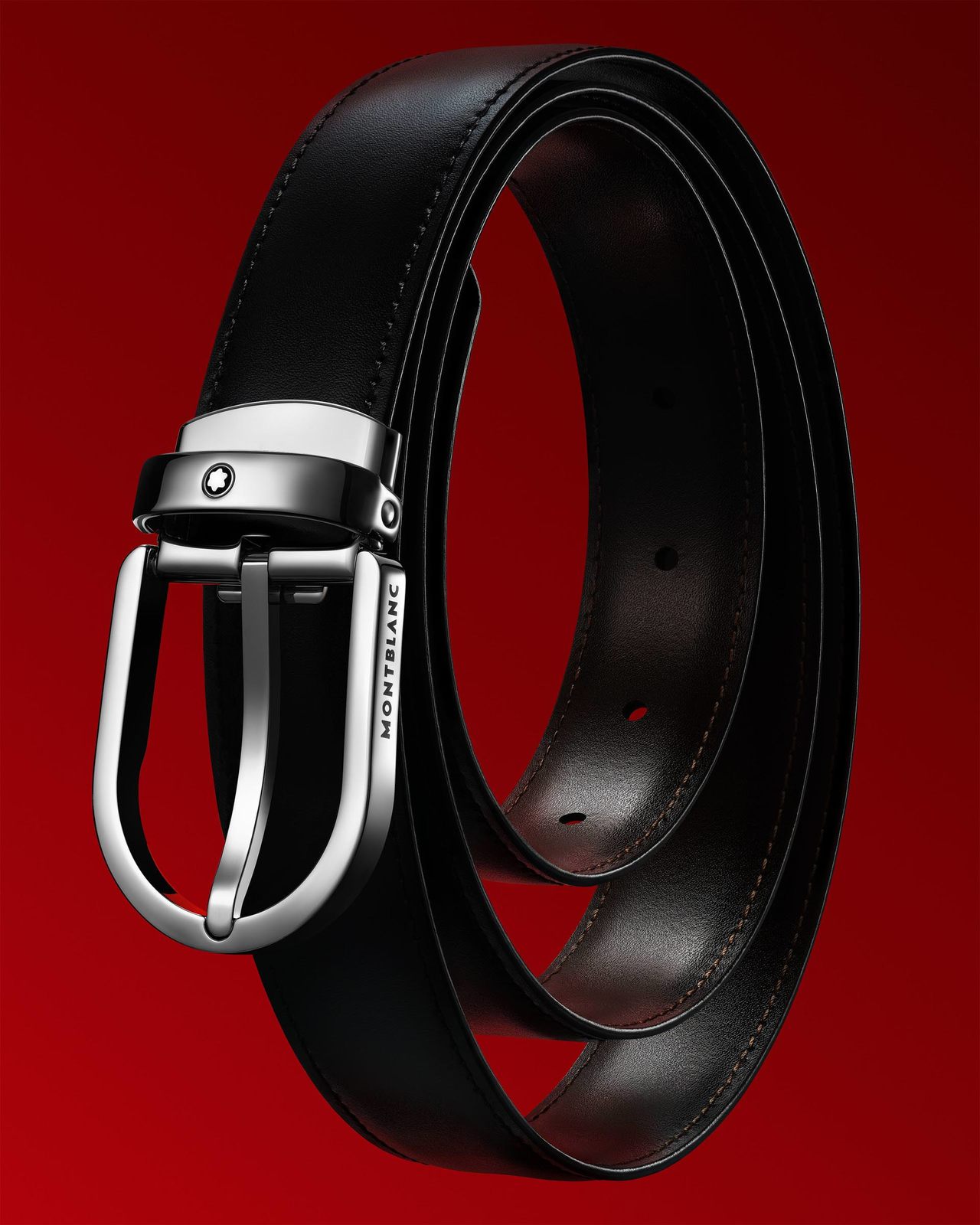
Reuse the same prepared product and scene across product pages, finish options, detail views, spins, wholesale, and campaign content.
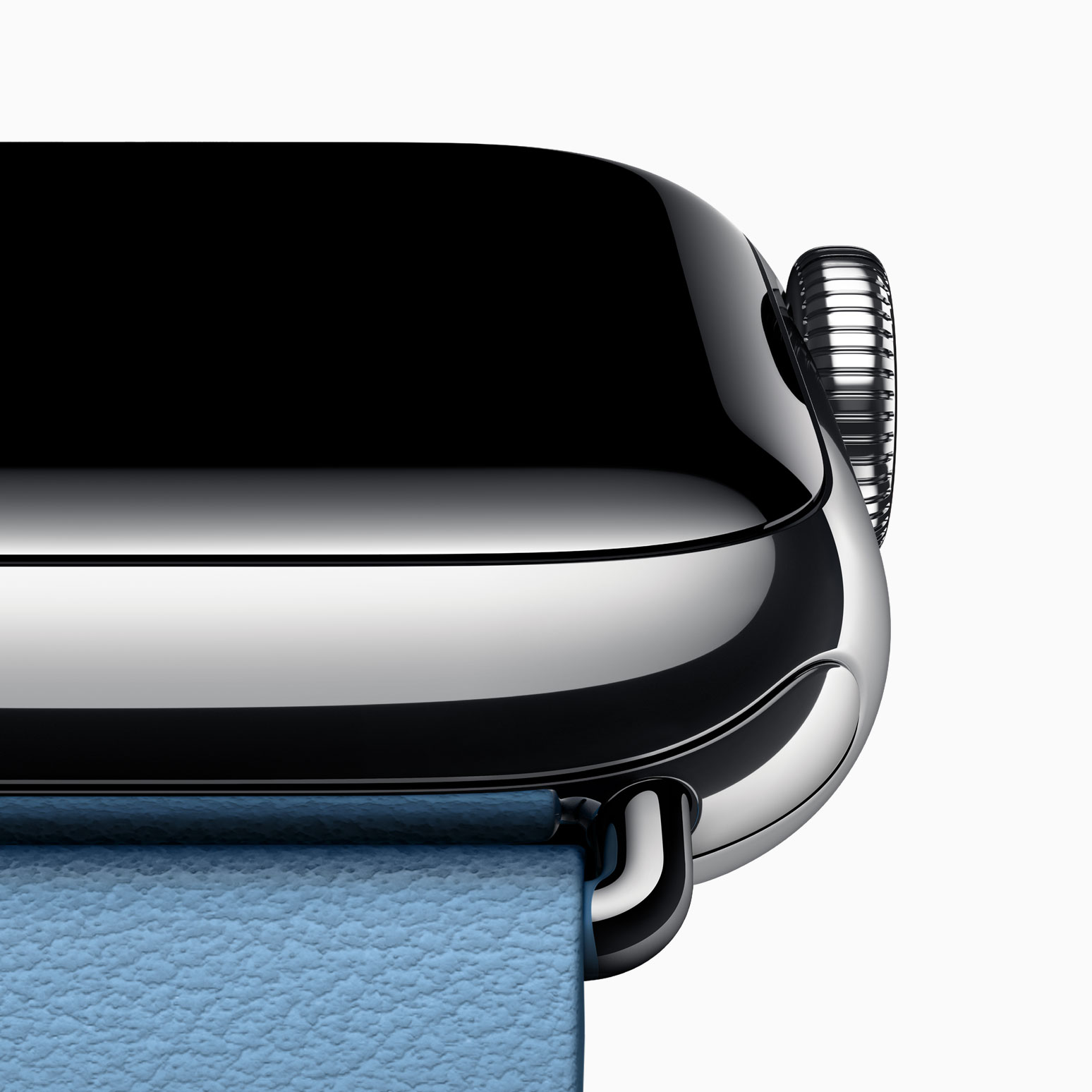 PDP and wholesale
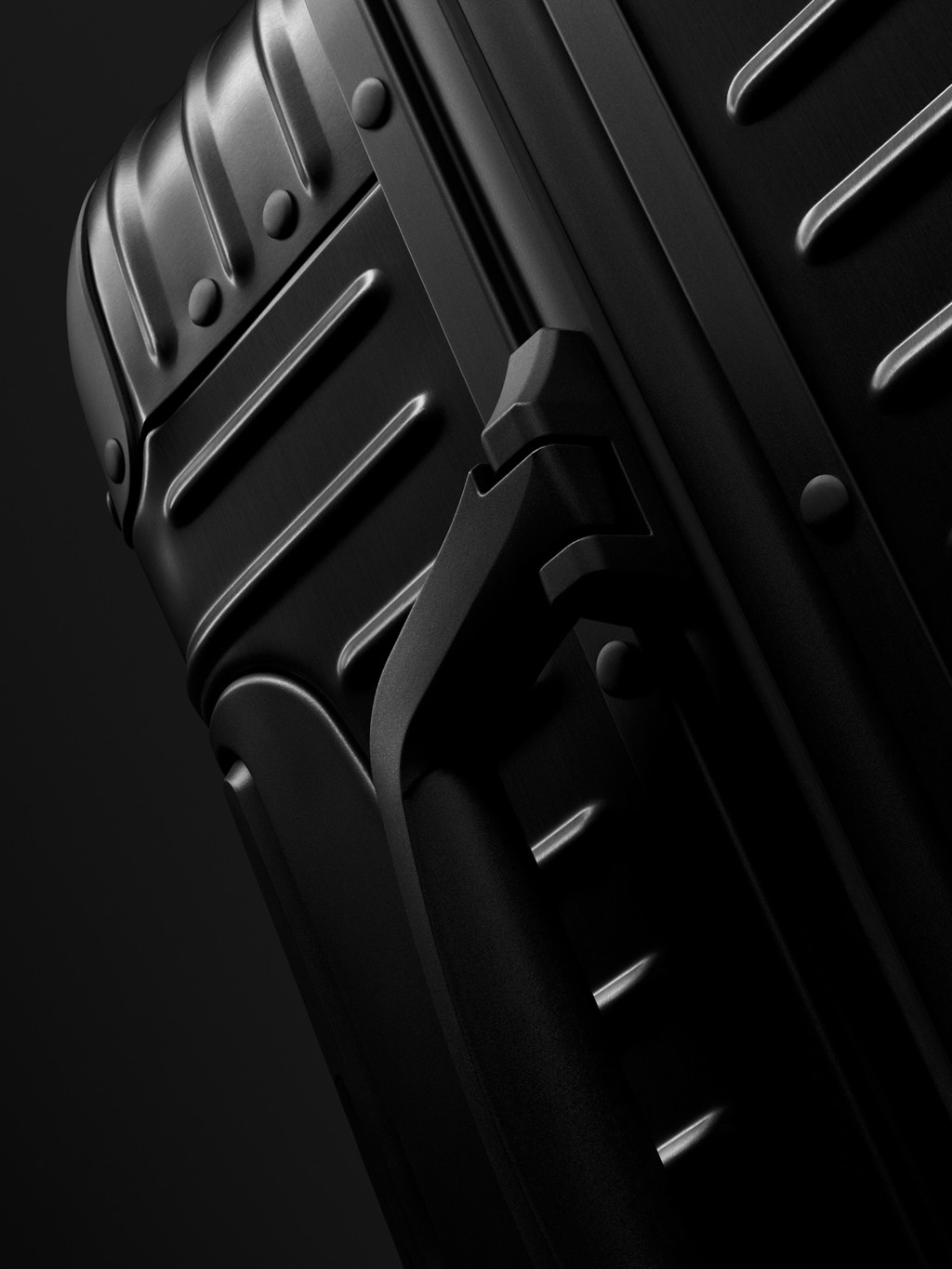 Detail and campaign
Use Glossi when product data or a prepared 3D model needs to become repeatable imagery across variants, channels, and seasonal launches.
Product preparation, material and color approval, logo accuracy, claims, and final creative approval remain with your team.
Learn how Glossi supports eyewear, bags, jewelry, watches, and small leather goods.
Glossi can support eyewear, handbags, luggage, watches, jewelry, small leather goods, and other products that can be represented by a prepared 3D asset.
Yes. Once materials and product regions are mapped, approved colors, finishes, lenses, metals, and hardware options can be applied across saved views.
No. You can explore Studio with Glossi starter assets, bring an existing 3D or CAD file, create an initial model draft from product photos, or use a Glossi preparation partner.
Start in Studio with ready-made assets, then bring your own prepared product when you are ready.