Get started with Glossi
Learn how to create production-ready product visuals from your 3D assets. From your first render to catalog-scale automation.
Start creating in minutes
Three simple steps to go from 3D assets to production-ready visuals
Upload your 3D assets
Bring files from your design, engineering, or 3D team. We support 30+ file formats including GLB, FBX, OBJ, and USDZ.
Learn about file formatsSet up your scene
Choose lighting presets, camera angles, and backgrounds. Use templates or create custom setups for your brand.
Explore the studioRender and export
Generate high-resolution images, 360° spins, or videos. Export in any format ready for your website or marketplace.
Rendering optionsVideo tutorials
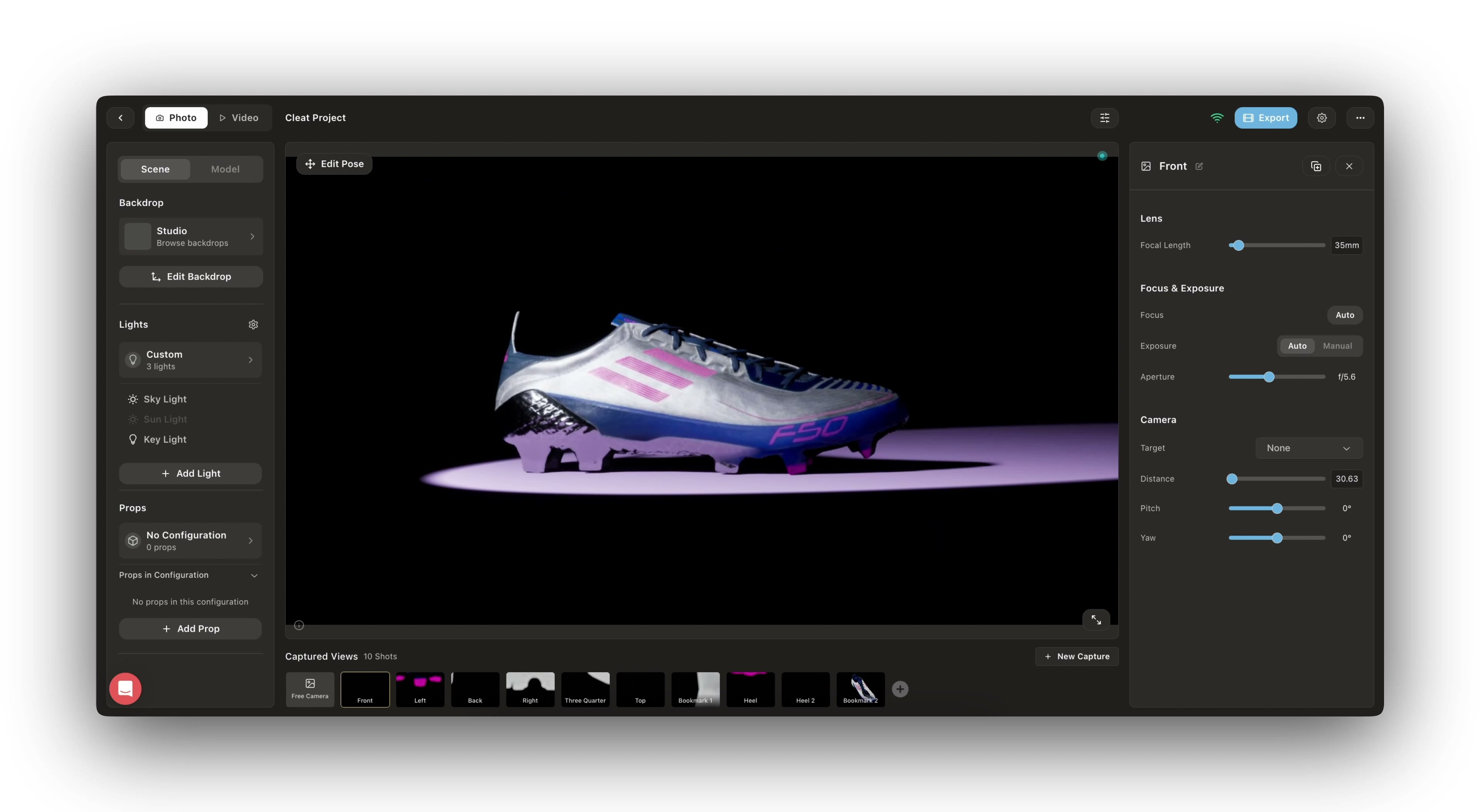
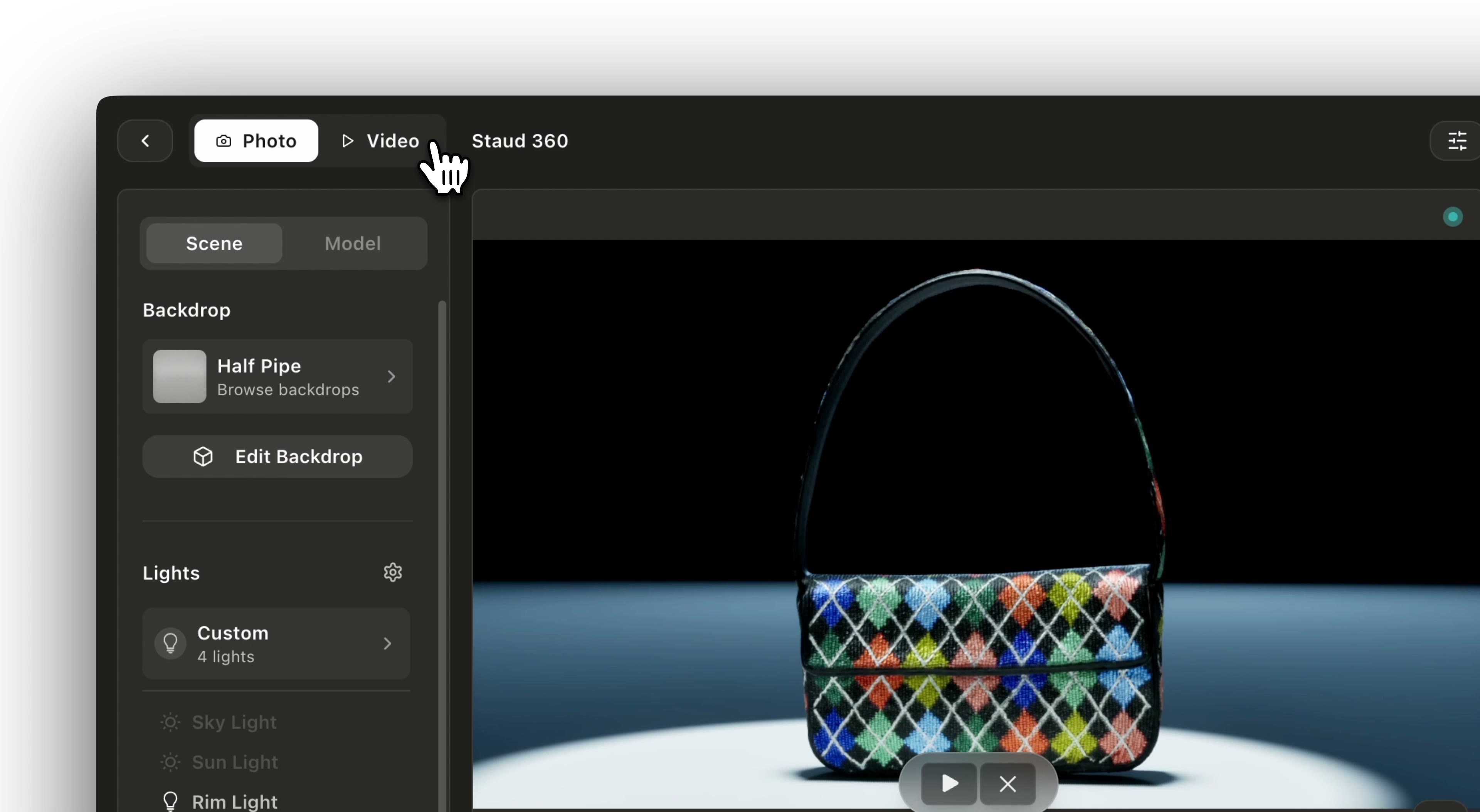
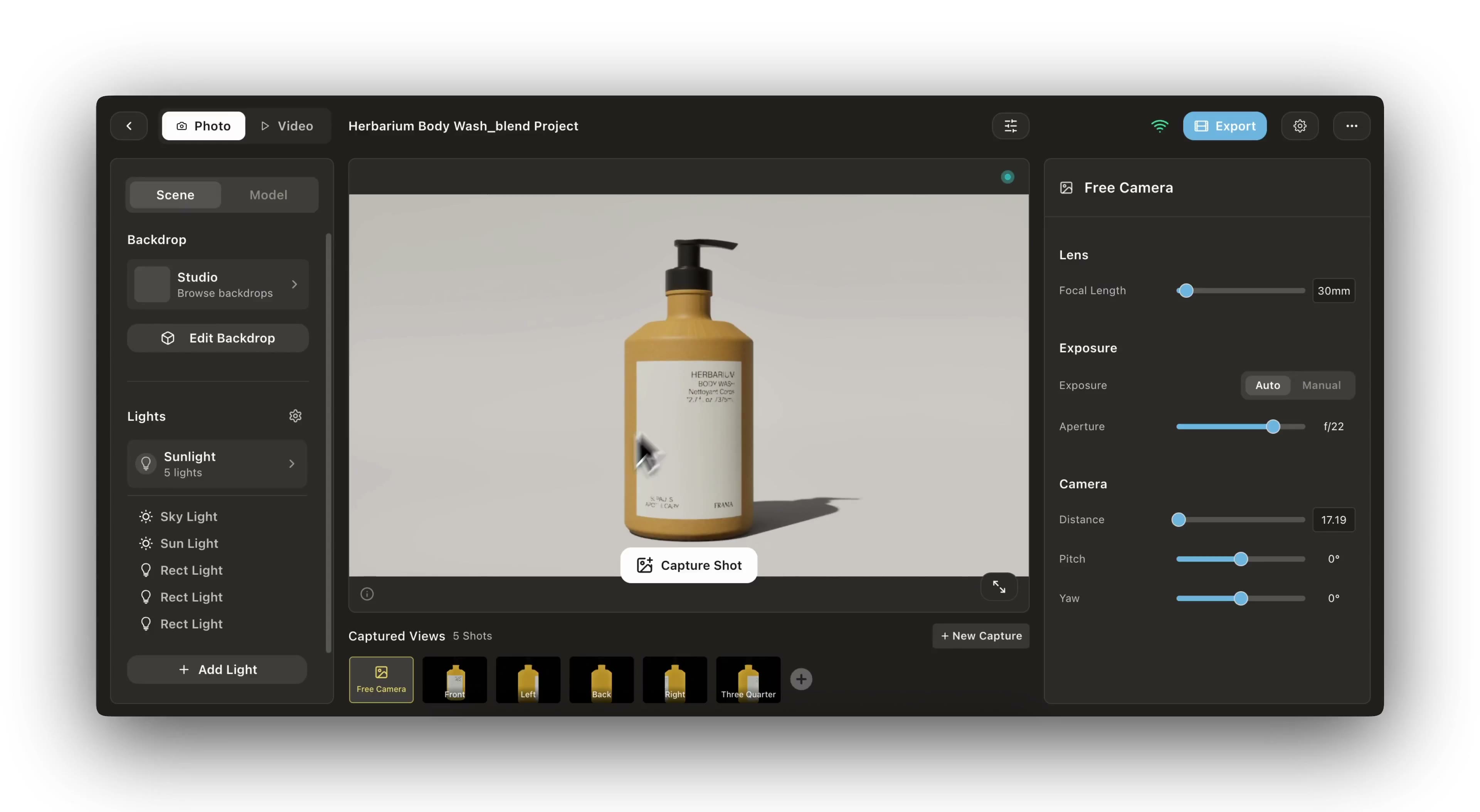
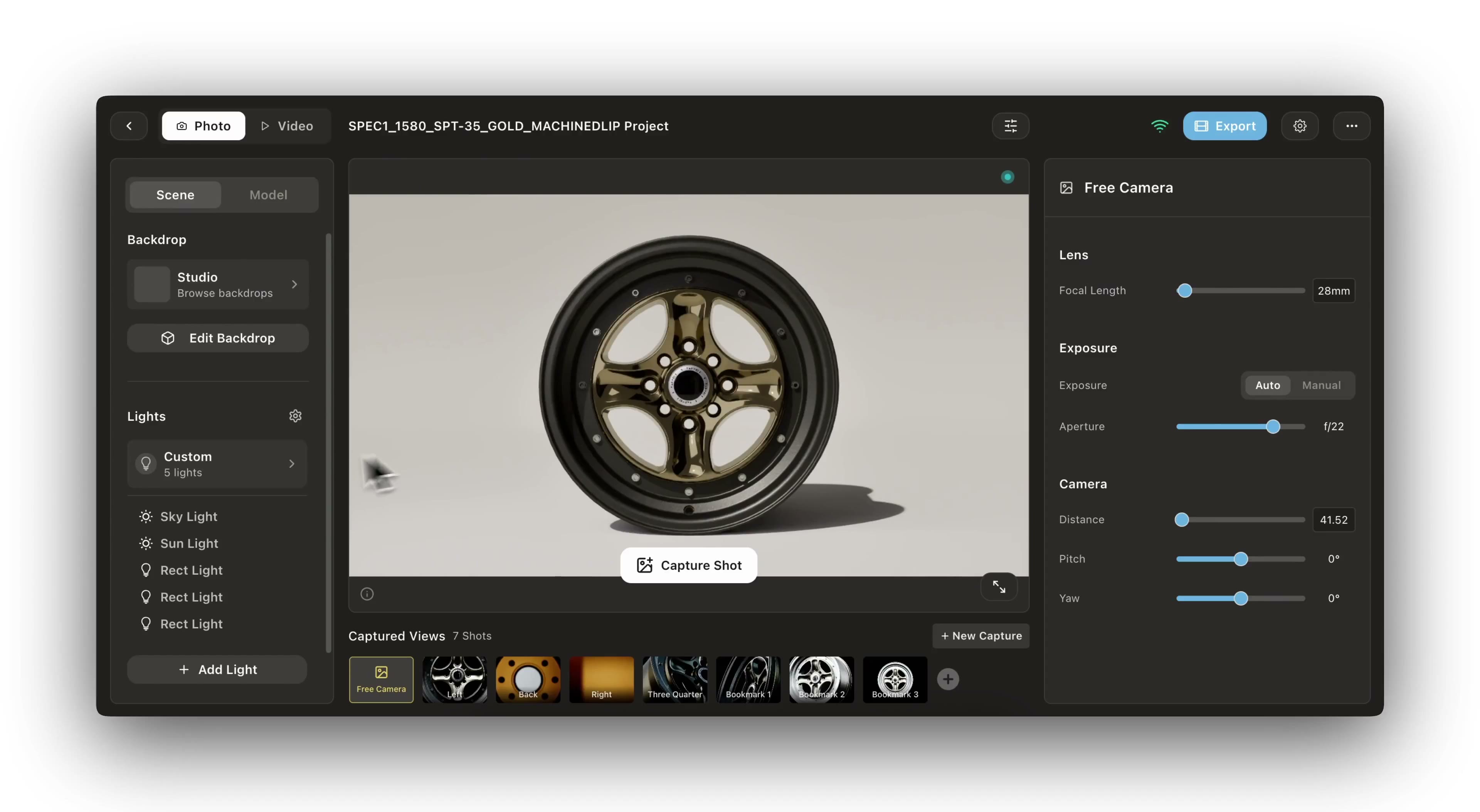
Watch step-by-step guides to master Glossi workflows
Core concepts
Understand the fundamentals of working with Glossi
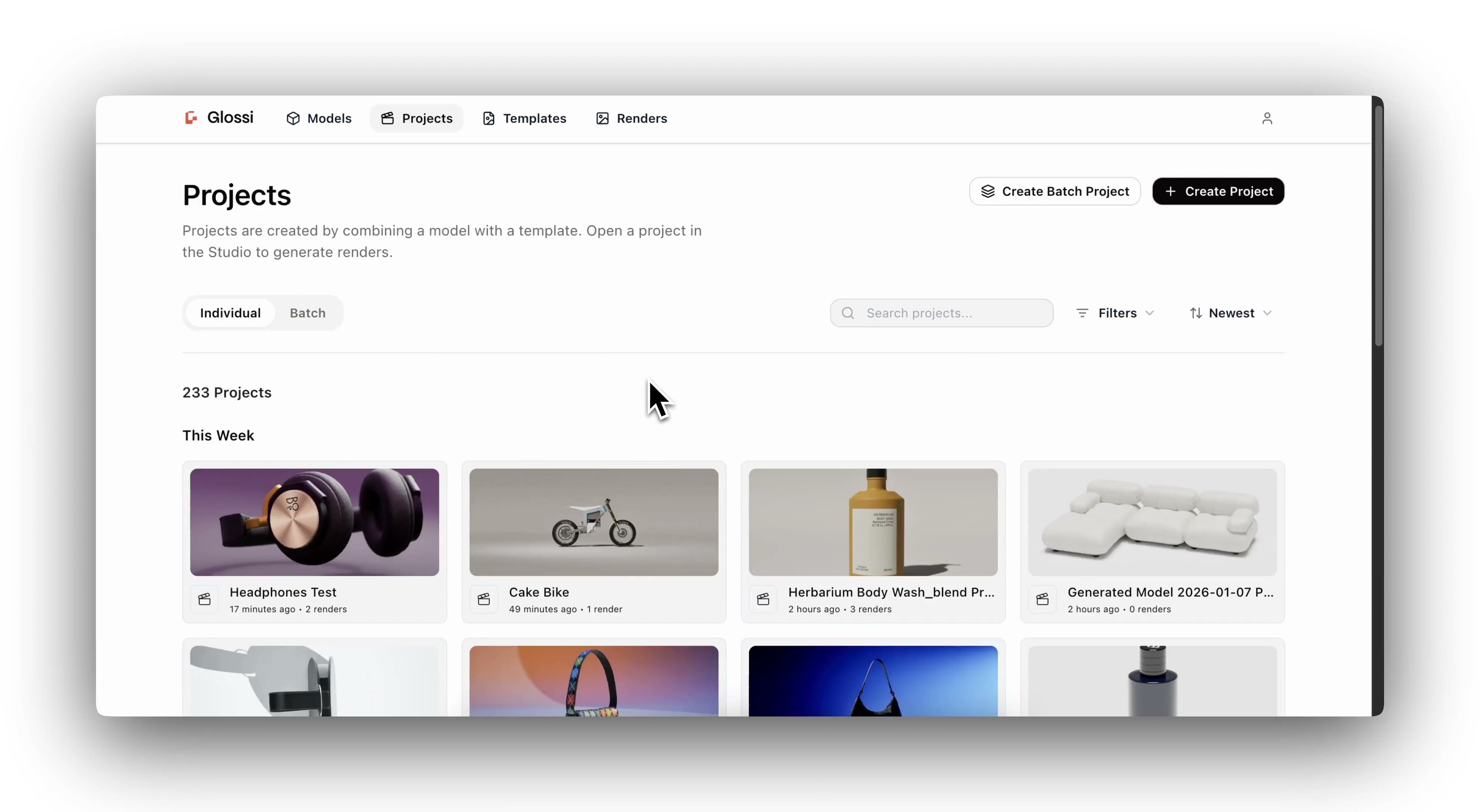
Projects
Organize your 3D assets and renders into projects for different products or campaigns.
Models
Upload and manage your 3D models. We support 30+ file formats from all major 3D applications.
Templates
Create reusable scene setups for brand consistency and faster workflows at scale.
Lighting & Environment
Control studio lighting, HDRI environments, and shadows for professional results.
Dive deeper
Explore the full reference for every feature in Glossi
Glossi Documentation
Complete API reference, studio guides, file format specs, and integration docs.